



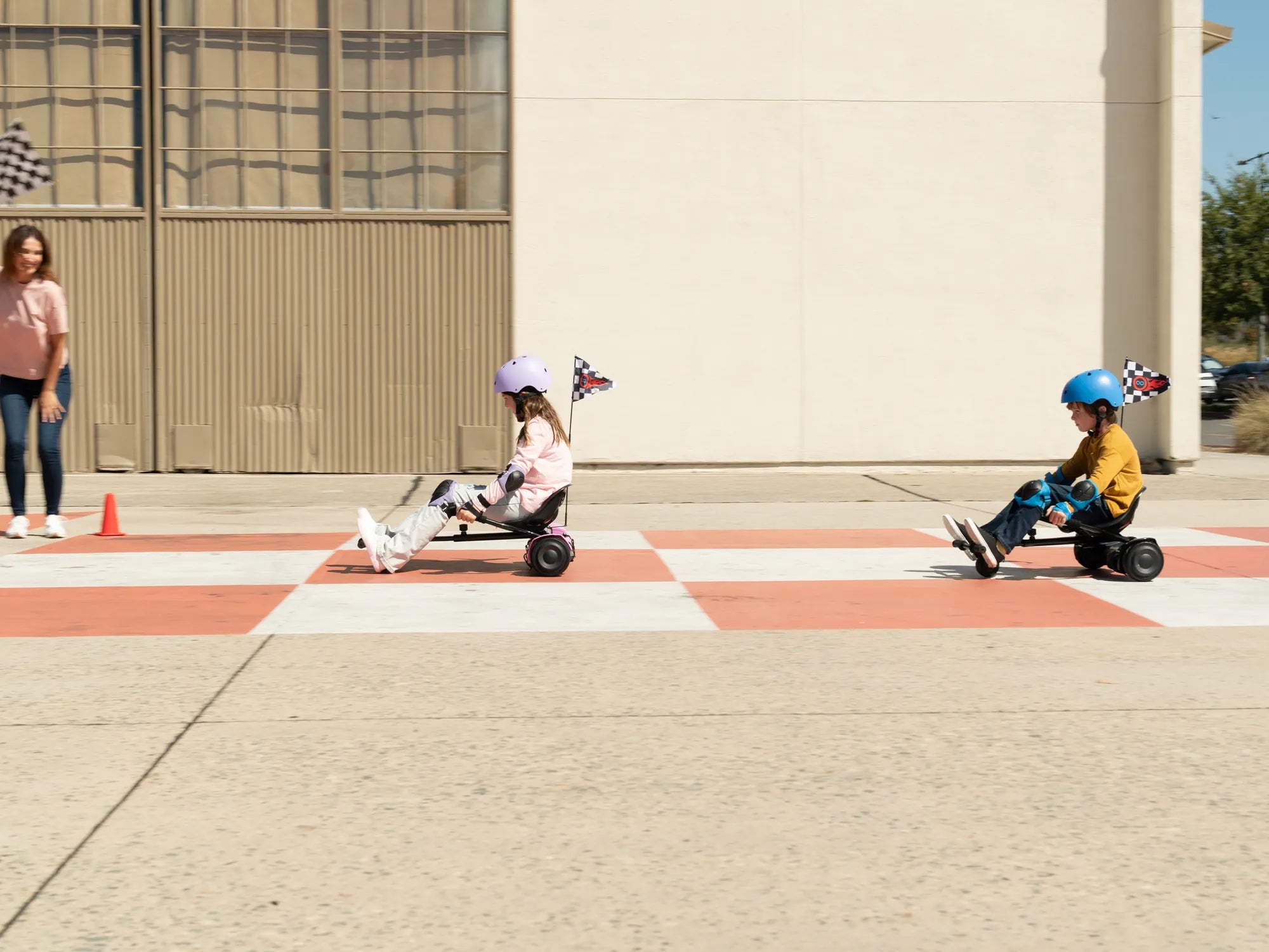
Hearing your hoverboard beeping on one side can be frustrating, especially when you're eager to ride. This issue often signals an underlying problem that needs attention. Whether it's a minor glitch or a more serious malfunction, understanding the cause is the first step toward fixing it. In this article, we'll explore the reasons behind one-sided beeping, how to troubleshoot it, and ways to prevent it from happening again.
Common Causes of Hoverboard Beeping on One Side
Several factors can cause your hoverboard to beep on one side. Here are the most common culprits:
- Uneven Weight Distribution: If you're not standing evenly on both footpads, the hoverboard may beep to alert you of imbalance.
- Low Battery: A dying battery can trigger warning beeps, especially if one side is more affected than the other.
- Motor or Wheel Issues: A malfunctioning motor or stuck wheel can cause the hoverboard to beep on one side.
- Loose or Damaged Wiring: Faulty connections inside the hoverboard may lead to inconsistent beeping.
- Software Glitches: Outdated or corrupted firmware can cause erratic behavior, including one-sided beeping.
How to Troubleshoot a Hoverboard Beeping on One Side
Before panicking, try these troubleshooting steps to resolve the issue:
- Check Your Stance: Ensure you're standing evenly on both footpads. Shift your weight to see if the beeping stops.
- Inspect the Battery: Charge the hoverboard fully. If the beeping persists, the battery might need replacement.
- Examine the Wheels and Motors: Spin the wheels manually to check for obstructions or resistance. Clean any debris stuck in the wheels.
- Look for Loose Wires: Open the hoverboard (if possible) and inspect the wiring for damage or disconnections.
- Update the Firmware: Check the manufacturer's website for firmware updates and follow the instructions to install them.
Preventing Future Beeping Issues
To avoid recurring problems, follow these maintenance tips:
- Charge Regularly: Don't let the battery drain completely. Charge it after every use.
- Store Properly: Keep the hoverboard in a dry, cool place away from extreme temperatures.
- Clean Frequently: Wipe down the footpads and wheels to prevent dirt buildup.
- Avoid Rough Terrain: Stick to smooth surfaces to reduce wear and tear on the motors and wheels.
- Handle with Care: Avoid dropping or mishandling the hoverboard to prevent internal damage.
Dealing with a hoverboard beeping on one side doesn't have to ruin your ride. By identifying the cause and applying the right fixes, you can get back to gliding smoothly in no time. Regular maintenance and proper usage will keep your hoverboard in top shape, ensuring countless hours of fun and hassle-free adventures.
How Do You Stop a Hoverboard From Beeping: A Complete Guide
How to Fix a Hoverboard That Has Water in It: A Step-by-Step Guide