

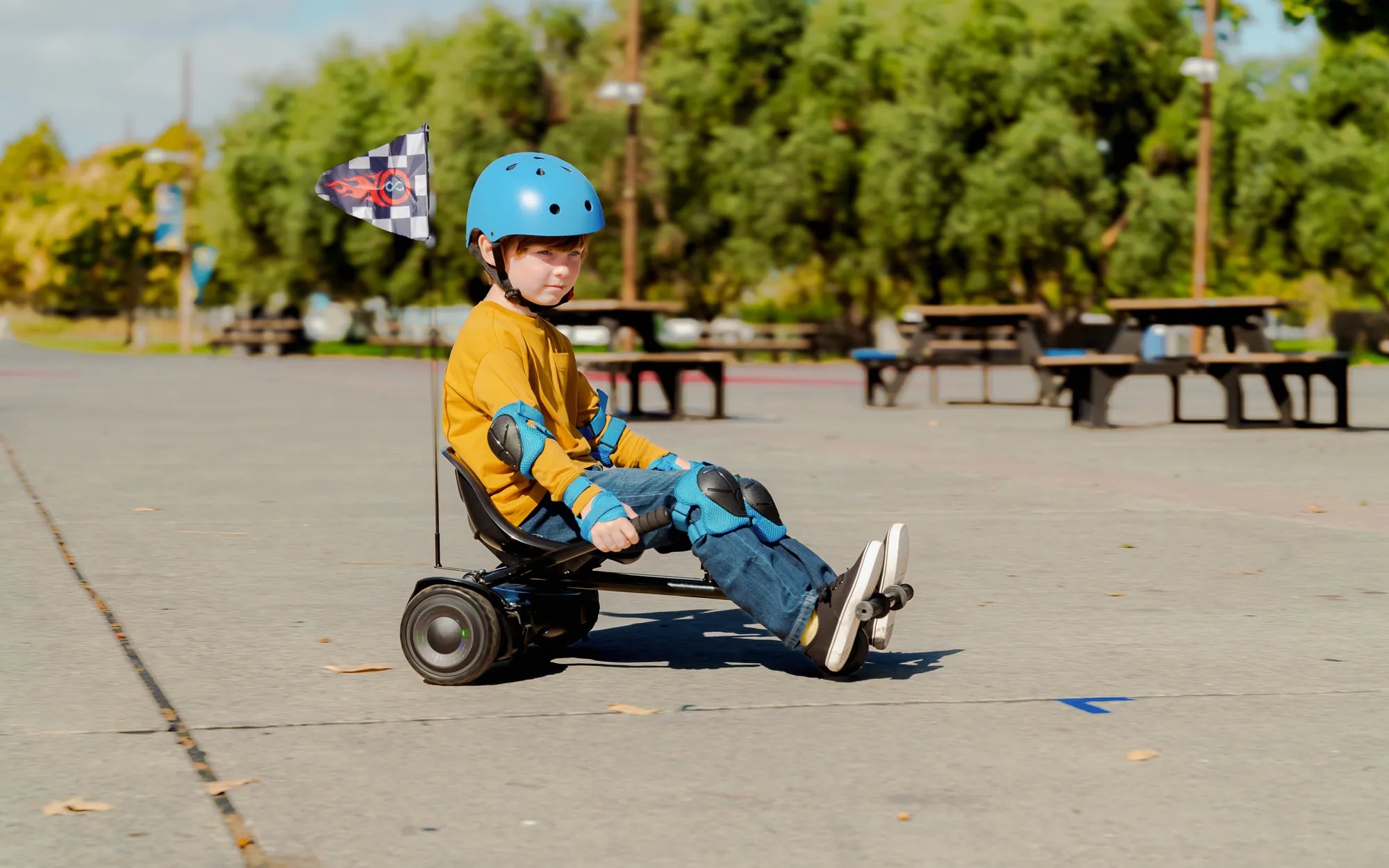
Hearing your hoverboard beep at high speed can be alarming—especially if you're not sure why it's happening. Is it a safety feature, a malfunction, or something else entirely? Understanding the reasons behind this warning can help you ride safely and extend the lifespan of your device. Let's dive into the causes, solutions, and preventive measures to keep your hoverboard running smoothly.
Why Does a Hoverboard Beep at High Speed?
Hoverboards are designed with built-in safety mechanisms to protect riders and the device itself. One of these features is a warning beep that activates when the board detects excessive speed. Here are the most common reasons:
- Speed Limit Warning: Most hoverboards have a maximum speed threshold (usually around 10-12 mph). When you exceed this limit, the board beeps to alert you to slow down.
- Overheating Motor: Prolonged high-speed use can cause the motor to overheat, triggering an audible alert.
- Battery Strain: Pushing the hoverboard beyond its recommended speed can drain the battery faster and may lead to voltage fluctuations, prompting a beep.
- Firmware Issues: Outdated or corrupted firmware may cause false alarms or erratic beeping.
How to Troubleshoot a Beeping Hoverboard
If your hoverboard beeps at high speed, follow these steps to diagnose and resolve the issue:
- Check the Speed Limit: Slow down and see if the beeping stops. If it does, the board was likely warning you about exceeding its safe speed.
- Inspect the Battery: Ensure the battery is fully charged and not damaged. A weak or faulty battery can cause performance issues.
- Examine the Wheels and Motors: Dirt, debris, or misaligned wheels can strain the motor, leading to overheating and beeping.
- Update Firmware: If your hoverboard supports firmware updates, check for the latest version to fix potential bugs.
- Reset the Hoverboard: Some models have a reset button that can resolve minor glitches causing the beeping.
Preventing Future Beeping Issues
To avoid your hoverboard beeping at high speed, follow these best practices:
- Ride Within the Speed Limit: Stick to the manufacturer's recommended speed to prevent unnecessary strain.
- Maintain Proper Tire Pressure: Underinflated tires can increase motor workload, leading to overheating.
- Regularly Clean and Inspect the Hoverboard: Remove dirt and debris from wheels and motors to ensure smooth operation.
- Avoid Steep Inclines: Riding uphill at high speeds can overwork the motor and trigger warnings.
- Store in a Cool, Dry Place: Extreme temperatures can affect battery performance and cause erratic beeping.
When to Seek Professional Help
If your hoverboard continues to beep despite troubleshooting, it may indicate a more serious issue, such as:
- A failing motor or battery
- Damaged internal wiring
- Faulty speed sensors
In such cases, consult a certified technician to avoid safety risks or further damage.
Your hoverboard beeping at high speed is more than just an annoyance—it's a call to action. By understanding the warning signs and taking the right steps, you can enjoy a smoother, safer ride while keeping your device in top condition. Don't ignore the beeps—address them today to avoid bigger problems tomorrow!
Hoverboard at Home: The Ultimate Guide to Fun and Safety
Easy Roller Hoverboard: The Ultimate Guide to Effortless Riding