



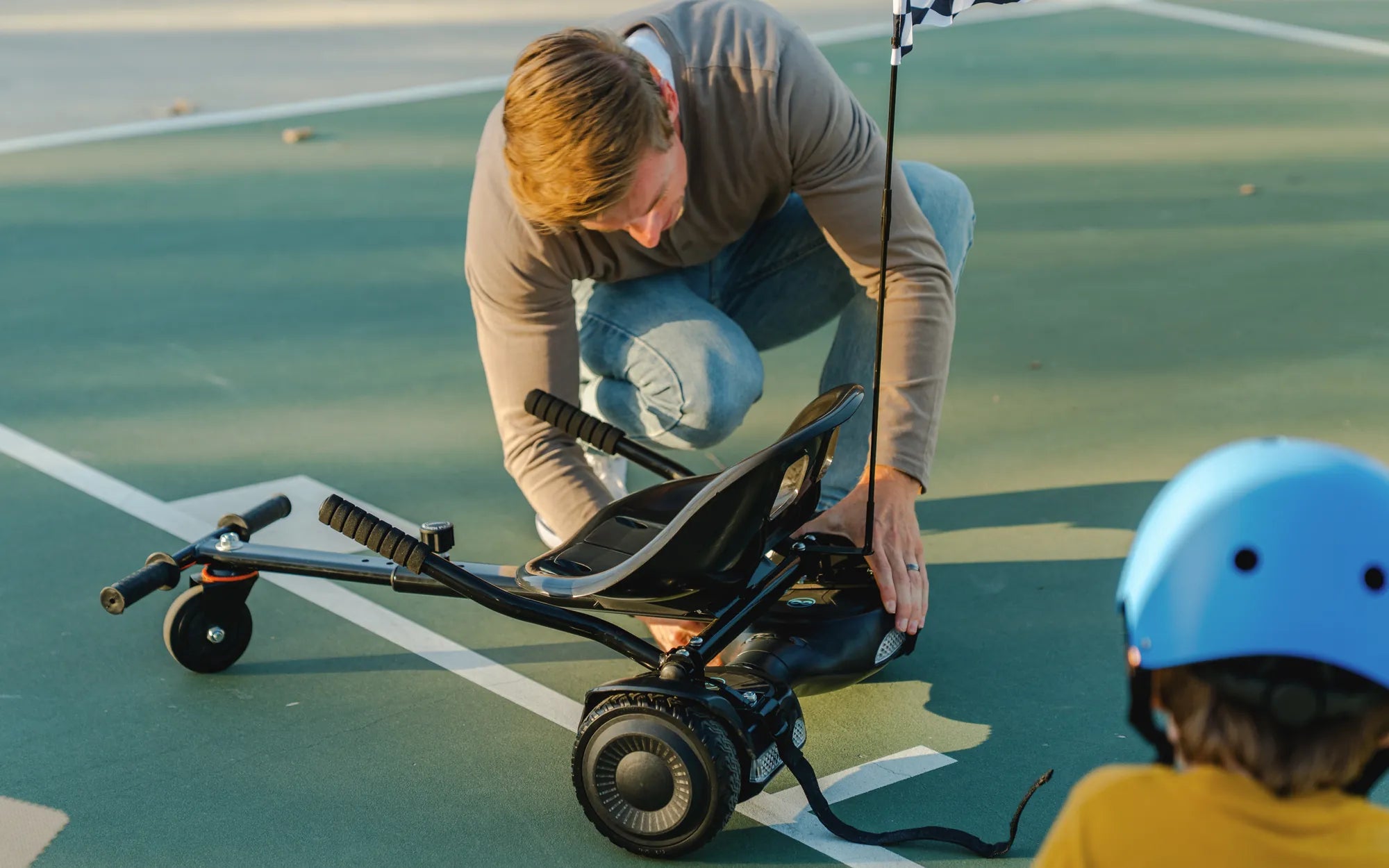
Hearing your hoverboard beep when turned on can be both confusing and concerning. Is it a simple notification or a sign of a deeper issue? Understanding why your hoverboard makes this sound is crucial to ensuring its longevity and your safety. Let’s dive into the possible reasons and how to address them.
Common Reasons Why Your Hoverboard Beeps When Turned On
Several factors can cause a hoverboard to beep upon startup. Here are the most common culprits:
- Low Battery: A frequent cause of beeping is a low or improperly charged battery. If the battery level is critically low, the hoverboard may emit beeps to alert you.
- Uneven Surface: Hoverboards are equipped with self-balancing technology. If placed on an uneven surface during startup, they may beep to indicate instability.
- Firmware Issues: Outdated or corrupted firmware can trigger error beeps. Regular updates are essential for optimal performance.
- Motor or Sensor Problems: Faulty motors or misaligned sensors can cause the hoverboard to beep as a warning.
- Overheating: Excessive use or high temperatures can lead to overheating, prompting the hoverboard to beep.
How to Troubleshoot a Beeping Hoverboard
If your hoverboard beeps when turned on, follow these steps to diagnose and resolve the issue:
Step 1: Check the Battery
Ensure the hoverboard is fully charged. If the battery is low, plug it in and wait for a complete charge before turning it on again. A weak or damaged battery may need replacement.
Step 2: Inspect the Surface
Place the hoverboard on a flat, stable surface before powering it on. Uneven ground can interfere with its self-balancing mechanism.
Step 3: Update the Firmware
Check for firmware updates from the manufacturer. Outdated software can cause malfunctions, including beeping sounds.
Step 4: Examine Motors and Sensors
Listen for unusual noises or vibrations. If the motors or sensors are faulty, professional repair may be necessary.
Step 5: Allow Cooling Time
If the hoverboard has been used extensively, let it cool down before restarting. Overheating can trigger safety beeps.
Preventive Measures to Avoid Beeping Issues
To minimize the chances of your hoverboard beeping when turned on, adopt these preventive practices:
- Regular Maintenance: Clean the hoverboard and check for loose components periodically.
- Proper Charging: Avoid overcharging or leaving the hoverboard plugged in for extended periods.
- Store Correctly: Keep the hoverboard in a dry, temperature-controlled environment.
- Avoid Overloading: Do not exceed the weight limit, as this can strain the motors and battery.
When to Seek Professional Help
If troubleshooting steps don’t resolve the beeping issue, consult a professional. Persistent beeping could indicate serious internal problems requiring expert attention.
Don’t let a beeping hoverboard ruin your ride. By understanding the causes and taking proactive steps, you can ensure smooth and safe operation every time you power it on.
10 Inch Hoverboard and Kart: The Ultimate Guide to Fun and Adventure
Factory Reset Hoverboard: A Step-by-Step Guide to Restoring Your Device