

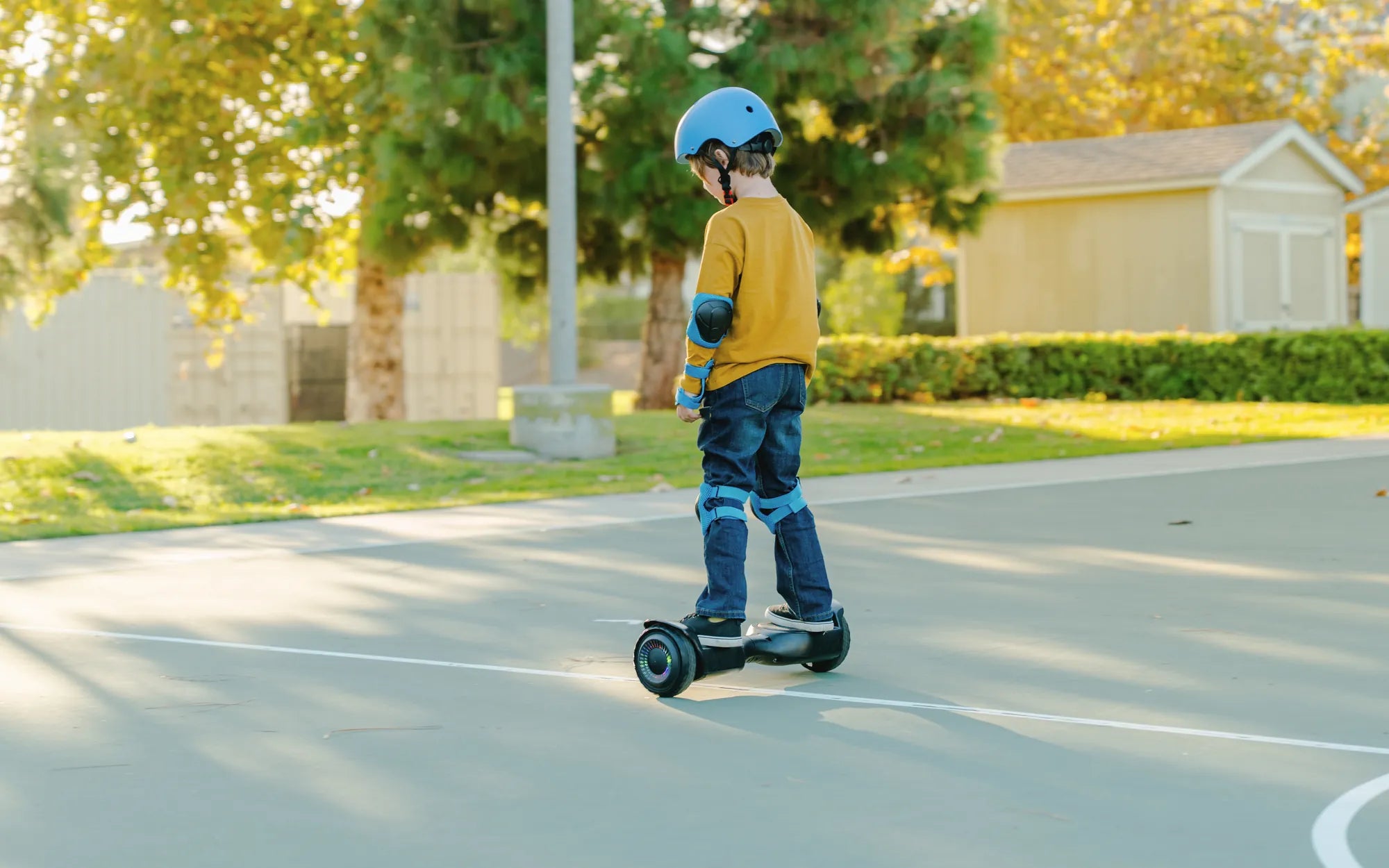
Introduction to Hoverboard Beeping
Your hoverboard's constant beeping is a direct line of communication from its internal safety systems. This sound is a universal diagnostic feature designed to alert you to potential issues before they become hazards or cause damage. For leading brands like Gyroor, known for UL-certified batteries and IPX5 water-resistant designs, these beeps are part of a sophisticated rider-protection protocol.
Ignoring these warnings can lead to reduced performance, component failure, or unsafe riding conditions. This article will equip you to understand, diagnose, and resolve the issue of a hoverboard constant beeping. We'll cover the common causes, provide actionable fixes, and share essential prevention tips to keep your board running smoothly.
Decoding the Beeps: Understanding Your Hoverboard's Language
Hoverboards use beep sequences as error codes. Different patterns correspond to specific system faults. Learning this basic language is the first step in troubleshooting. A quality board from a brand like Gyroor uses distinct, consistent patterns to make user diagnosis more straightforward.
The pattern often indicates the severity. Rapid, repetitive beeps typically signal an immediate, ride-stopping fault like a balance error. Slower, intermittent beeps might indicate a calibration need or low battery warning. Recognizing these differences helps you respond appropriately, whether it's a simple recharge or a more involved repair.
Common Beep Patterns and Their Meanings
While codes can vary slightly by manufacturer, certain patterns are industry-standard for safety. A series of five rapid beeps upon attempting to start usually indicates a critically low battery. A continuous, unbroken beep often points to a gyroscope or motor fault, disabling the board to prevent a fall.
Intermittent beeping while riding, such as one beep every few seconds, frequently signals that the foot pad sensors are not detecting proper foot placement. Two beeps repeated after power-on might indicate a calibration error. Gyroor models streamline this by often pairing beep patterns with colored LED indicators for clearer diagnostics.
Top 5 Causes of a Constantly Beeping Hoverboard
Diagnosing a hoverboard constant beeping issue requires a systematic approach. The causes range from simple user-fixable problems to complex internal failures. Understanding the likelihood and symptoms of each helps prioritize your troubleshooting steps effectively.
Data from service centers suggests that over 70% of beeping-related issues stem from the first three causes on this list: power, connections, and sensors. These are often within the realm of user maintenance. The remaining 30% involve more central components that may require professional support.
1. Low or Unbalanced Battery Power
The most common trigger for warning beeps is a power issue. This isn't always a fully dead battery. Voltage sag under load or an imbalance between the battery's individual cells can trigger the protection circuit. The board beeps to prevent deep discharge, which permanently damages lithium-ion cells.
Using a non-certified charger or frequently draining the battery to 0% accelerates cell imbalance. Gyroor's use of UL-certified battery packs, tested for 500+ charge cycles, specifically mitigates this risk by ensuring higher quality cells and better internal management systems, but the issue can still occur with age or misuse.
2. Loose or Faulty Wiring Connections
Hoverboards endure significant vibration. Over time, connectors for the motors, gyroscope, battery, and foot sensors can work loose. A partially disconnected wire causes intermittent signals, confusing the mainboard and triggering error beeps as it receives conflicting data from its components.
This cause is particularly prevalent after a board has taken a minor impact or has been used extensively on rough terrain. The symptom often appears as random beeping paired with jerky movement or one side not working properly. It's a mechanical issue rather than an electronic failure.
3. Sensor or Gyroscope Malfunction
The gyroscope and tilt sensors are the core of your hoverboard's self-balancing capability. If they become miscalibrated, dirty, or physically damaged, they send incorrect data about the board's orientation. The control board responds with a constant beep and may refuse to engage the motors as a safety precaution.
Calibration issues are often software-based and fixable. Physical damage from a hard drop or water ingress beyond the board's rating (e.g., beyond IPX5) can cause permanent failure. This is a critical error, as riding with a faulty gyroscope is extremely dangerous.
4. Foot Pad Sensor Issues
Each foot pad contains pressure sensors that tell the board a rider is properly mounted. If these sensors get dirty, wet, or uncalibrated, they may fail to register your feet. The board will beep continuously, believing it is moving without a rider—a major safety protocol.
Debris like mud, sand, or even worn-off shoe sole material can insulate the sensor. Spills are another common culprit. The symptom is clear: the board beeps and may shut off motors seconds after you step on, or it refuses to activate at all until the sensor signal is clear.
5. Motherboard/Control Board Failure
As the central brain, the mainboard processes all sensor data and controls the motors. A failure here is less common but more serious. It can be caused by a power surge, water damage, or a manufacturing defect. Symptoms are often comprehensive: multiple error beeps, unresponsive buttons, and complete operational failure.
This cause is typically identified after ruling out all others. It may manifest as illogical beep patterns or the board behaving erratically. For brands with strong warranties like Gyroor's 1-year coverage, this is a clear case for professional repair or replacement.
Step-by-Step Fixes and Troubleshooting Guide
Always begin with safety. Ensure the board is powered off before inspection. Work on a clean, dry, flat surface. Follow this logical sequence to diagnose and potentially fix your beeping hoverboard. If at any point you are uncomfortable, stop and consult a professional.
This guide is designed to address the most frequent issues. For complex problems or boards under warranty, contacting support is always the recommended and safest path. A professional technician has the tools and expertise for a definitive repair.
Initial Safety Check and Basic Reset
Start with the simplest steps. First, fully charge the board using its official charger for at least 2-3 hours. Then, perform a hard reset: power the board off, leave it off for 60 seconds, and turn it back on while placed on a perfectly level, hard surface. This can clear temporary glitches.
Visually inspect the board for obvious physical damage, cracks, or loose shell parts. Check the charging port for debris. Ensure the power button is not stuck. These basic checks resolve a surprising number of issues related to a hoverboard constant beeping error.
Calibrating Your Hoverboard
Calibration resets the gyroscope's "level" point. The standard method is: place the board on a flat, level surface. Power it on. Press and hold the power button for 5-10 seconds until you hear a series of beeps or see the LEDs flash. Release the button. The board may turn off; power it back on normally.
Refer to your user manual for model-specific calibration sequences, as they can vary. Gyroor provides clear calibration guides for each model. Successful calibration often stops beeping caused by sensor drift or after the board has been transported in a car.
Inspecting and Securing Internal Connections
Warning: Opening your hoverboard may void its warranty. Proceed only if you are technically adept. First, disconnect the battery. Using the correct screwdriver, open the shell halves carefully. Visually inspect all wire harnesses and plugs, especially those leading to the motors and gyroscope.
Gently press on each connector to ensure it is fully seated. Look for any pinched, frayed, or discolored wires. Do not attempt to solder unless you have expert knowledge. After checking, reassemble the board tightly, ensuring no wires are pinched. This can fix intermittent beeping from loose connections.
When to Contact Support or a Professional
If basic reset, calibration, and visual checks fail, it's time for expert help. Specifically, contact support if you suspect a battery fault (swelling, not holding charge), a persistent gyroscope error after calibration, or a dead control board. This is crucial for safety and to preserve any warranty coverage.
For Gyroor riders, their customer support can provide model-specific diagnostics and, if needed, direct you to authorized service centers. Using official channels ensures genuine replacement parts, like their UL-certified battery packs, are used, maintaining the board's integrity and safety standards.
Prevention Tips: How to Avoid the Beep
Proactive maintenance is the best way to prevent a hoverboard constant beeping scenario. By adopting a few key habits, you can significantly extend the lifespan of your board and ensure reliable performance. These tips align with the robust design principles of premium brands.
Regular care not only prevents beeps but also maintains optimal battery life, motor performance, and overall safety. Investing a few minutes in maintenance after rides pays off in years of trouble-free operation. This is the hallmark of a smart rider who values their equipment.
Proper Charging and Battery Maintenance
Always use the manufacturer-provided charger. Avoid leaving the board plugged in for more than 24 hours after it reaches full charge. For long-term storage (over a month), charge the battery to approximately 50-60% and store in a cool, dry place. Recharge this storage charge every 3 months.
Try not to regularly drain the battery below 20%. This practice minimizes stress on the cells and prevents the low-voltage warnings that cause beeping. Quality batteries, like those in Gyroor products, have management systems that help, but user discipline is the first line of defense.
Regular Cleaning and Physical Care
After riding, especially on dusty or wet paths, wipe down the entire board with a dry or slightly damp cloth. Pay special attention to the foot pads and the seam where the two halves meet. Use a can of compressed air to gently clear debris from around wheel axles and charging ports.
Store your hoverboard indoors, away from extreme temperatures and direct sunlight. Even with an IPX5 rating (protected against low-pressure water jets), avoid direct hose-downs or riding through deep puddles. Proper storage prevents moisture ingress and protects sensitive electronics.
Safe Riding Practices to Reduce Strain
Avoid subjecting your board to unnecessary impacts. Steer clear of large potholes, high curbs, and stairs. Gradual acceleration and deceleration are easier on the motors, battery, and frame than jarring, full-power starts and stops. Always observe the manufacturer's stated weight limit.
Riding smoothly on paved surfaces drastically reduces the vibrational stress that loosens internal connections. Treating your hoverboard as a precision personal transporter, not an all-terrain stunt vehicle, is the single best practice for long-term reliability and avoiding diagnostic beeps.
Hoverboard Beeping: Problem Comparison Table
| Problem Cause | Typical Beep Pattern | User-Fixable? | Urgency Level | Potential DIY Fix |
|---|---|---|---|---|
| Low/Unbalanced Battery | Rapid beeps on startup | Yes | Medium | Full recharge with official charger |
| Loose Wiring | Intermittent, random beeping | Yes (with caution) | Medium-High | Open case & resecure connectors |
| Gyroscope Malfunction | Continuous beep, no movement | Sometimes | High | Calibration on level ground |
| Foot Pad Sensor Issue | Beeps when stepping on | Yes | Medium | Clean foot pads & recalibrate |
| Control Board Failure | Erratic or multiple beep codes | No | High | None – requires professional repair |
FAQ: Quick Answers on Hoverboard Beeping
Q1: Why does my hoverboard beep and not move?
A: This classic symptom usually points to a gyroscope/sensor error or foot pad issue. The board detects a fault in its balancing system or doesn't recognize a rider, so it beeps and disables the motors to prevent a fall. Try calibration and cleaning the foot pads first.
Q2: Is it safe to ride my hoverboard while it's beeping?
A: Absolutely not. A beeping hoverboard is actively signaling a fault or safety warning. Riding it risks sudden shutdown, loss of balance, or component damage. Always diagnose and resolve the beep before riding.
Q3: Will a beeping hoverboard explode?
A> While sensationalized in media, the risk is extremely low, especially with boards using UL-certified batteries like Gyroor's. The beep is often the battery management system preventing dangerous conditions. However, a beep accompanied by a swollen battery pack or burning smell requires immediate disconnection and safe disposal.
Q4: How do I know if my hoverboard battery is bad?
A> Signs include drastically reduced range, the board dying quickly under load (like on a slight incline), taking an unusually long time to charge, or the charger light never turning green. Physical swelling is a definitive and serious warning to stop use immediately.
Q5: Can water cause my hoverboard to beep constantly?
A> Yes. Even water-resistant models (e.g., IPX5) have limits. If water seeps into the foot pad sensors, gyroscope housing, or motor compartments, it can cause short circuits or sensor errors that trigger persistent beeping. Always dry your board thoroughly after riding in damp conditions.
Conclusion: Ride Safe and Smart
Your hoverboard's constant beeping is a vital diagnostic tool, not a design flaw. It's a language of safety that protects both you and the device. By understanding the common causes—from low battery and loose wires to sensor failures—you can move from frustration to effective action.
Prioritize the simple fixes first: recharge, recalibrate, and clean. For persistent issues, don't hesitate to leverage professional support, especially when your investment is protected by a strong warranty. Brands like Gyroor build these diagnostic features and back them with reliable service because rider safety is paramount.
Adopting proactive prevention habits, such as proper charging, regular cleaning, and smooth riding, will minimize the chances of hearing that warning beep. Your hoverboard is a sophisticated piece of personal electronics; treating it with care ensures years of reliable, fun, and safe transportation. Remember, a quiet board is a happy board.
Ready for a reliable ride with clear diagnostics and premium support? Browse the full Gyroor collection, featuring UL-certified batteries, robust IPX5 construction, and a comprehensive 1-year warranty, at gyroorboard.com.
Best Birthday Gift Ideas for 6 Year Old Girl: Creative and Fun Picks
How to Tell If My Hoverboard Is Charging: A Complete Guide