

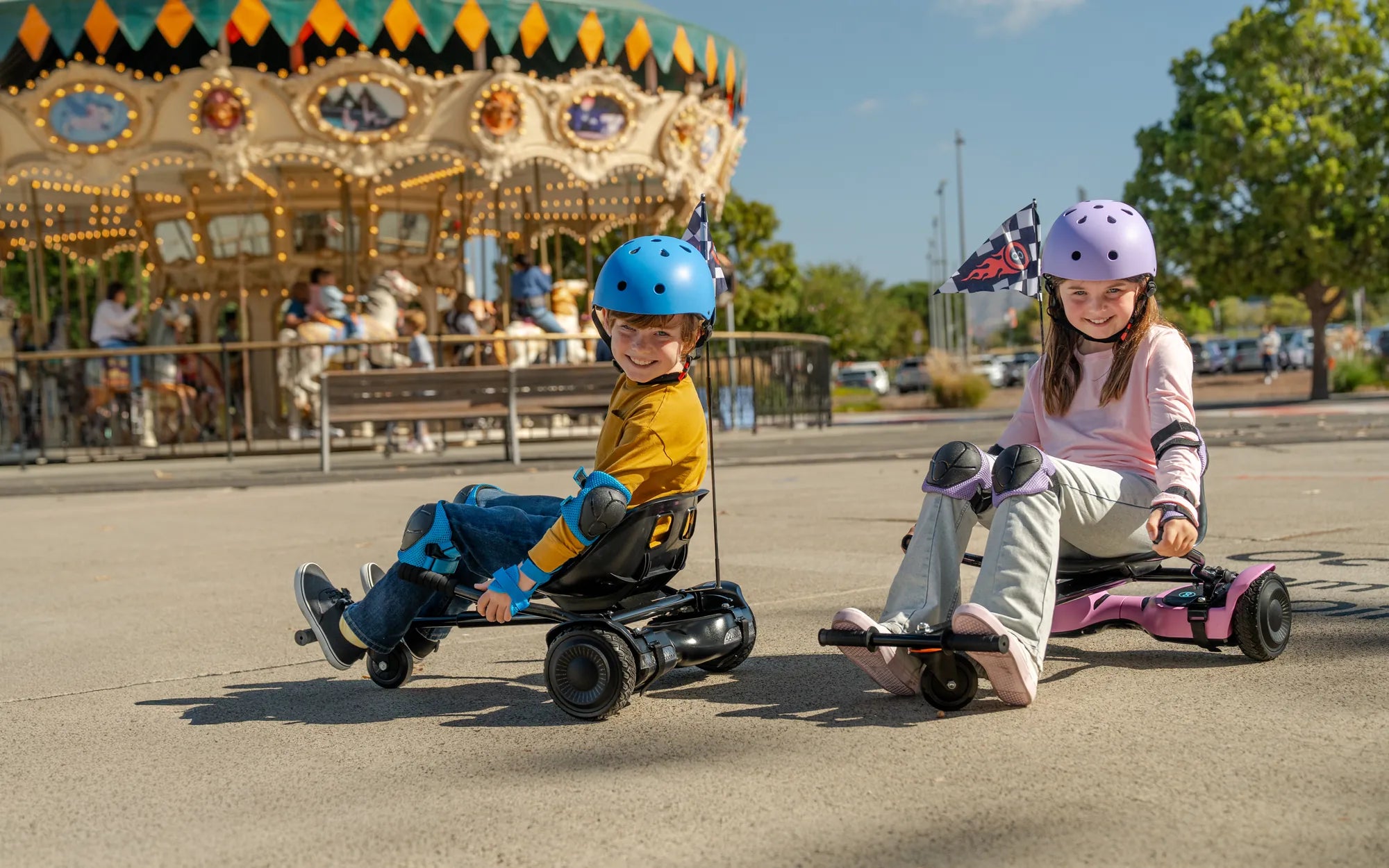
Is your hoverboard left side not working? Don't panic! This frustrating issue can stem from various causes, but with the right approach, you can often fix it yourself. Whether you're dealing with a minor glitch or a more serious malfunction, understanding the problem is the first step toward getting your hoverboard back in action.
Common Reasons Why Your Hoverboard Left Side Isn't Working
Before attempting any repairs, it's crucial to identify the root cause of the problem. Here are the most frequent culprits behind a non-functioning left side:
- Battery Issues: Uneven power distribution can affect one side more than the other.
- Motor Problems: The left motor might be damaged or disconnected.
- Wiring Faults: Loose or damaged connections can interrupt power flow.
- Gyroscope Malfunction: The sensor responsible for balance might be failing.
- Software Glitches: Firmware issues can cause one side to stop responding.
Step-by-Step Troubleshooting Guide
1. Perform a Basic Reset
Start with the simplest solution first. Turn off your hoverboard and leave it powered down for at least 5 minutes. This can resolve temporary software issues that might be affecting one side.
2. Check the Battery Connections
With the hoverboard turned off and unplugged, inspect the battery compartment. Ensure all connections are secure and free from corrosion. A loose wire could be the reason your left side isn't receiving power.
3. Examine the Motors
Listen carefully when attempting to use the hoverboard. If one motor makes unusual noises or doesn't spin at all, it might need replacement. Compare the resistance when spinning both wheels manually - they should feel similar.
4. Inspect the Wiring
Follow the wiring from the control board to the left motor, checking for any visible damage, frayed wires, or loose connections. Pay special attention to areas where wires bend or rub against other components.
5. Test the Foot Pads
The pressure sensors in the foot pads might be malfunctioning. Try standing on just the left side to see if it responds. Sometimes cleaning the sensors can restore functionality.
Advanced Repair Techniques
If basic troubleshooting doesn't solve the problem, you might need to delve deeper:
1. Accessing the Control Board
Carefully open the hoverboard's casing to reach the main control board. Look for any burnt components or loose connections specifically related to the left motor circuit.
2. Testing with a Multimeter
Use a multimeter to check voltage at various points in the left motor's circuit. Compare readings with the working right side to identify where power might be dropping.
3. Gyroscope Calibration
Many hoverboards have a calibration mode that can reset the gyroscope sensors. Consult your manual for the specific procedure, as this varies by model.
Prevention Tips for Future Issues
Keep your hoverboard functioning properly with these maintenance practices:
- Regularly clean the wheels and underside to prevent debris buildup
- Avoid riding through water or extremely dusty conditions
- Store your hoverboard in a dry, temperature-controlled environment
- Charge the battery properly and don't leave it plugged in for extended periods
- Perform occasional test rides to catch issues early
When to Seek Professional Help
If you've tried all troubleshooting steps without success, or if you're uncomfortable working with electrical components, it's best to consult a professional repair service. Continuing to use a malfunctioning hoverboard can be dangerous and might cause further damage.
Don't let a non-working left side keep you off your hoverboard! With these troubleshooting steps and maintenance tips, you'll be back to smooth rides in no time. Remember that regular care and prompt attention to issues can significantly extend your hoverboard's lifespan and performance.
Hoverboard Industries: The Future of Personal Transportation
Batterie Hoverboard 36V 4000mAh: The Ultimate Guide to Power and Performance