



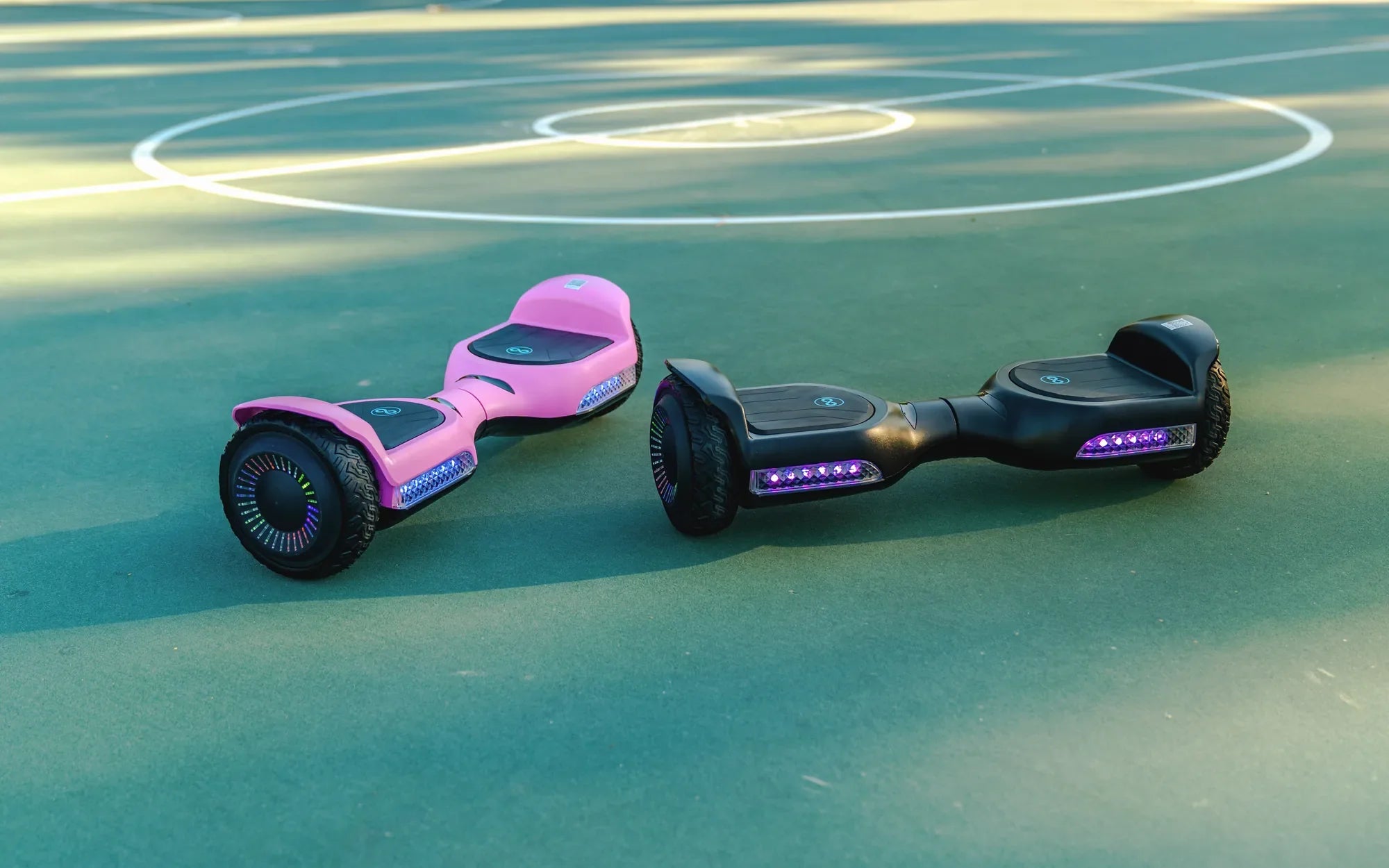
If you've ever noticed your hoverboard displaying an orange light while charging, you're not alone. This common issue can be confusing, but understanding what it means and how to address it can save you time and frustration. Let's dive into the reasons behind the orange light and explore practical solutions to get your hoverboard back to optimal performance.
What Does the Orange Light Mean?
The orange light on a hoverboard during charging typically indicates one of several things. It could mean the battery is charging normally, there's a minor issue with the charging process, or the battery is nearing full capacity. However, in some cases, it might signal a problem that requires attention.
Common Causes of the Orange Light
Here are the most frequent reasons your hoverboard might show an orange light while charging:
- Normal Charging Process: Some hoverboards use an orange light to indicate that the battery is actively charging. Once fully charged, the light may turn green.
- Low Battery Voltage: If the battery voltage is too low, the hoverboard may display an orange light as a warning.
- Charger Issues: A faulty or incompatible charger can cause the orange light to appear.
- Battery Problems: Over time, batteries degrade, and an orange light might signal that the battery isn't holding a charge as it should.
- Overheating: If the hoverboard or charger overheats, the orange light may activate as a safety precaution.
How to Troubleshoot the Orange Light
If your hoverboard's orange light is causing concern, follow these steps to diagnose and resolve the issue:
- Check the Charger: Ensure the charger is properly connected and functioning. Try using a different charger if available.
- Inspect the Battery: Look for signs of swelling, leakage, or damage. A damaged battery may need replacement.
- Monitor Charging Time: If the orange light persists for an unusually long time, the battery might not be charging correctly.
- Allow Cooling Time: If overheating is suspected, unplug the hoverboard and let it cool before attempting to charge again.
- Reset the Hoverboard: Some models have a reset button that can resolve minor glitches.
Preventing Future Issues
To avoid encountering the orange light problem in the future, follow these best practices:
- Always use the manufacturer-recommended charger.
- Avoid overcharging the hoverboard; unplug it once fully charged.
- Store the hoverboard in a cool, dry place to prevent battery damage.
- Regularly inspect the battery and charger for signs of wear or damage.
When to Seek Professional Help
If you've tried all the troubleshooting steps and the orange light persists, it might be time to consult a professional. Continuing to use a hoverboard with a faulty battery or charger can be dangerous and may lead to further damage.
Don't let an orange light ruin your hoverboard experience. By understanding the causes and taking proactive steps, you can keep your device running smoothly and safely. Whether it's a simple fix or a sign of a deeper issue, addressing the problem early ensures you'll be back on your hoverboard in no time!
What Are the Chances of Your Hoverboard Blowing Up? The Shocking Truth
Where Is the Battery on a Hoverboard? A Complete Guide