


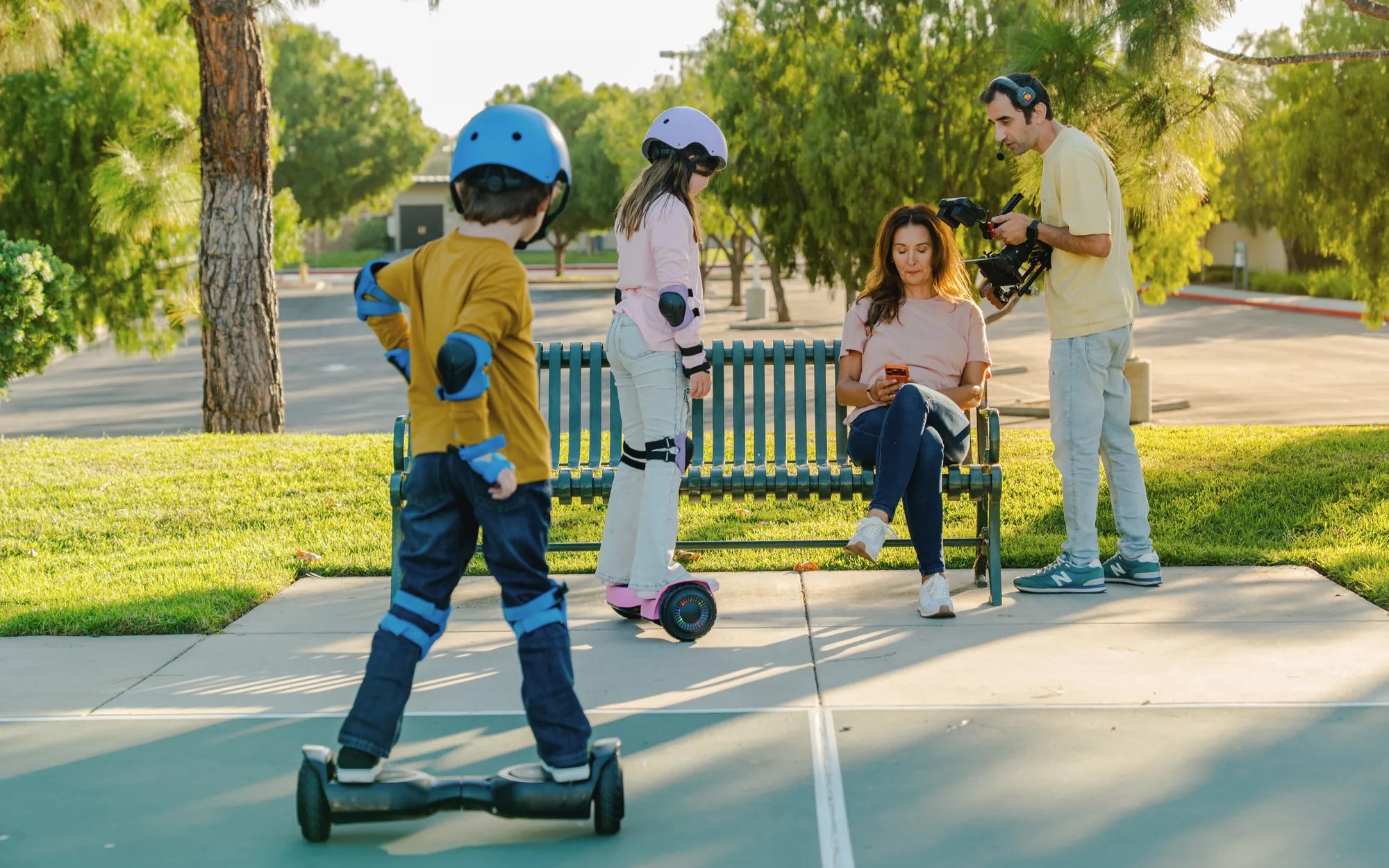
Is your hoverboard looking tired, scratched, or just not "you" anymore? Before you consider replacing the entire unit, a hoverboard replacement shell offers a powerful, cost-effective solution. This complete guide will walk you through everything you need to know about upgrading your ride's exterior. You'll learn about different shell types, master the installation process, and discover how this single upgrade can dramatically refresh your device's appearance and functionality. A hoverboard replacement shell is more than just a cosmetic fix; it's a practical way to protect internal components, personalize your style, and extend the operational life of your investment.
Why Consider a Hoverboard Replacement Shell?
The outer shell of a hoverboard is its first line of defense and its most visible feature. Over time, even with careful use, this plastic casing can become scuffed, cracked, or faded from sun exposure. A damaged shell isn't just an eyesore; it can compromise the structural integrity of the device, exposing sensitive electronics to dust, moisture, and impact.
Replacing the shell is a smart, economical alternative to purchasing a brand-new hoverboard. For a fraction of the cost, you can achieve a like-new appearance. This is particularly valuable for higher-end models from trusted brands like Gyroor, where the core components—such as the UL-certified battery and motors—remain reliable long after the exterior shows wear.
Beyond repair, a new shell is the ultimate customization project. It allows you to express your personal style with new colors, patterns, or designs featuring integrated LED light channels. Whether you want a sleek matte black finish or a vibrant, eye-catching design, the shell is your canvas. This upgrade can make an older model feel brand new and uniquely yours.
Finally, a new shell can enhance safety. A cracked shell near the wheel arch or footpad can be a hazard. Replacing it with a high-quality, properly fitting casing restores the hoverboard's original protective enclosure, ensuring the battery pack and wiring are securely housed. It’s a functional upgrade that supports the long-term safety and durability of your ride.
Understanding Hoverboard Shells: Materials, Types, and Compatibility
A hoverboard shell is the rigid plastic chassis that encases all the internal components. It typically consists of two main halves—left and right—that bolt together around the central metal frame. Understanding its construction is key to a successful replacement.
The most common material used is ABS (Acrylonitrile Butadiene Styrene) plastic, often blended with polycarbonate for added impact resistance. This combination offers a good balance of strength, flexibility, and weight. Higher-quality shells, like those used in OEM parts, may use advanced polymer blends for greater durability and a better finish that resists scratches and UV fading.
Not all shells are created equal. The primary types include Standard Shells, which are direct replacements for the original design; LED-Compatible Shells, which have transparent or translucent sections and built-in channels for aftermarket light kits; and Off-Road/Treaded Shells, which have more aggressive styling and may offer additional protection for larger, air-filled tires. Compatibility is the single most critical factor.
A shell must match your hoverboard's wheel size (e.g., 6.5", 8", or 10"), its internal frame design, and the placement of screw holes, wire ports, and button cutouts. A shell designed for a different model will not fit, no matter how similar it looks. Always source shells using your hoverboard's exact model number, which is usually found on the original packaging or on a label near the charging port.
Step-by-Step Guide: How to Replace Your Hoverboard Shell
Important Safety Warning: Before beginning, ensure the hoverboard is powered OFF and has not been charged for at least 2 hours. Disconnect the battery during the process to prevent short circuits. If you are uncomfortable with any step, consult a professional. This guide is for informational purposes.
Tools & Preparation: You will need a set of Phillips and/or hex head screwdrivers, a plastic prying tool (spudger), a clean workspace, and your new replacement shell. Organize screws in a container as you remove them. Refer to any official disassembly guide for your specific model if available.
Disassembly Process: Start by removing all screws from the outer shell. These are typically located around the edges, under the footpad grips, and near the wheel wells. Use the plastic prying tool to carefully separate the two halves of the old shell, starting from the seam. Avoid using metal tools to prevent damage to the plastic or internal components. Once open, you will see the internal frame housing the battery, control board, gyroscopes, and motors.
Transferring Components: Methodically disconnect and transfer the internal components to the new shell. This usually involves unscrewing the main control board and battery pack from the old shell's internal mounts and re-securing them in the identical position in the new shell. Pay close attention to wire routing to avoid pinching. Carefully reconnect all motor and sensor wires, ensuring plugs are fully seated.
Reassembly & Testing: Once all components are securely mounted in the new shell halves, carefully align and snap the two halves together. Reinsert and tighten all screws in a cross pattern to ensure even pressure. Do not over-tighten. Before riding, perform a basic test: charge the board fully, power it on on a stable, level surface, and check that all lights, buttons, and self-balancing functions work correctly. Take your first ride in a safe, open area.
Choosing the Right Shell: Key Factors and Data-Driven Comparison
Selecting a shell involves more than just picking a color. The decision between an OEM (Original Equipment Manufacturer) shell and an aftermarket shell has significant implications for fit, quality, and safety. An OEM shell is made by the original brand or its licensed partner, guaranteeing perfect fitment and material consistency with your original hoverboard.
Aftermarket shells, produced by third-party companies, offer more variety in design and color, often at a lower price point. However, quality can vary dramatically. A poorly made aftermarket shell may have misaligned screw holes, thinner plastic, or imprecise cutouts that lead to installation headaches or compromised safety. For critical components like the battery compartment, an OEM or OEM-equivalent shell is strongly recommended.
The following table compares key decision factors to guide your purchase:
| Factor | OEM Shell | High-Quality Aftermarket | Budget Aftermarket |
|---|---|---|---|
| Fit & Compatibility | Guaranteed perfect fit for specific model. | Good fit for popular models; check reviews. | Often generic; fit can be poor or require modification. |
| Material Quality | Uses original polymer blends; high impact resistance. | Often uses ABS/PC blend; decent durability. | Basic ABS; more prone to cracking and UV damage. |
| Design & Features | Matches original design exactly. May have brand-specific features. | Wide variety of colors, patterns, and LED-ready designs. | Limited designs; finishes may look cheap. |
| Safety & Certification | Designed to house original UL-certified battery safely. | Rarely certified; should be verified for safe battery enclosure. | Safety not a priority; potential fire hazard if battery doesn't fit securely. |
| Price Point | Highest. You pay for guaranteed quality and fit. | Moderate. Balance of cost and customization. | Lowest. Higher risk of issues. |
Always prioritize shells that maintain proper ventilation and a secure, snug fit for the battery pack. A loose battery can shift during rides, damaging wires and creating a serious safety risk. Look for shells that mention compatibility with your model's battery type and size.
Beyond the Shell: Complementary Upgrades for a Full Refresh
While replacing the shell transforms the look, pairing it with other upgrades can enhance performance and feel. New tire treads are a logical companion. If your hoverboard has air-filled tires, consider replacing them with fresh ones that have better grip patterns for your typical terrain—whether street, all-terrain, or off-road.
Upgrading the LED lighting system can dramatically increase visibility and style. Many replacement shells are "LED-ready." You can install multi-color, Bluetooth-controlled light kits that illuminate the wheel wells and underglow. This not only looks impressive but also makes you more visible to others at night, adding a layer of safety.
Don't overlook the foot pads. Worn or slick footpad grips can reduce control. Installing new, high-friction rubber grips can improve stability and comfort. Some kits even offer non-slip materials with custom patterns or colors to match your new shell, completing the cohesive, refreshed look.
For the technically inclined, more advanced upgrades include replacing the control board for smoother acceleration or adding a higher-capacity battery for extended range. Warning: Such modifications are complex, can void warranties (like Gyroor's comprehensive 1-year coverage), and may pose safety risks if not done correctly with compatible, high-quality parts. They should only be attempted by experienced users who understand the electrical systems involved.
Maintenance and Care for Your New Shell
After investing in a new shell, proper care will keep it looking great for longer. Regular cleaning is essential. Use a soft, damp cloth with mild soap to wipe down the shell. Avoid harsh chemicals, solvents, or abrasive cleaners that can degrade the plastic's finish or cause discoloration.
For shells with integrated LED light channels, take extra care when cleaning around these areas. Ensure no moisture seeps into the electrical ports. If your shell has a glossy finish, a periodic application of a UV-protectant plastic polish can help prevent fading from sun exposure, especially if you store or ride outdoors frequently.
Inspect the shell periodically for any new cracks or loose screws, particularly after a rough ride or minor impact. Tightening screws every few months can prevent vibrations from causing stress fractures. Proper storage is also key; keep your hoverboard in a cool, dry place away from direct sunlight when not in use to preserve the plastic and the internal battery.
Following these simple maintenance steps will protect your upgrade investment. A well-maintained shell continues to provide optimal protection for the valuable components inside, ensuring your hoverboard remains safe, reliable, and stylish for the long haul.
Frequently Asked Questions (FAQ) on Hoverboard Shell Replacement
Q: Is replacing a hoverboard shell difficult?
A: The difficulty ranges from moderate to challenging, depending on your technical comfort and your specific model. It involves disassembling the entire unit, handling wiring, and reassembling with precision. If you can follow detailed instructions and have patience with small screws and connectors, it's a feasible DIY project. For complex models or if you're unsure, seeking professional help is wise.
Q: Will a new shell void my hoverboard's warranty?
A: It depends on the warranty terms. If you use an official OEM shell and the installation doesn't cause damage, it may not void the warranty on remaining components. However, using a third-party shell or causing damage during installation (like cutting wires) will almost certainly void any existing warranty, such as Gyroor's 1-year comprehensive coverage. Always check your warranty document first.
Q: How do I find a shell that fits my specific hoverboard model?
A> The only reliable method is to use your hoverboard's exact model number. This is typically printed on a label on the device itself (near the charging port or under the footpad) or on the original box and manual. Search for "[Your Brand] [Model Number] replacement shell" online. Do not rely solely on wheel size or pictures.
Q: Can I make my hoverboard waterproof with a new shell?
A> A new shell alone cannot make a hoverboard waterproof. Water resistance is achieved through a combination of sealed shell designs, gaskets, and internal conformal coating on electronics. While a new, undamaged shell will restore the original level of protection (e.g., an IPX4 or IPX5 rating on some Gyroor models), it does not upgrade it. Avoid riding through puddles or in the rain regardless.
Q: Are there shells available for older or discontinued hoverboard models?
A> It can be challenging. For popular older models, aftermarket suppliers may still produce shells. For obscure or very old models, your best bet is to search auction sites or hoverboard repair forums. If a shell is unavailable, consider using high-quality vinyl wraps or protective skins as an alternative cosmetic refresh that doesn't require disassembly.
Revitalize Your Ride with Confidence
Replacing your hoverboard's shell is a rewarding project that breathes new life into a trusted device. It combines practical repair with creative expression, allowing you to customize your ride while extending its usable lifespan. By choosing a high-quality, compatible shell and following careful installation steps, you can achieve professional-looking results that enhance both aesthetics and safety.
Remember, the shell is the guardian of the critical components within. Opting for a well-made part from a reputable source is an investment in the continued reliability of your hoverboard. Whether your goal is to repair damage, update the style, or simply undertake a satisfying DIY challenge, a shell replacement puts you in control of your ride's destiny.
Ready to explore a new look or find reliable parts for your next upgrade? For riders who value quality and safety from the ground up, consider starting with a robust platform. Browse the full Gyroor collection at gyroorboard.com, featuring UL-certified electric scooters and e-bikes built with the durability and design that make customization a joy, not a necessity.
Off Road Hoverboard for Kids: The Ultimate Adventure Companion
Perfect Christmas Gift Ideas for Girls That Will Make Their Holiday Magical