


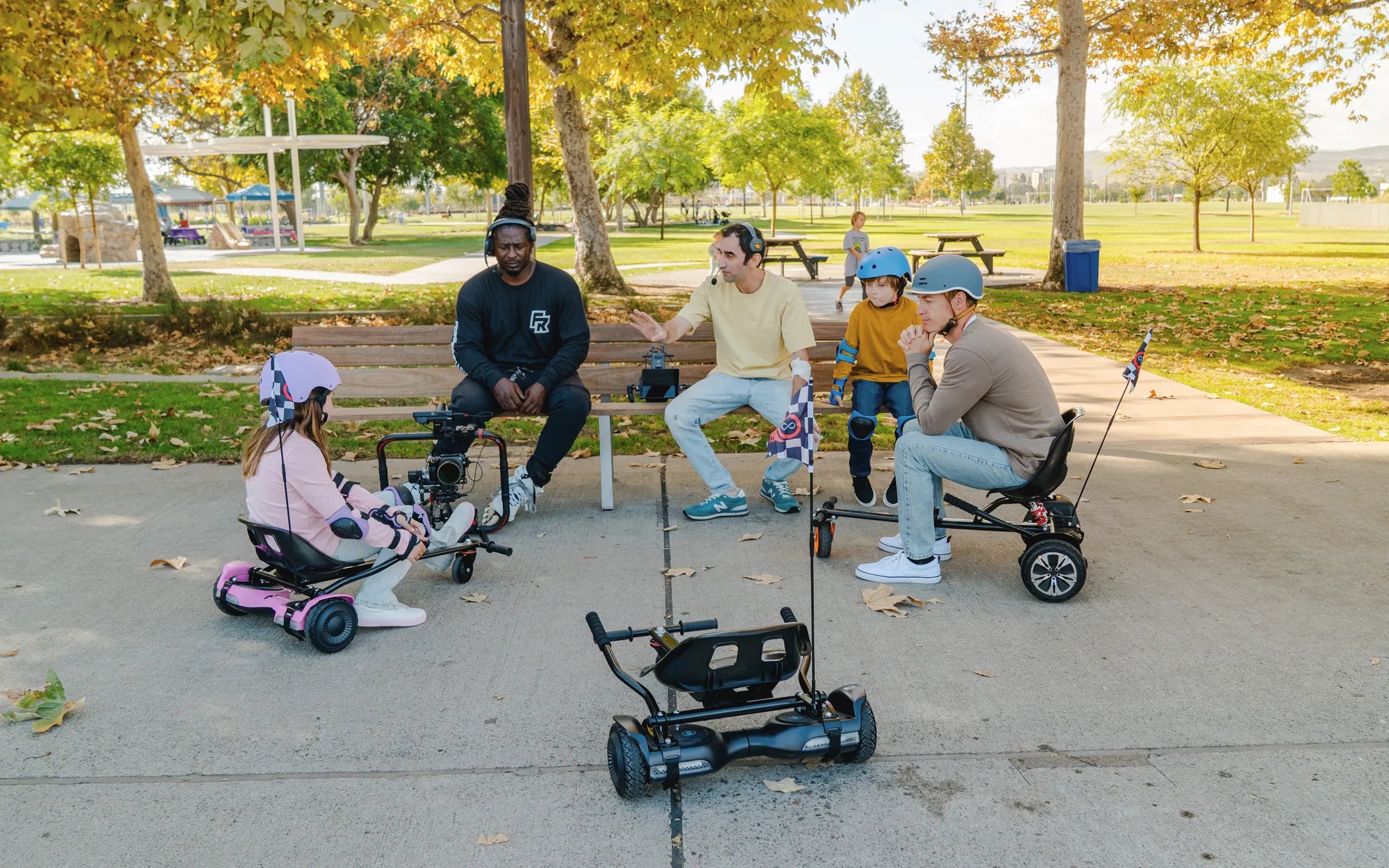
Imagine gliding effortlessly on your hoverboard, feeling the wind in your hair while maintaining perfect control—no sudden jerks or unexpected speed bursts. That’s the magic of hoverboard slow mode, a feature designed to make riding safer and more enjoyable for everyone. Whether you’re a beginner or an experienced rider, slow mode can transform your hoverboard experience. Let’s dive into everything you need to know about this game-changing feature.
What Is Hoverboard Slow Mode?
Hoverboard slow mode is a built-in setting that limits the top speed of your device, ensuring a smoother and more controlled ride. This feature is especially useful for beginners, children, or anyone riding in crowded or confined spaces. By reducing the maximum speed, slow mode minimizes the risk of accidents and helps riders build confidence.
Why Use Hoverboard Slow Mode?
Slow mode isn’t just for newbies—it’s a versatile tool for all riders. Here’s why you should consider using it:
- Safety First: Lower speeds mean fewer falls and injuries, making it ideal for learning.
- Better Control: Slower movements allow for precise maneuvering, perfect for tight spaces.
- Confidence Booster: Beginners can focus on balance and technique without worrying about going too fast.
- Battery Efficiency: Reduced speed can extend your hoverboard’s battery life.
How to Activate Hoverboard Slow Mode
Activating slow mode varies by model, but the process is usually straightforward. Here’s a general guide:
- Turn on your hoverboard and ensure it’s fully charged.
- Check the user manual for specific instructions—some models require a button combination or app connection.
- Once activated, test the speed in a safe area to get comfortable with the new limits.
Tips for Mastering Hoverboard Slow Mode
To make the most of slow mode, follow these expert tips:
- Practice in an open, flat area before tackling obstacles.
- Wear protective gear, even at lower speeds.
- Gradually increase speed as you gain confidence.
- Use slow mode in crowded areas to avoid collisions.
Common Misconceptions About Hoverboard Slow Mode
Some riders assume slow mode is only for kids or ruins the fun. Not true! Even experienced riders can benefit from the added control and safety. It’s also a great way to conserve battery on long rides.
When to Switch Out of Slow Mode
Once you’ve mastered the basics, you might want to explore higher speeds. Switch out of slow mode when:
- You’re riding in open, obstacle-free areas.
- You feel confident in your balance and control.
- You’re ready for a more dynamic riding experience.
Hoverboard slow mode is more than just a training wheel—it’s a smart feature that enhances safety, control, and enjoyment for riders of all levels. Whether you’re just starting or looking for a safer way to ride, slow mode is your ticket to a smoother, more confident hoverboard experience. Ready to take your riding to the next level? Activate slow mode and glide with ease!
I Got a Hoverboard for Christmas: The Ultimate Gift Experience
I Got a Hoverboard for Christmas: The Ultimate Gift Experience