



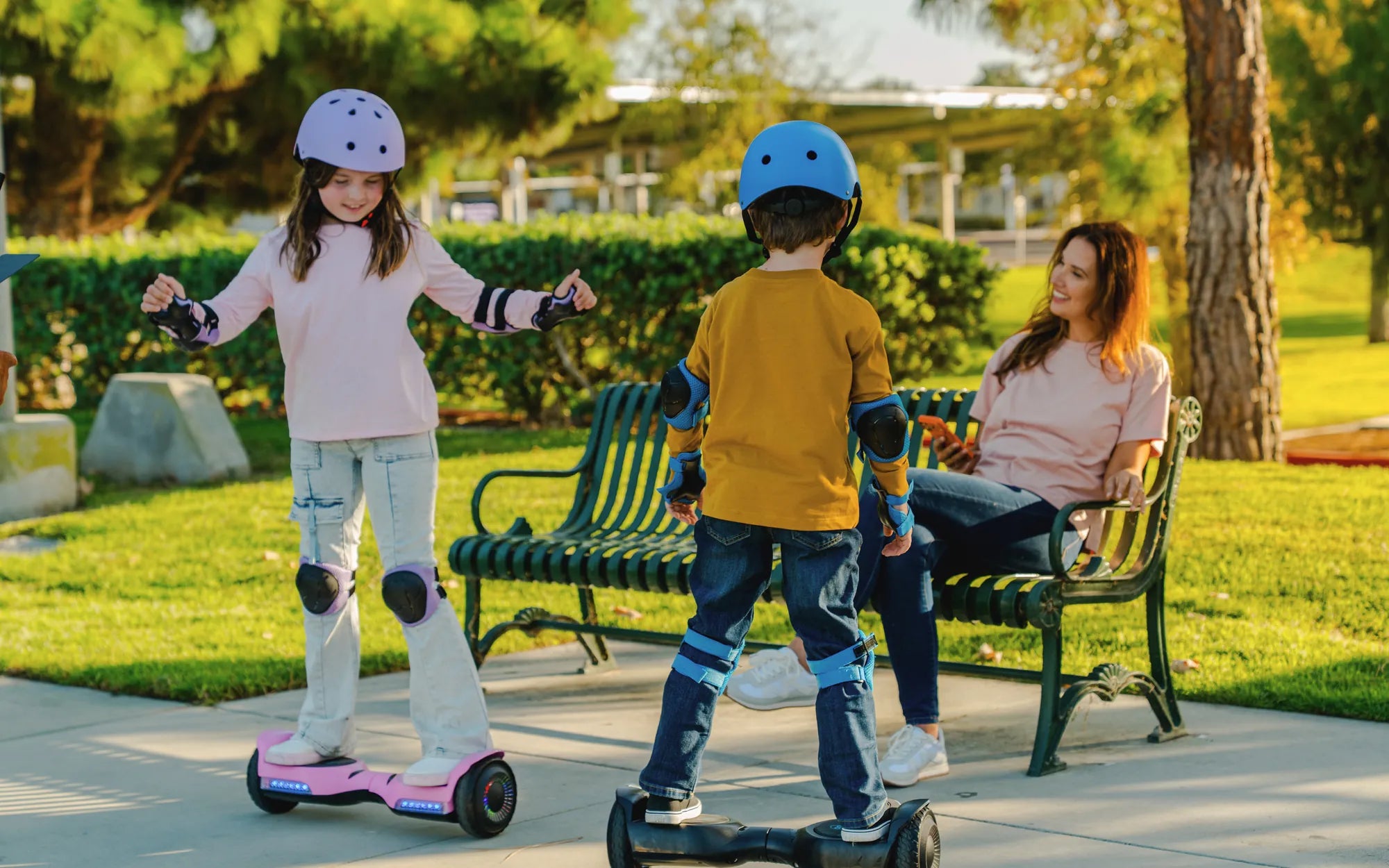
Hoverboards have revolutionized personal transportation, offering a fun and efficient way to get around. But what truly sets a great hoverboard experience apart is mastering its speed control. Whether you're a beginner or an experienced rider, understanding how to manage your hoverboard's speed can make all the difference in safety and enjoyment.
How Hoverboard Speed Control Works
Hoverboard speed control is governed by a combination of sensors, gyroscopes, and motor power. When you lean forward or backward, the sensors detect the shift in your center of gravity and adjust the motor's speed accordingly. Most hoverboards have preset speed limits to prevent accidents, but advanced models may allow customization.
Why Speed Control Matters
Proper speed control isn't just about going fast—it's about safety and stability. Riding at excessive speeds can lead to loss of balance, especially on uneven terrain. Many hoverboards come with beginner modes that limit speed, allowing new riders to build confidence before switching to higher settings.
Tips for Optimizing Hoverboard Speed
- Start Slow: If you're new to hoverboards, begin with the lowest speed setting to get comfortable with balancing.
- Check Terrain: Avoid high speeds on rough or slippery surfaces where traction may be compromised.
- Use Safety Gear: Helmets and pads are essential, especially when testing higher speeds.
- Monitor Battery Life: Speed control can drain battery faster, so keep an eye on power levels.
Advanced Speed Control Features
Some hoverboards offer customizable speed settings via companion apps, letting riders fine-tune acceleration and braking. Others include adaptive speed control, which adjusts based on riding conditions. These features enhance both safety and performance, making them ideal for experienced users.
Mastering hoverboard speed control transforms your ride from a simple commute to an exhilarating experience. By understanding how it works and applying smart riding techniques, you can enjoy every journey with confidence and style.
Why Is My Hoverboard Flashing Orange? Troubleshooting and Solutions
Show Hoverboard: The Future of Personal Transportation and Entertainment