



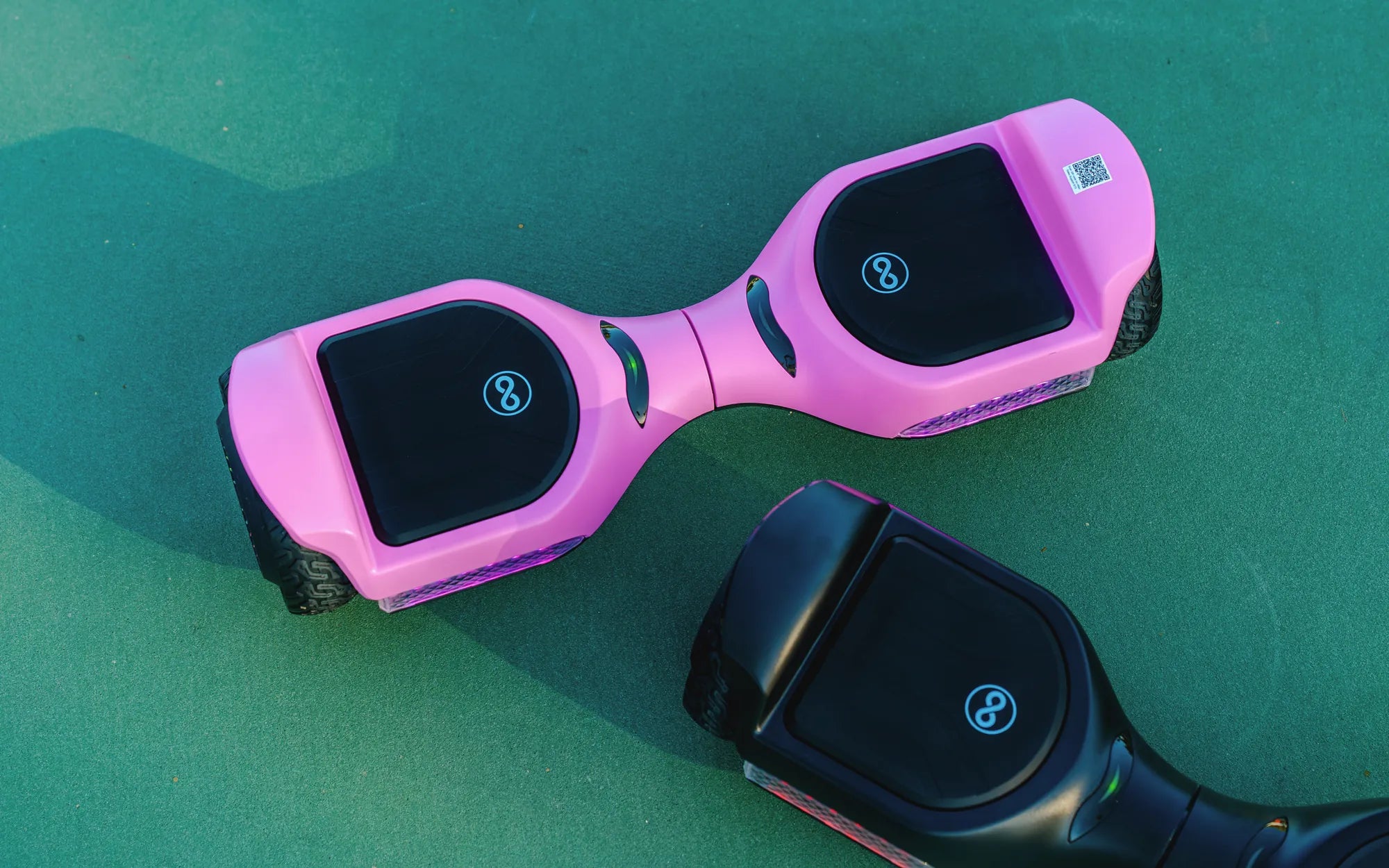
Few things are as frustrating as a hoverboard that powers up but refuses to move. Whether you're a seasoned rider or a beginner, this issue can leave you scratching your head. But don't worry—most problems have straightforward solutions. Let's dive into why your hoverboard turns on but won't go and how to fix it.
Common Reasons Why Your Hoverboard Won't Move
Before attempting repairs, it's essential to understand the root cause of the problem. Here are the most likely culprits:
- Low Battery: A weak or improperly charged battery can prevent movement.
- Sensor Issues: Faulty gyroscopic sensors may fail to detect rider input.
- Motor Problems: A malfunctioning motor can stop the hoverboard from moving.
- Loose Wiring: Disconnected or damaged wires disrupt power flow.
- Software Glitches: Firmware issues can cause unexpected behavior.
Troubleshooting Steps to Diagnose the Issue
Follow these steps to pinpoint the problem:
- Check the Battery: Ensure the hoverboard is fully charged. A low battery often triggers safety modes that restrict movement.
- Inspect the Sensors: Clean the foot pads and check for obstructions. Faulty sensors may need recalibration.
- Test the Motors: Lift the hoverboard and gently press the foot pads. If only one wheel spins, the other motor may be defective.
- Examine the Wiring: Open the casing (if possible) and look for loose or frayed wires.
- Reset the Hoverboard: Some models have a reset button. Hold it for 10-15 seconds to reboot the system.
How to Fix a Hoverboard That Won't Move
Once you've identified the issue, try these fixes:
1. Recharge or Replace the Battery
If the battery is the culprit, recharge it fully. If it still doesn't hold a charge, consider replacing it with a compatible model.
2. Calibrate the Sensors
Most hoverboards have a calibration mode. Refer to the manual for instructions. Typically, this involves pressing a button or holding the power switch in a specific way.
3. Repair or Replace Faulty Motors
If one motor isn't working, you may need to replace it. Ensure the new motor matches the specifications of your hoverboard.
4. Secure Loose Wiring
Carefully reconnect any loose wires. If a wire is damaged, use electrical tape or solder to repair it.
5. Update Firmware
Check if your hoverboard has a firmware update available. Some manufacturers release patches to fix bugs.
Preventive Measures to Avoid Future Issues
To keep your hoverboard running smoothly:
- Charge the battery regularly and avoid overcharging.
- Store the hoverboard in a dry, cool place.
- Avoid rough terrain that could damage motors or sensors.
- Clean the foot pads and wheels periodically.
If your hoverboard turns on but won't go, don't panic—most issues are fixable with a little patience. By following these steps, you'll be back on the move in no time. Happy riding!
Black LED Hoverboard: The Ultimate Guide to Stylish and Futuristic Personal Transportation
Can You Ride a Hoverboard in Snow? Exploring the Possibilities