



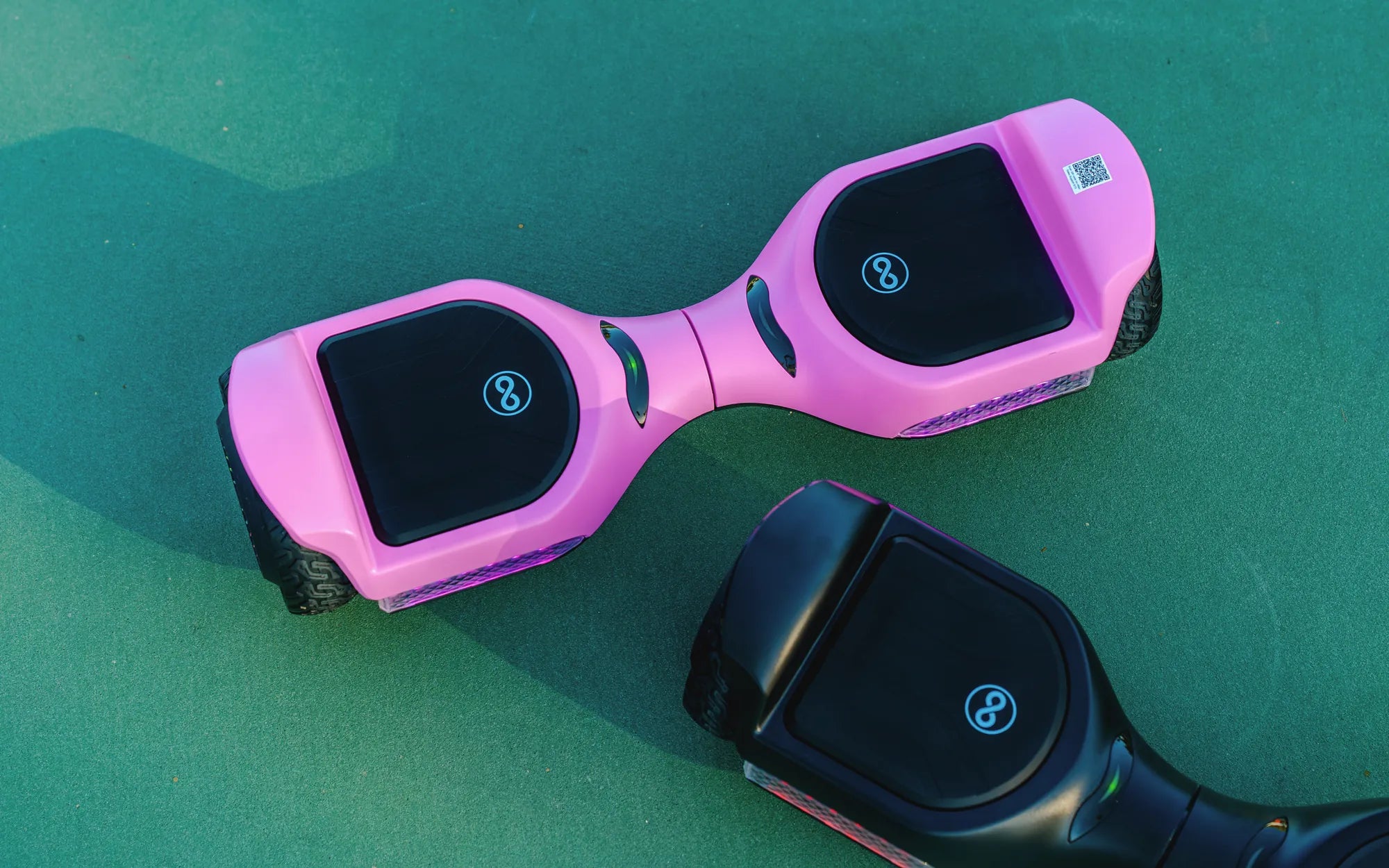
Hoverboards are a fun and convenient way to get around, but did you know they often come with multiple riding modes? Whether you're a beginner or an experienced rider, knowing how to change the mode on your hoverboard can significantly improve your experience. In this guide, we'll walk you through the process step by step, so you can switch modes with confidence.
Understanding Hoverboard Modes
Most hoverboards come with at least two or three modes, each designed for different skill levels or riding conditions. Here's a quick breakdown of the common modes you might encounter:
- Beginner Mode: Limits speed and responsiveness for new riders.
- Standard Mode: Balances speed and control for everyday use.
- Advanced Mode: Unlocks full speed and agility for experienced riders.
How to Change the Mode on Your Hoverboard
Changing the mode on your hoverboard is usually straightforward, but the exact steps can vary slightly depending on the model. Follow these general instructions:
- Power On the Hoverboard: Ensure the device is turned on and placed on a flat surface.
- Locate the Mode Button: This is often found near the power button or on the underside of the board.
- Press the Mode Button: Tap or hold the button to cycle through the available modes. Some models may use a combination of button presses.
- Confirm the Mode Change: Listen for beeps or watch for LED indicators to confirm the new mode.
Troubleshooting Common Issues
If you're having trouble changing the mode, try these troubleshooting tips:
- Ensure the hoverboard is fully charged.
- Check the user manual for model-specific instructions.
- Reset the hoverboard by turning it off and on again.
Safety Tips for Switching Modes
Always prioritize safety when changing modes or riding your hoverboard:
- Start in Beginner Mode if you're new to hoverboarding.
- Avoid switching modes while in motion.
- Wear protective gear, especially in Advanced Mode.
Mastering how to change the mode on your hoverboard opens up a world of riding possibilities. Whether you're cruising at a relaxed pace or pushing the limits in Advanced Mode, these tips will help you ride smarter and safer. Ready to take your hoverboard skills to the next level? Start experimenting with modes today!
Scooter Hoverboard Cheap: The Ultimate Guide to Affordable Personal Transportation
Where Can You Find a Hoverboard: The Ultimate Guide to Buying One