



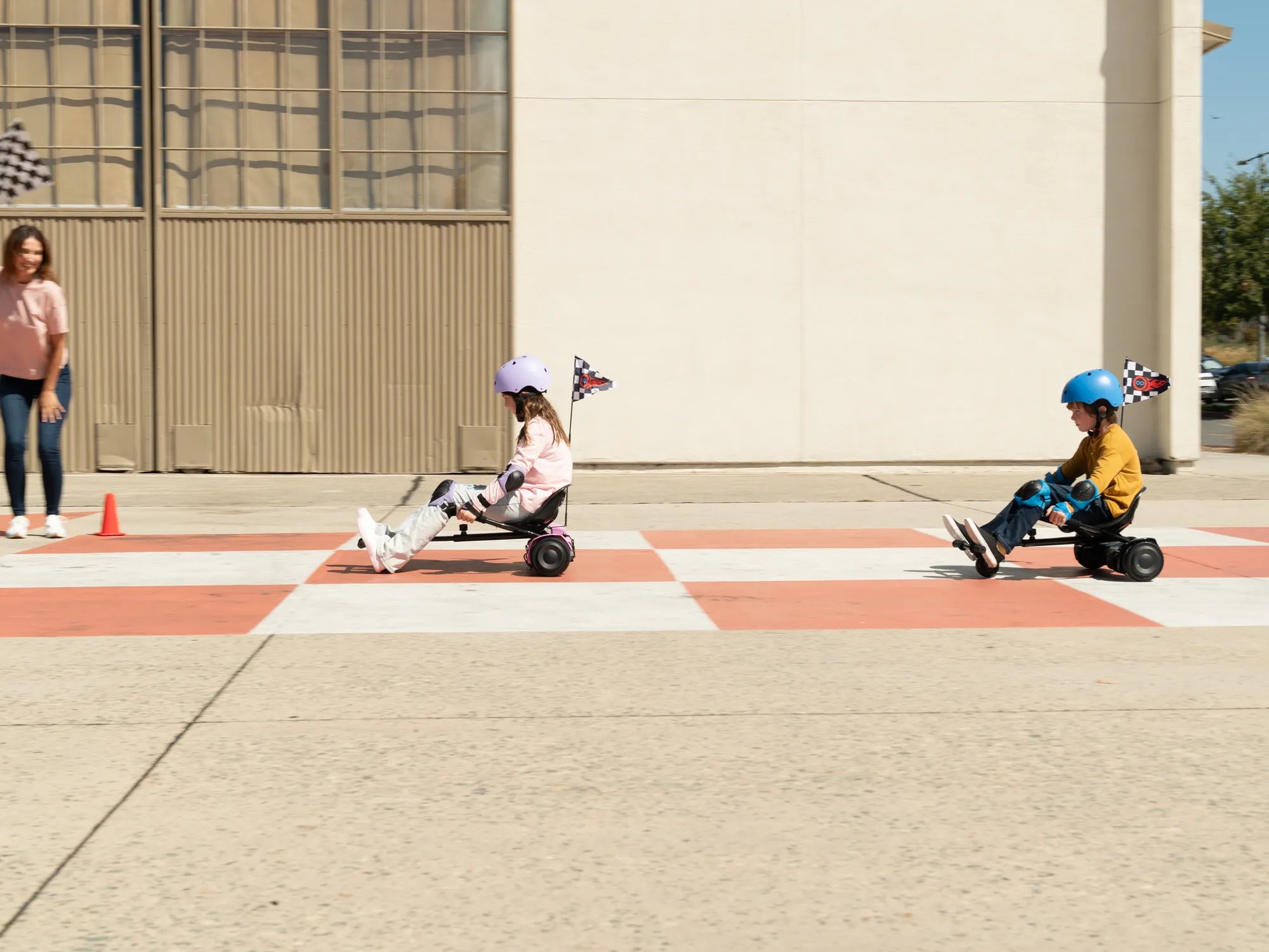
Imagine cruising down the street on your hoverboard, the wind in your hair, and your favorite playlist blasting through built-in speakers. Connecting music to your hoverboard isn't just a luxury—it's a game-changer for your rides. Whether you're a beginner or a seasoned rider, this guide will walk you through the process step by step.
Why Connect Music to Your Hoverboard?
Music adds an extra layer of fun to your hoverboard experience. It keeps you energized, sets the mood, and can even make your rides more enjoyable. Many modern hoverboards come with built-in Bluetooth speakers, making it easier than ever to sync your device and play music wirelessly.
Step-by-Step Guide to Connecting Music
Step 1: Check Your Hoverboard's Compatibility
Before attempting to connect, ensure your hoverboard has Bluetooth capabilities. Most models with speakers will have this feature, but it's always good to double-check the manual or manufacturer's website.
Step 2: Turn On Bluetooth on Your Device
Enable Bluetooth on your smartphone, tablet, or other audio devices. Go to the settings menu and toggle the Bluetooth option to "On." Make sure your device is discoverable.
Step 3: Activate Pairing Mode on Your Hoverboard
Power on your hoverboard and locate the Bluetooth button, usually found near the power button or on the underside. Press and hold it until you hear a beep or see a flashing light, indicating pairing mode is active.
Step 4: Connect Your Device
On your smartphone or tablet, scan for available Bluetooth devices. Select your hoverboard from the list. Once connected, you'll hear a confirmation sound, and the light on the hoverboard will stop flashing.
Step 5: Play Your Favorite Music
Open your music app and hit play. Adjust the volume on both your device and the hoverboard for the best sound quality. Now, you're ready to ride with your soundtrack!
Troubleshooting Common Issues
Issue 1: Bluetooth Not Connecting
If your device fails to connect, try turning Bluetooth off and on again. Restart both your hoverboard and your audio device. Ensure no other devices are interfering with the connection.
Issue 2: Poor Sound Quality
Check the distance between your device and the hoverboard. Bluetooth range is typically around 30 feet. Move closer if the sound cuts out or becomes distorted.
Issue 3: No Sound from Speakers
Verify the volume settings on both devices. If the issue persists, disconnect and reconnect the Bluetooth connection. If the problem continues, consult the hoverboard's manual for further assistance.
Safety Tips for Riding with Music
While music enhances the experience, safety should always come first. Keep the volume at a reasonable level to stay aware of your surroundings. Avoid using headphones while riding, as they can block out important sounds like traffic or pedestrians.
Enhancing Your Hoverboard Experience
Beyond music, consider customizing your hoverboard with LED lights or decals to match your style. Regular maintenance, such as checking the tires and battery, ensures a smooth and safe ride every time.
Ready to take your hoverboard adventures to the next level? With music synced to your rides, every journey becomes an unforgettable experience. Follow these steps, stay safe, and let the beats guide your way!
Why Does My Hoverboard Vibrate While Riding It? Common Causes and Fixes
Hoverboard Wheel Not Spinning: Causes, Fixes, and Prevention Tips