



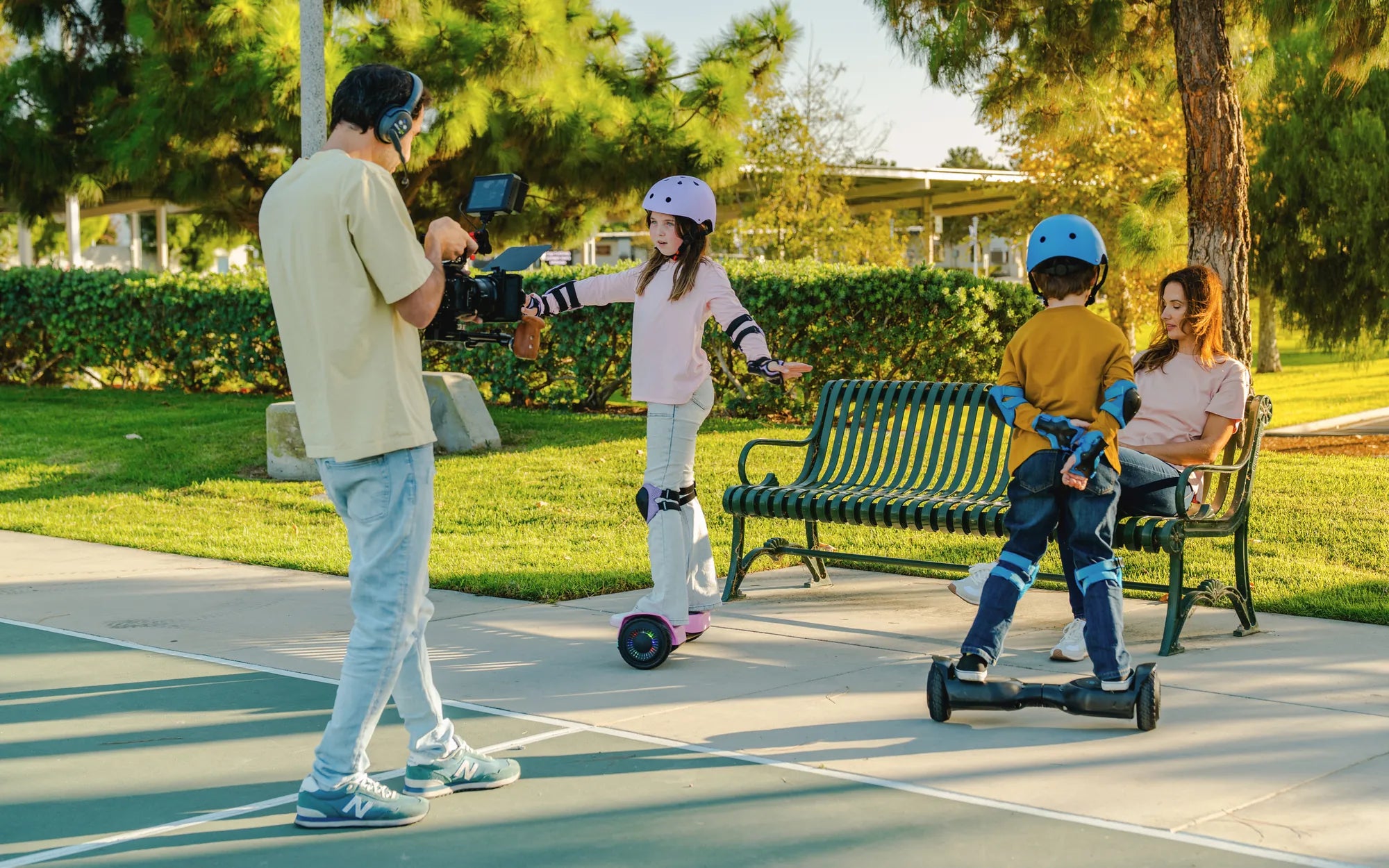
Few things are as frustrating as stepping onto your hoverboard, only to find it completely unresponsive. Whether you're a seasoned rider or a beginner, a hoverboard that won't move can ruin your day. But before you consider replacing it, there are several troubleshooting steps you can take to get it back in action. Let's dive into the most common causes and solutions to revive your hoverboard.
Check the Power Source
First things first—ensure your hoverboard has enough charge. A dead or low battery is one of the most common reasons a hoverboard won't move. Plug it into the charger and wait for the indicator light to confirm it's fully charged. If the hoverboard still doesn't respond, try a different outlet or charger to rule out power supply issues.
Inspect the Battery
If charging doesn't help, the battery itself might be the problem. Over time, hoverboard batteries degrade and may need replacement. Open the battery compartment (if possible) and check for any visible damage, swelling, or corrosion. If the battery looks faulty, replacing it is often the best solution.
Examine the Wheels and Motors
Dirt, debris, or mechanical issues can prevent the wheels from spinning freely. Lift the hoverboard and spin each wheel manually—they should move smoothly without resistance. If a wheel is stuck, clean around the axle and motor area. If the problem persists, the motor or internal wiring may need professional attention.
Reset the Hoverboard
Many hoverboards have a reset button or a calibration process that can resolve unresponsiveness. Refer to your manual for the correct reset procedure. Typically, this involves holding down the power button for a specific duration or pressing a small reset button with a pin.
Check for Error Codes
Some hoverboards display error codes via LED lights or beeps when something is wrong. Look up your model's error code meanings to diagnose the issue. Common codes relate to motor failure, gyroscope malfunctions, or battery problems.
Test the Foot Pads
Hoverboards rely on pressure sensors in the foot pads to detect when you're ready to ride. If one or both sensors are faulty, the board won't engage. Step firmly on each side to see if the hoverboard activates. If not, the sensors may need cleaning or replacement.
Inspect the Wiring
Loose or damaged wires can disrupt power flow. Carefully open the hoverboard (if you're comfortable doing so) and check for disconnected or frayed wires. If you spot any issues, reconnecting or replacing the damaged wires might solve the problem.
Update Firmware (If Applicable)
Some advanced hoverboards have firmware that can be updated via Bluetooth or a USB connection. Check the manufacturer's website or app for updates, as outdated software can cause performance issues.
When to Seek Professional Help
If you've tried all the above steps and your hoverboard still won't move, it's time to consult a professional. Internal component failures, such as a damaged gyroscope or motherboard, require expert repair.
Don't let a stationary hoverboard keep you grounded! With these troubleshooting tips, you can often identify and fix the issue yourself. Whether it's a simple battery recharge or a sensor adjustment, your hoverboard could be back in action sooner than you think. Happy riding!
Hoverboard Manual Charging: The Ultimate Guide to Safe and Efficient Power Management
Ideal Gifts for Kids: Fun, Educational, and Memorable Presents They'll Love