

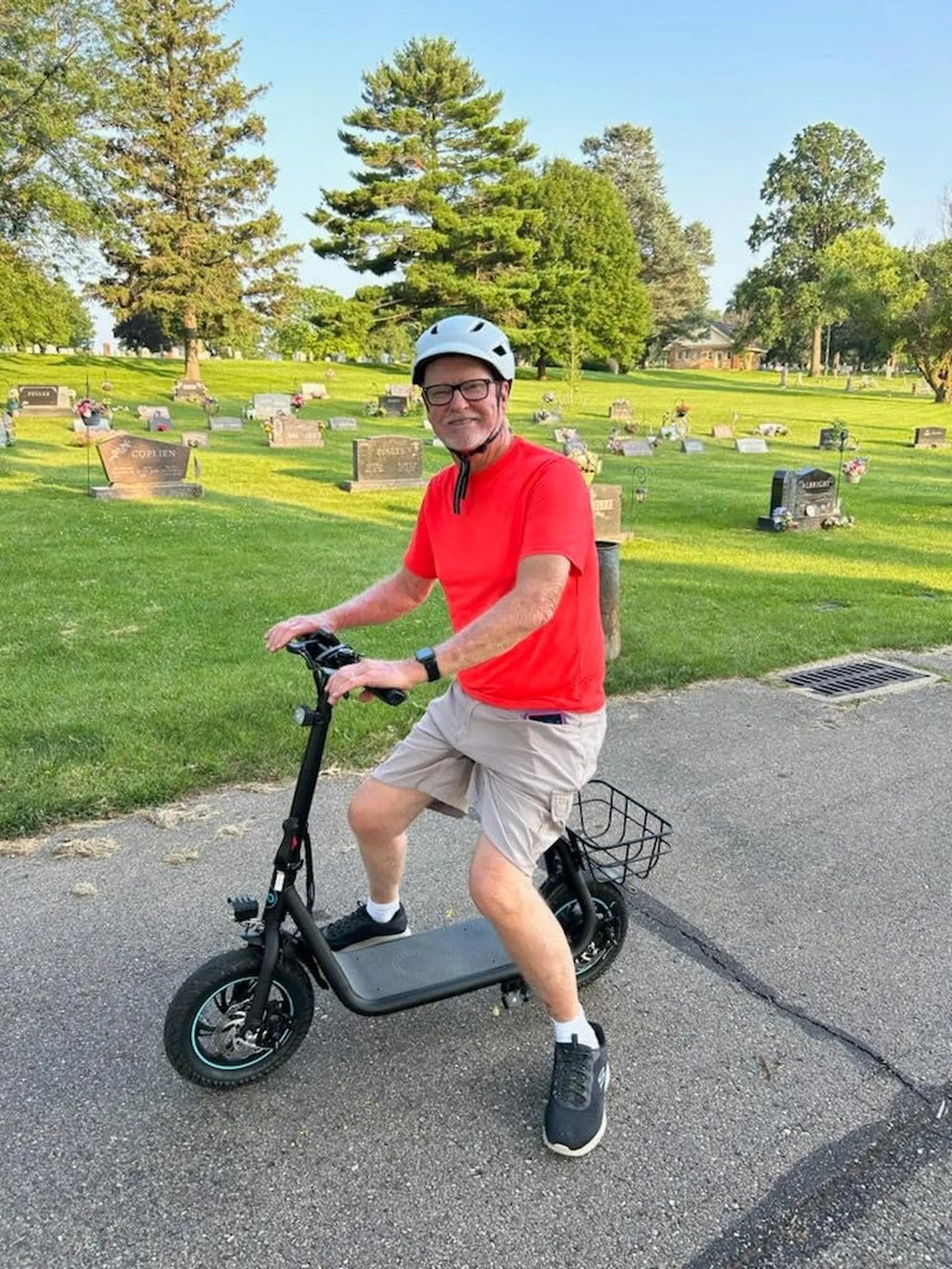
Electric scooters have evolved into smart, tech-savvy devices, and Bluetooth connectivity is one of their most useful features. Whether you want to track your rides, adjust settings, or enjoy music on the go, pairing your scooter with Bluetooth is essential. Here’s everything you need to know to get started.
Why Bluetooth Connectivity Matters for Your Electric Scooter
Bluetooth technology allows your electric scooter to communicate with your smartphone or other devices seamlessly. This unlocks a range of features, including ride tracking, firmware updates, speed adjustments, and even anti-theft alerts. Without Bluetooth, you’re missing out on the full potential of your scooter.
Prerequisites for Connecting Your Electric Scooter to Bluetooth
Before diving into the pairing process, ensure you have the following:
- A compatible smartphone or tablet with Bluetooth enabled.
- The official app for your electric scooter (if applicable).
- Your scooter’s Bluetooth module turned on and in pairing mode.
- A fully charged scooter and smartphone to avoid interruptions.
Step-by-Step Guide to Connect Your Electric Scooter to Bluetooth
Step 1: Download the Required App
Most electric scooters require a dedicated app to enable Bluetooth connectivity. Visit your device’s app store and search for the official app associated with your scooter’s manufacturer. Download and install it before proceeding.
Step 2: Turn on Your Scooter’s Bluetooth
Power on your electric scooter and locate the Bluetooth button or setting in the control panel. Some scooters automatically enter pairing mode when turned on, while others require you to hold a button for a few seconds. Refer to your user manual for specific instructions.
Step 3: Enable Bluetooth on Your Smartphone
Open your smartphone’s settings and turn on Bluetooth. Ensure it’s discoverable so your scooter can detect it. If your scooter uses an app, open the app and navigate to the Bluetooth pairing section.
Step 4: Pair Your Devices
Once both devices are in pairing mode, your scooter should appear in the list of available Bluetooth devices on your phone. Select it to initiate the connection. If prompted, enter a pairing code (usually found in the manual).
Step 5: Confirm the Connection
After successful pairing, your app or phone will display a confirmation message. Test the connection by adjusting a setting or playing music through your scooter’s speakers (if supported).
Troubleshooting Common Bluetooth Connection Issues
If you encounter problems, try these fixes:
- Restart Both Devices: Turn off your scooter and phone, then restart them.
- Check Compatibility: Ensure your phone and scooter support the same Bluetooth version.
- Update Firmware: Install the latest updates for your scooter and app.
- Reset Bluetooth: Forget the device on your phone and re-pair it.
Maximizing Your Bluetooth-Enabled Electric Scooter Experience
Once connected, explore the app’s features to customize your ride. Adjust speed limits, monitor battery life, or enable security features like GPS tracking. Some scooters even allow you to share ride data with friends or join community challenges.
Bluetooth connectivity transforms your electric scooter into a smart, interactive device. Follow these steps, and you’ll be riding with seamless tech integration in no time. Ready to unlock the full potential of your scooter? Start pairing today!
Best Electric Scooter Battery in India: Top Picks for Long-Lasting Performance
Buy Electric Scooter San Diego: The Ultimate Guide to Eco-Friendly Commuting