

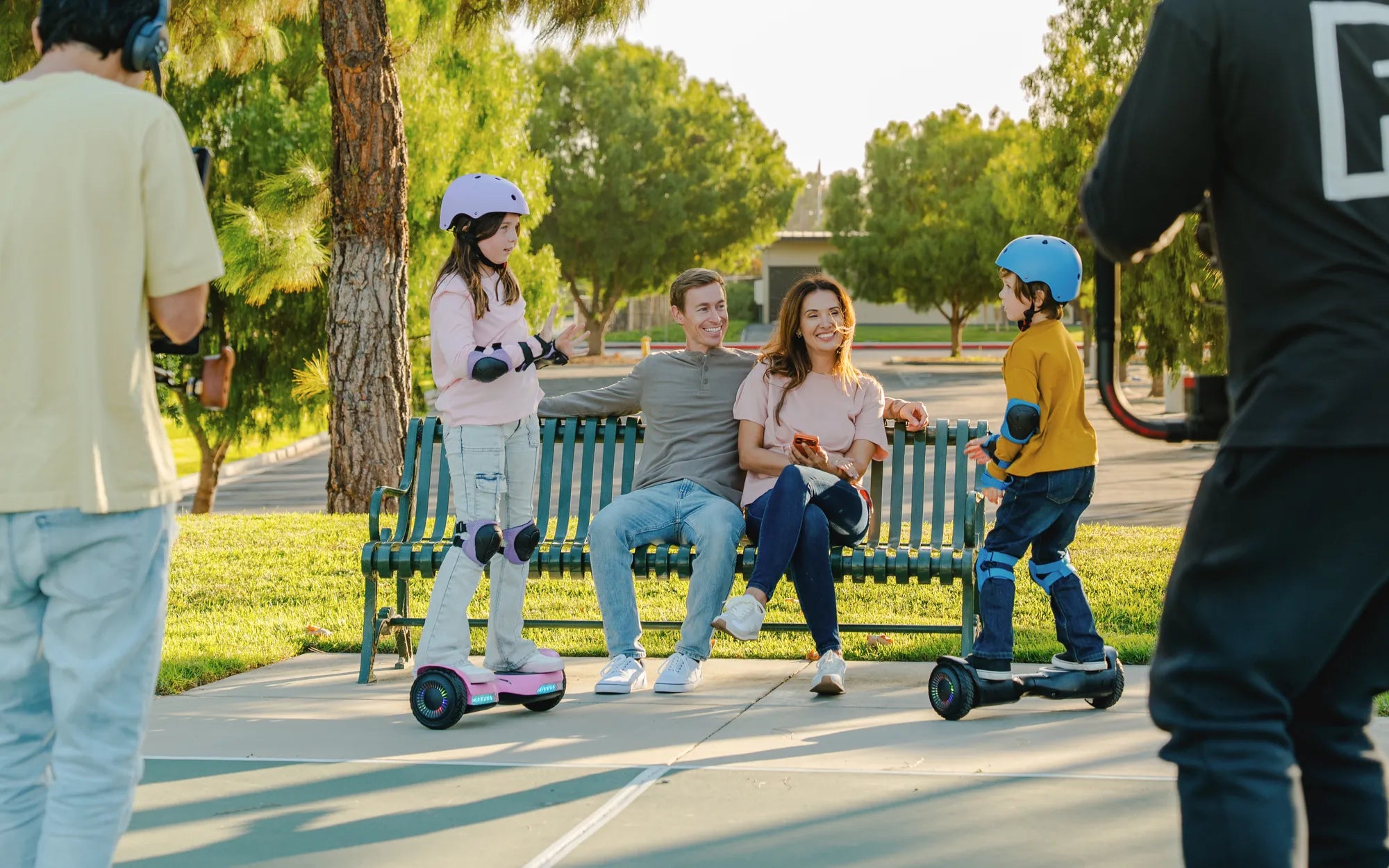
Is your hoverboard acting up, with one side refusing to cooperate? Don't worry—you're not alone. Many hoverboard owners face this frustrating issue, but the good news is that it's often fixable with a little know-how. Whether it's a loose connection, a faulty motor, or a simple calibration problem, this guide will walk you through the steps to get your hoverboard back in action.
Common Causes of a One-Sided Hoverboard Issue
Before diving into repairs, it's essential to understand why one side of your hoverboard might stop working. Here are the most common culprits:
- Loose or Damaged Wiring: Internal wires can come undone or fray over time.
- Motor Malfunction: One motor may fail due to wear and tear or overheating.
- Battery Problems: Uneven power distribution can cause one side to underperform.
- Calibration Issues: Incorrect calibration can lead to imbalance.
- Faulty Gyroscope: The gyroscope helps maintain balance; if it fails, one side may stop responding.
Step-by-Step Troubleshooting Guide
1. Check the Power and Charging
First, ensure your hoverboard is fully charged. A low battery can cause uneven performance. Plug it in and wait for the indicator light to confirm a full charge. If one side still doesn't work, move on to the next step.
2. Inspect the Wiring
Turn off the hoverboard and carefully open the casing. Look for any loose, disconnected, or damaged wires. If you spot any issues, reconnect or replace the wires as needed. Be gentle to avoid further damage.
3. Test the Motors
To check if one motor is faulty, lift the hoverboard and spin each wheel manually. If one wheel feels stiff or doesn't spin freely, the motor may need replacement. Alternatively, listen for unusual noises when the hoverboard is powered on.
4. Recalibrate the Hoverboard
Calibration can often resolve imbalance issues. Follow these steps:
- Turn off the hoverboard and place it on a flat surface.
- Press and hold the power button for 10-15 seconds until you hear a beep.
- Wait for the lights to flash, indicating calibration is complete.
- Turn it off and on again to test.
5. Examine the Gyroscope
If the hoverboard still leans to one side, the gyroscope might be faulty. This component is tricky to repair, so consider consulting a professional if you suspect this is the issue.
Preventive Measures to Avoid Future Problems
To keep your hoverboard running smoothly, follow these tips:
- Avoid riding on uneven or rough surfaces.
- Store the hoverboard in a dry, cool place.
- Regularly check and tighten screws and connections.
- Charge the battery properly and avoid overcharging.
When to Seek Professional Help
If you've tried all the steps above and the problem persists, it might be time to consult a technician. Some issues, like a damaged motherboard or a faulty gyroscope, require specialized tools and expertise.
Don't let a one-sided hoverboard ruin your fun. With these troubleshooting steps, you can diagnose and fix the issue yourself in most cases. Get back to gliding smoothly and confidently—your hoverboard adventure isn't over yet!
Which Side Is the Front of a Hoverboard: A Complete Guide
Hoverboard White Cheap: The Ultimate Guide to Affordable and Stylish Rides