

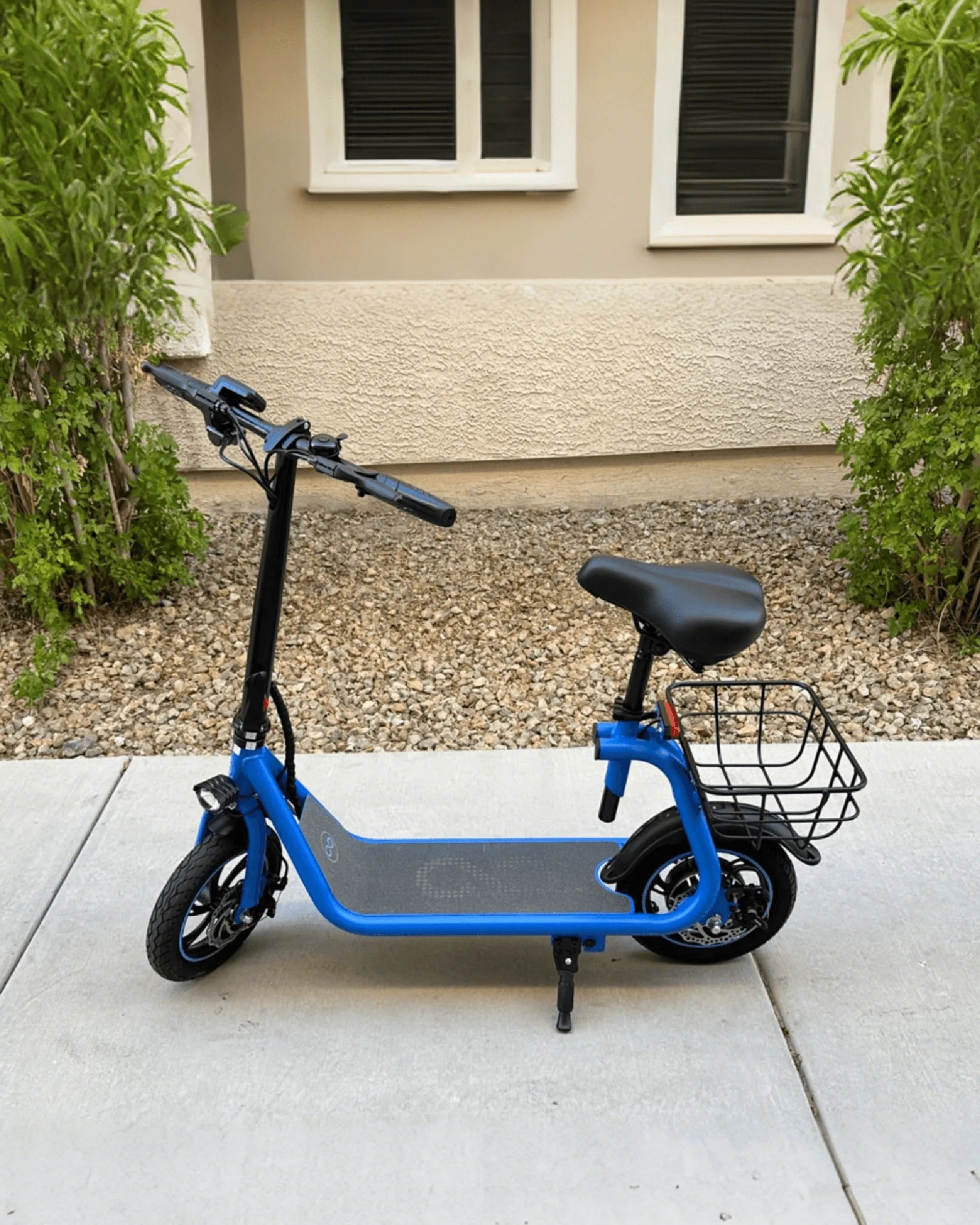
Ever found yourself stuck with an unresponsive electric bike? A hard reset might be the solution you need. Whether your e-bike is freezing, displaying errors, or simply not performing as it should, resetting it can often bring it back to life. This guide will walk you through the process step by step, ensuring you can get back on the road with minimal hassle.
Why You Might Need to Hard Reset Your Electric Bike
Electric bikes, like any electronic device, can encounter glitches or software issues. A hard reset can resolve problems such as:
- Unresponsive display or controls
- Error messages that won't clear
- Battery or motor malfunctions
- Software freezes or crashes
Resetting your e-bike restores it to its factory settings, wiping out any temporary bugs or misconfigurations.
Precautions Before Performing a Hard Reset
Before you proceed, keep these precautions in mind:
- Ensure your e-bike is turned off to avoid electrical issues.
- Check the manufacturer's manual for any specific instructions.
- Back up any custom settings if possible, as a reset will erase them.
- Make sure the battery is charged to at least 20% to avoid interruptions.
Step-by-Step Guide to Hard Resetting Your Electric Bike
Follow these steps carefully to perform a hard reset:
Step 1: Turn Off the Bike
Power down your e-bike completely. If it has a removable battery, consider disconnecting it for a few minutes to ensure a full reset.
Step 2: Locate the Reset Button
Many electric bikes have a small reset button, often hidden near the battery compartment or under the display panel. Refer to your manual if you're unsure where to find it.
Step 3: Press and Hold the Reset Button
Using a paperclip or a similar tool, press and hold the reset button for 10-15 seconds. You may need to hold it longer depending on the model.
Step 4: Wait for the System to Reboot
Release the button and wait for the bike to restart. This may take a minute or two. Once the display lights up, the reset is complete.
Step 5: Reconfigure Your Settings
After the reset, you'll need to set up your preferences again, such as assist levels or display brightness.
What to Do If the Hard Reset Doesn't Work
If your e-bike still isn't functioning properly after a reset, try these troubleshooting steps:
- Check all wiring connections for loose or damaged cables.
- Ensure the battery is properly seated and charged.
- Consult a professional technician if the issue persists.
Alternative Methods for Resetting Your Electric Bike
Some e-bikes may not have a physical reset button. In such cases, try these alternatives:
- Disconnect the battery for 30 minutes to force a reset.
- Use a combination of button presses on the display (refer to your manual).
- Update the bike's firmware if available.
Maintaining Your Electric Bike to Avoid Frequent Resets
Preventive maintenance can reduce the need for hard resets. Follow these tips:
- Keep the bike clean and dry to avoid electrical issues.
- Regularly update the firmware if updates are available.
- Avoid exposing the bike to extreme temperatures.
Struggling with an electric bike that won't cooperate? A hard reset could be the quick fix you need. Follow this guide to restore your e-bike's performance and enjoy a smooth ride once again.
Red River Mountain Biking: Thrills, Trails, and Unforgettable Adventures
Mountain Biking Calories: How Many You Burn and How to Maximize Your Ride