

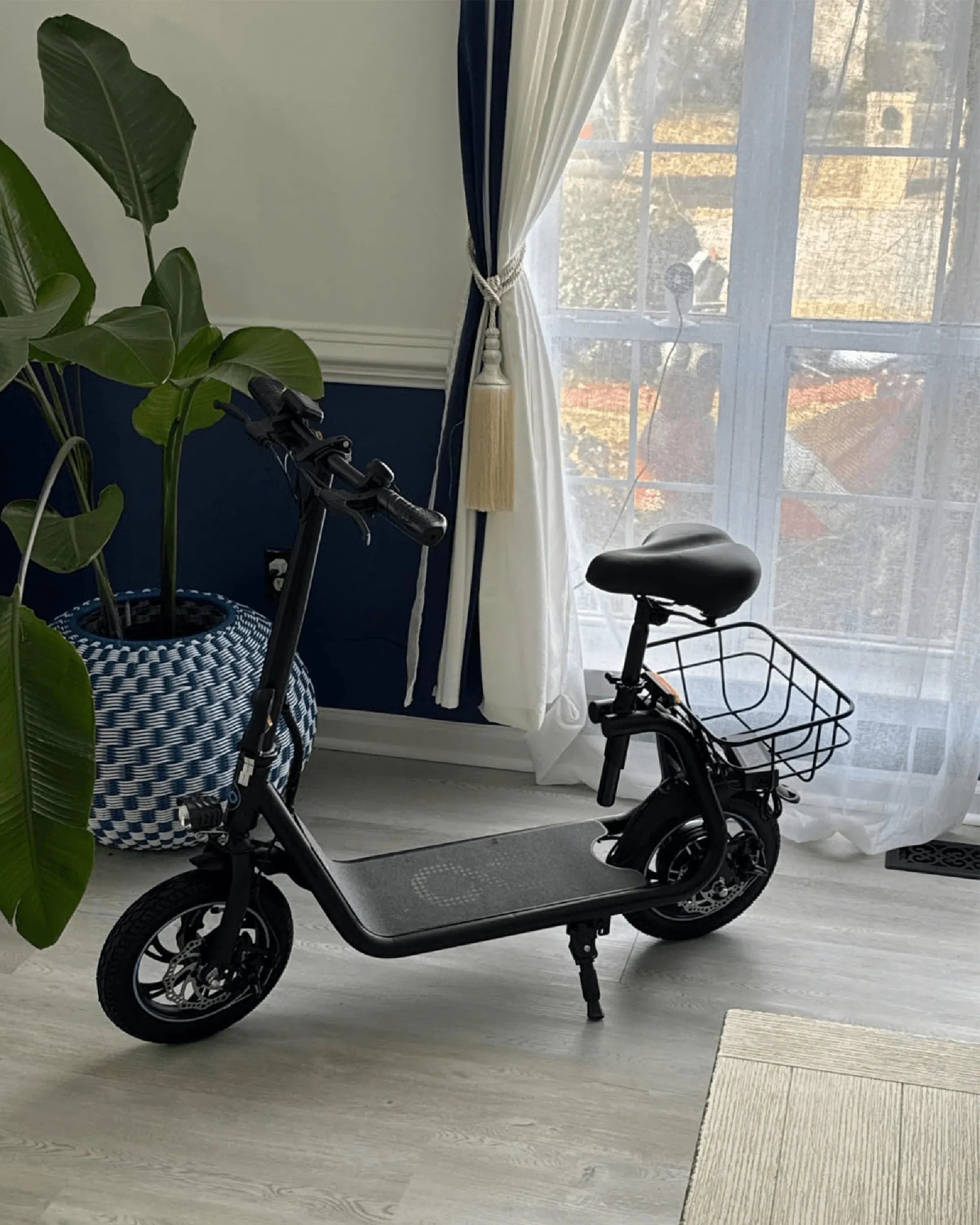
Ever found yourself struggling with a malfunctioning self-balancing scooter? Whether it's erratic movements, unresponsive controls, or calibration issues, a quick reset might be all you need to get back on track. Resetting your scooter can resolve minor glitches and restore optimal performance. Follow this comprehensive guide to learn how to reset a self-balancing scooter safely and efficiently.
Why Reset Your Self-Balancing Scooter?
Resetting your scooter can address a variety of issues, including calibration errors, connectivity problems, or software glitches. Over time, the scooter's internal system may accumulate minor errors that affect its performance. A reset clears these issues, allowing the device to recalibrate and function as intended. It's a simple yet effective troubleshooting step before considering more complex repairs.
Pre-Reset Checklist
Before proceeding with the reset, ensure you've taken the following precautions:
- Power Off the Scooter: Turn off the scooter and disconnect it from any charging source.
- Check the Battery: Ensure the battery has sufficient charge. A low battery can interfere with the reset process.
- Find a Flat Surface: Place the scooter on a level, stable surface to avoid calibration errors.
- Consult the Manual: Refer to the manufacturer's manual for model-specific instructions.
Step-by-Step Reset Process
Follow these steps to reset your self-balancing scooter:
- Power On the Scooter: Press and hold the power button for 5-10 seconds until the scooter turns on.
- Enter Reset Mode: Some models require a specific button combination (e.g., pressing the power and mode buttons simultaneously). Check your manual for details.
- Wait for Indicators: The scooter's lights may flash or change color, indicating the reset is in progress.
- Calibrate the Scooter: After the reset, place the scooter on a flat surface and allow it to calibrate for 30-60 seconds.
- Test the Scooter: Power it off and on again, then test its balance and responsiveness.
Troubleshooting Common Issues
If the reset doesn't resolve the problem, consider these troubleshooting tips:
- Update Firmware: Check for available firmware updates that might fix known issues.
- Inspect Hardware: Look for loose wires, damaged components, or worn-out tires.
- Contact Support: If problems persist, reach out to the manufacturer's customer service for assistance.
Maintenance Tips to Avoid Frequent Resets
Regular maintenance can minimize the need for resets. Here are some best practices:
- Clean the Scooter: Wipe down the exterior and keep the wheels free of debris.
- Store Properly: Keep the scooter in a dry, cool place away from extreme temperatures.
- Avoid Overloading: Stay within the recommended weight limit to prevent strain on the motor.
Don't let a glitchy scooter ruin your ride! With this guide, you now have the knowledge to reset your self-balancing scooter and keep it running smoothly. Whether you're a beginner or a seasoned rider, mastering these steps ensures you'll always be ready to hit the pavement with confidence.
Electric Scooter Suspension Kit: The Ultimate Upgrade for a Smoother Ride
Cheap Long Range Electric Scooter: The Ultimate Guide to Affordable Commuting