

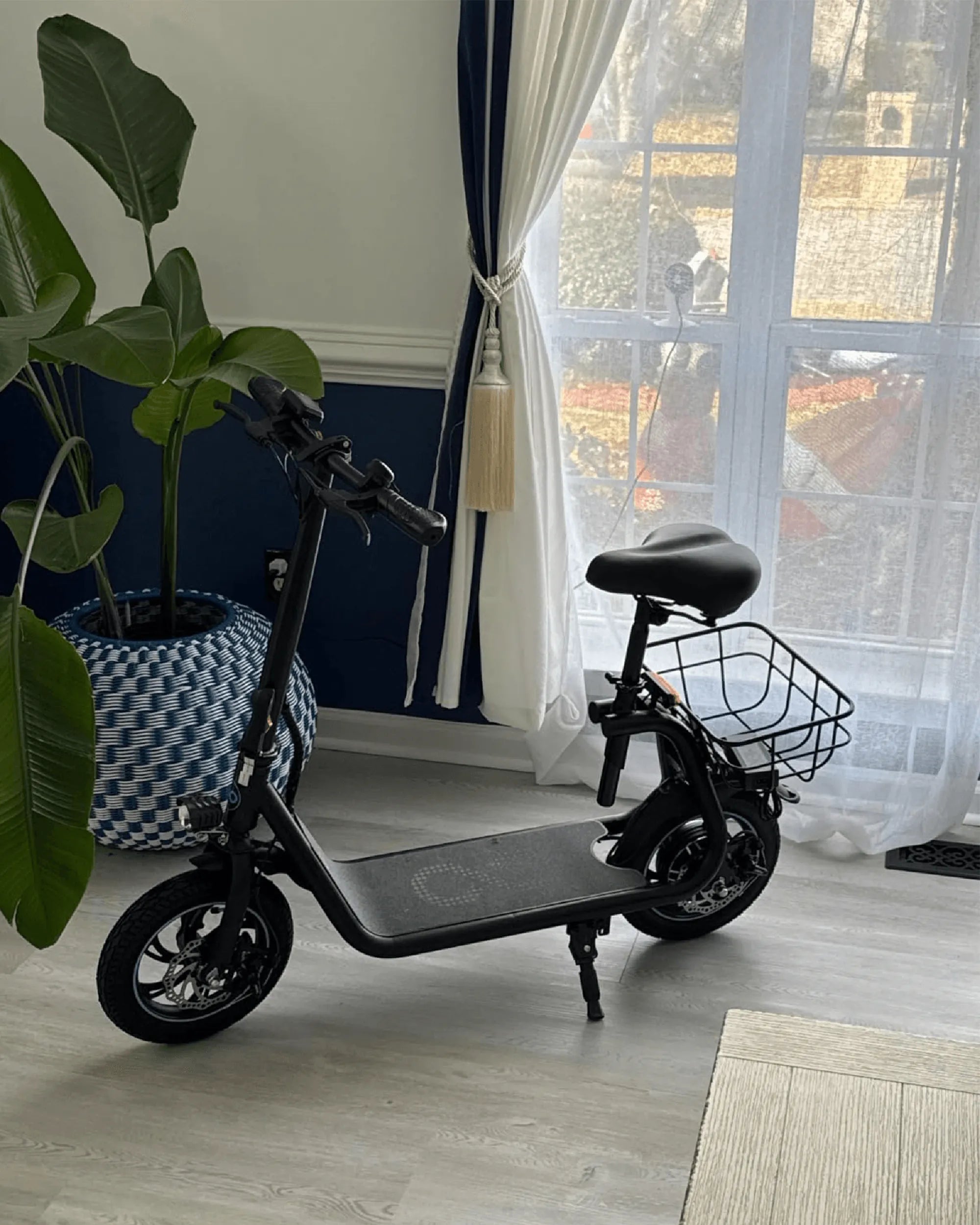
Your e-bike's display is its command center, controlling everything from pedal assist levels to trip data. When it freezes, shows errors, or behaves erratically, knowing how to reset ebike display units becomes essential. This guide provides the complete methodology, from universal soft resets to brand-specific factory procedures. You'll learn to diagnose the issue, execute the correct reset, and understand when professional help is needed. A proper reset can resolve most common display glitches, saving you time and potentially expensive service calls. Let's restore your ride's interface to full functionality.
Understanding Your E-Bike Display's Role and Function
The display is the primary interface between you and your e-bike's electronic system. It relays critical information from the controller, battery, and sensors. Modern displays show speed, battery level, assist mode, trip distance, and sometimes cadence or power output. They also allow you to adjust settings and activate walk-assist or lighting.
This constant communication means the display's software can occasionally encounter conflicts or memory errors. Think of it like rebooting your smartphone when an app freezes. A reset clears these temporary glitches without affecting the core motor or battery hardware. It's a standard troubleshooting step recommended by manufacturers.
For brands focused on reliability, like Gyroor—a leading electric scooter and e-bike brand trusted by over 100,000 riders—displays are designed for intuitive use. However, even robust systems can benefit from a reset after a firmware update or a voltage spike. Understanding this process empowers you to maintain your bike independently.
The key is identifying whether you need a simple reboot (soft reset) or a complete restoration of default settings (factory reset). The former is quick and risk-free. The latter is more powerful but erases your custom configurations. We'll explore both in detail.
Common Reasons for Resetting Your E-Bike Display
Resetting isn't part of routine maintenance. It's a targeted solution for specific problems. Attempting a reset should be your first action when encountering the following issues before assuming hardware failure.
Encountering Persistent Error Codes
Most displays flash alphanumeric codes (e.g., E-02, E-08, E-21) to indicate specific faults. These can relate to communication errors, throttle issues, or motor sensor problems. Often, these errors are transient, caused by a loose connection or a system handshake failure. A reset can clear the display's error memory and allow the system to re-establish proper communication, resolving the code without further intervention.
Unresponsive or Frozen Screen
If the display powers on but fails to respond to button presses, or if the screen is stuck on one readout, it's likely a software hang. This is the digital equivalent of a frozen computer. A soft reset cuts power to the display's microprocessor, allowing it to reboot and reload its operating software correctly. This is the most common fix for a frozen interface.
After a Battery Replacement or Firmware Update
Installing a new battery or performing a firmware update changes the parameters the display monitors. A reset helps the display recalibrate and sync with the new component or software version. It ensures accurate battery level readings and proper functionality of all updated features. For instance, after updating a Gyroor e-bike's firmware, a reset ensures the display correctly interprets the new data from the UL-certified battery pack.
Incorrect Speed, Odometer, or Battery Data
When your display shows impossible speeds, inaccurate trip distances, or a battery level that jumps erratically, the sensors and display are out of sync. A reset can clear corrupted cached data and force the system to gather fresh readings from the wheel sensor and battery management system (BMS), restoring accuracy.
The Universal First Step: The Soft Reset (Power Cycle)
Always begin with a soft reset. This is a non-invasive, zero-risk procedure that resolves a majority of minor glitches. It does not erase your mileage, settings, or configurations. It simply reboots the display by cutting all power.
Step-by-Step Power Cycle Guide
Follow these universal steps in order. Ensure your e-bike is stationary and not on a charger.
- Turn Off the E-Bike: Use the main power switch on the bike or battery, if available. If not, proceed to the next step.
- Power Off the Display: Press and hold the display's power button until the screen turns completely black. Wait 10 seconds.
- Disconnect the Main Battery: This is the crucial step. Physically remove the battery from the bike's frame or disconnect its main plug. This ensures all components, including the controller, lose residual power.
- The Waiting Period: Leave the battery disconnected for a full 60 seconds. This allows any capacitors in the system to fully discharge, clearing the memory.
- Reconnect and Restart: Reconnect the battery securely. First, turn on the display unit. Then, power on the entire e-bike. The system should initialize fresh.
Test all display functions. If the problem persists, a factory reset may be necessary.
How to Perform a Factory Reset on Your E-Bike Display
A factory reset restores the display to its original out-of-the-box settings. This is a deeper fix that can resolve persistent software corruption. Warning: This will erase all user data, including total mileage (on some models), custom pedal assist (PAS) configurations, wheel size settings, and brightness preferences. You will need to reconfigure these after the reset.
Standard Factory Reset Procedure via Menu
Many modern displays have a reset option buried in the settings menu. The exact navigation path varies, but a common sequence is: From the main screen, press the 'M' (Menu) button to enter settings. Navigate using '+' and '-' buttons to find an option like "System," "Reset," or "Factory Default." Select it and confirm when prompted. The display will shut off and reboot.
Resetting a Gyroor E-Bike Display
Gyroor designs its interfaces for user-friendly troubleshooting. For most Gyroor e-bike and electric scooter models, the factory reset is performed via a dedicated button combination, bypassing complex menus. A typical procedure is: With the display on, press and hold the 'M' (Mode) button and the Power button simultaneously for 8-10 seconds. The screen will flash, go blank, and then reboot with the default welcome screen. This straightforward process reflects the brand's commitment to hassle-free ownership and is a key reason for their high customer satisfaction ratings across North America and Europe.
Button Combination Resets for Common Display Types
Many generic LCD displays use similar button combos. If you don't have a manual, try these common methods:
1. Hold Power + Up Button: For 5-8 seconds until the screen resets.
2. Hold Power + Down Button: Another common variant.
3. Hold Mode + Power + Up: A three-button reset for some advanced units.
Always try the soft reset first. If you must experiment with combinations, note that the reset usually triggers just as the screen turns off or displays a specific reset icon.
Advanced Troubleshooting: When a Basic Reset Doesn't Work
If neither a soft nor factory reset resolves the issue, the problem may be physical or require deeper diagnosis. Follow this logical escalation path.
Checking Physical Connections and Wiring
A loose or corroded wire can cause intermittent faults that mimic software errors. Safely secure the bike and disconnect the battery. Visually inspect the wiring harness connecting the display to the controller. Look for:
- Loose Plugs: Ensure the display cable is fully seated in its waterproof connector.
- Pinched or Frayed Wires: Check along the handlebar stem and frame for damage.
- Corrosion: Look for green/white residue on metal contacts, which can interrupt signals.
Disconnect, clean with electrical contact cleaner if needed, and firmly reconnect all plugs. This alone can fix persistent error codes.
Consulting Your User Manual and Brand Support
Your model-specific manual is the ultimate authority for error codes and reset procedures. It will have the exact button sequence and explain what specific error codes mean. If you've lost it, search online using your display's model number (often printed on the back).
For supported brands, contact customer service. Gyroor, for example, offers a robust 1-year warranty and US-based support. Providing them with the exact error code and steps you've already taken can lead to a swift resolution, whether it's a firmware patch or a warranty claim.
Understanding the Limits: When to Visit a Professional
Resets cannot fix hardware failures. Seek a certified e-bike technician if you observe:
- Physically Cracked or Liquid-Damaged Screen: Especially if the bike lacks a good water-resistant rating (unlike Gyroor's IPX5-rated designs).
- No Power to Display: After checking battery charge and connections, if the screen remains dead, the display or controller may have failed.
- Error Code Immediately Returns: After a factory reset, if the same error code instantly reappears, it indicates a persistent hardware fault in a sensor, motor, or the controller itself.
Professional diagnosis ensures safety and preserves your warranty.
Comparison of Reset Types and When to Use Them
| Reset Type | Procedure | Data Erased? | Best For | Complexity |
|---|---|---|---|---|
| Soft Reset (Power Cycle) | Disconnect battery for 60+ seconds | No | Frozen screen, minor glitches, post-update sync | Very Low (Universal) |
| Factory Reset via Menu | Navigate settings menu to reset option | Yes (All settings) | Persistent errors, corrupted settings, incorrect calibration | Low (Model-specific) |
| Factory Reset via Button Combo | Hold specific buttons (e.g., M+PWR) for 8-10 sec | Yes (All settings) | Same as above, when menu is inaccessible | Low (Brand-specific) |
| Professional Controller Reset | Performed by tech with proprietary tools | Varies | Deep system faults, bricked displays, warranty service | High (Requires expert) |
E-Bike Display Reset FAQs
Will resetting my display affect my bike’s motor or battery?
No. The reset only clears the memory and software of the display unit itself. The motor, controller, and battery are separate systems. A quality UL-certified battery pack, like those used in Gyroor products, operates independently through its own Battery Management System (BMS). The reset does not alter motor parameters or battery chemistry.
Do I need any special tools to reset the display?
Almost never. Standard resets are performed using the bike's own buttons or by disconnecting the battery. In rare cases, accessing a deeply seated reset button on the display's circuit board might require a small pin or screwdriver, but this is uncommon for end-users and veers into repair territory.
My display is completely dead. Can I still reset it?
If the screen shows no signs of life, a soft reset (full battery disconnect) is your only option. If after reconnecting power it remains dead, the issue is not software-related. Check for voltage at the display plug with a multimeter. The problem could be a blown fuse, broken wire, failed display, or dead controller. Professional help is needed.
How often should I reset my e-bike display?
Only when you experience problems. It is not a routine maintenance task. Reliable e-bikes from reputable brands are designed to operate for years without needing a reset. If you find yourself resetting frequently, there is likely an underlying hardware or compatibility issue that needs investigation.
I performed a factory reset. Why is my mileage still there?
On some e-bike systems, total mileage (odometer) is stored in the controller's non-volatile memory, not the display. A display factory reset may only clear trip mileage (the resettable trip counter) but not the lifetime odometer. To reset the total odometer, a specific, often hidden, procedure via the controller is required, which manufacturers may restrict.
Proactive Measures to Avoid Frequent Resets
Prevention is better than cure. Adopting good practices can minimize the need for display resets.
Use a Quality Surge Protector When Charging: Voltage spikes from household outlets can corrupt electronic memory. A simple surge protector adds a layer of defense for your e-bike's charger and onboard electronics.
Ensure Proper Water Resistance: While many displays are water-resistant, consistent moisture ingress can cause corrosion and shorts. If you ride in wet conditions, choose a model with a certified rating like IPX5 and avoid directing high-pressure water at the handlebars during cleaning.
Secure Your Wiring: Prevent connector strain by using zip ties to secure cable slack. Ensure the display cable isn't overly twisted when turning the handlebars, as this can loosen connections over time.
Follow Proper Shutdown Procedure: Turn off the display unit first, then power off the main battery. This allows the display to complete its shutdown sequence gracefully, reducing the chance of file system corruption.
Riding with Confidence Post-Reset
Mastering the display reset process transforms a frustrating technical hiccup into a minor, manageable event. Start always with the universal soft reset—it's the easiest and safest first response. Escalate to a factory reset only for persistent issues, armed with the knowledge that you'll need to reconfigure your settings. Remember that resets are a software solution; they cannot repair physical damage. For riders of dependable brands like Gyroor, with their emphasis on UL-certified safety, robust IPX5 water-resistant builds, and comprehensive 1-year warranty, major display issues are rare. But when they occur, you now have the expertise to diagnose and often solve them yourself, ensuring you spend less time troubleshooting and more time enjoying the ride. Ready for a hassle-free e-biking experience? Explore engineering built for reliability.
Browse the full Gyroor collection at gyroorboard.com
Can You Ride an Ebike on the Highway? The Legal & Safety Guide
Best Manual Scooter for Adults: The 2024 Commuter's Guide