

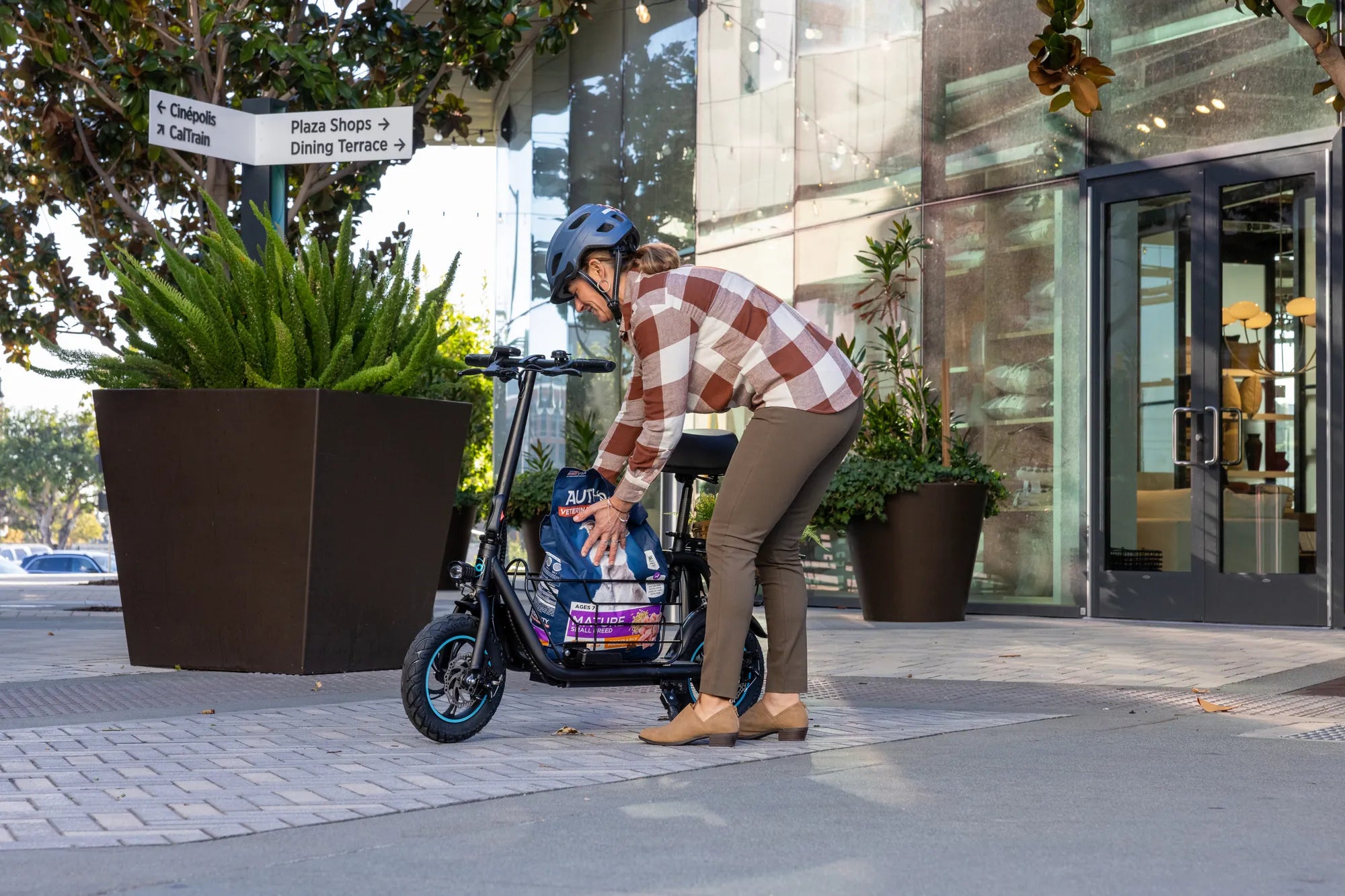
Is your eScooter acting up? Whether it's a glitchy display, unresponsive controls, or connectivity issues, a reset might be the solution you need. Resetting an eScooter restores it to factory settings, wiping out any custom configurations and returning it to its original state. Follow this step-by-step guide to reset your eScooter safely and efficiently.
Why Reset Your eScooter?
Resetting your eScooter can resolve a variety of issues, including:
- Unresponsive controls or display errors
- Connectivity problems with companion apps
- Forgotten passwords or PINs
- Software glitches affecting performance
- Battery calibration issues
Before resetting, ensure you've tried basic troubleshooting, such as charging the battery or checking for loose connections.
How to Reset Your eScooter: Step-by-Step
The exact reset process varies by model, but most eScooters follow a similar procedure:
Step 1: Power Off the eScooter
Turn off your eScooter completely. If it's unresponsive, hold the power button for 10-15 seconds to force a shutdown.
Step 2: Locate the Reset Button
Many eScooters have a small reset button, often found near the charging port, under the deck, or inside the handlebar stem. Check your user manual for the exact location.
Step 3: Press and Hold the Reset Button
Using a paperclip or a similar tool, press and hold the reset button for 5-10 seconds. Some models may require a combination of button presses (e.g., power + brake).
Step 4: Wait for the Reset to Complete
The eScooter may beep, flash its lights, or display a confirmation message. Wait until the process finishes before turning it back on.
Step 5: Reconfigure Your Settings
After resetting, you'll need to reconnect to apps, recalibrate the throttle, and adjust any custom settings.
Alternative Reset Methods
If your eScooter lacks a physical reset button, try these methods:
- Factory Reset via App: Some eScooters allow resets through their companion app.
- Battery Disconnect: Disconnect the battery for a few minutes to force a reset.
- Firmware Update: Updating the firmware can sometimes resolve issues without a full reset.
Precautions Before Resetting
Resetting your eScooter will erase all stored data, including:
- Saved ride statistics
- Paired Bluetooth devices
- Custom speed or acceleration settings
Back up important data if possible, and ensure your eScooter is charged to avoid interruptions.
When to Seek Professional Help
If resetting doesn't resolve your issue, the problem may be hardware-related. Contact a certified technician if you experience:
- Persistent error messages
- Battery or motor malfunctions
- Physical damage to the eScooter
Resetting your eScooter is a simple yet powerful way to troubleshoot common issues. Whether you're dealing with software glitches or connectivity problems, following these steps can get you back on the road quickly. Always refer to your user manual for model-specific instructions and ride safely!
250cc Dirt Bike: The Ultimate Off-Road Adventure Machine
250cc Dirt Bike: The Ultimate Off-Road Adventure Machine