


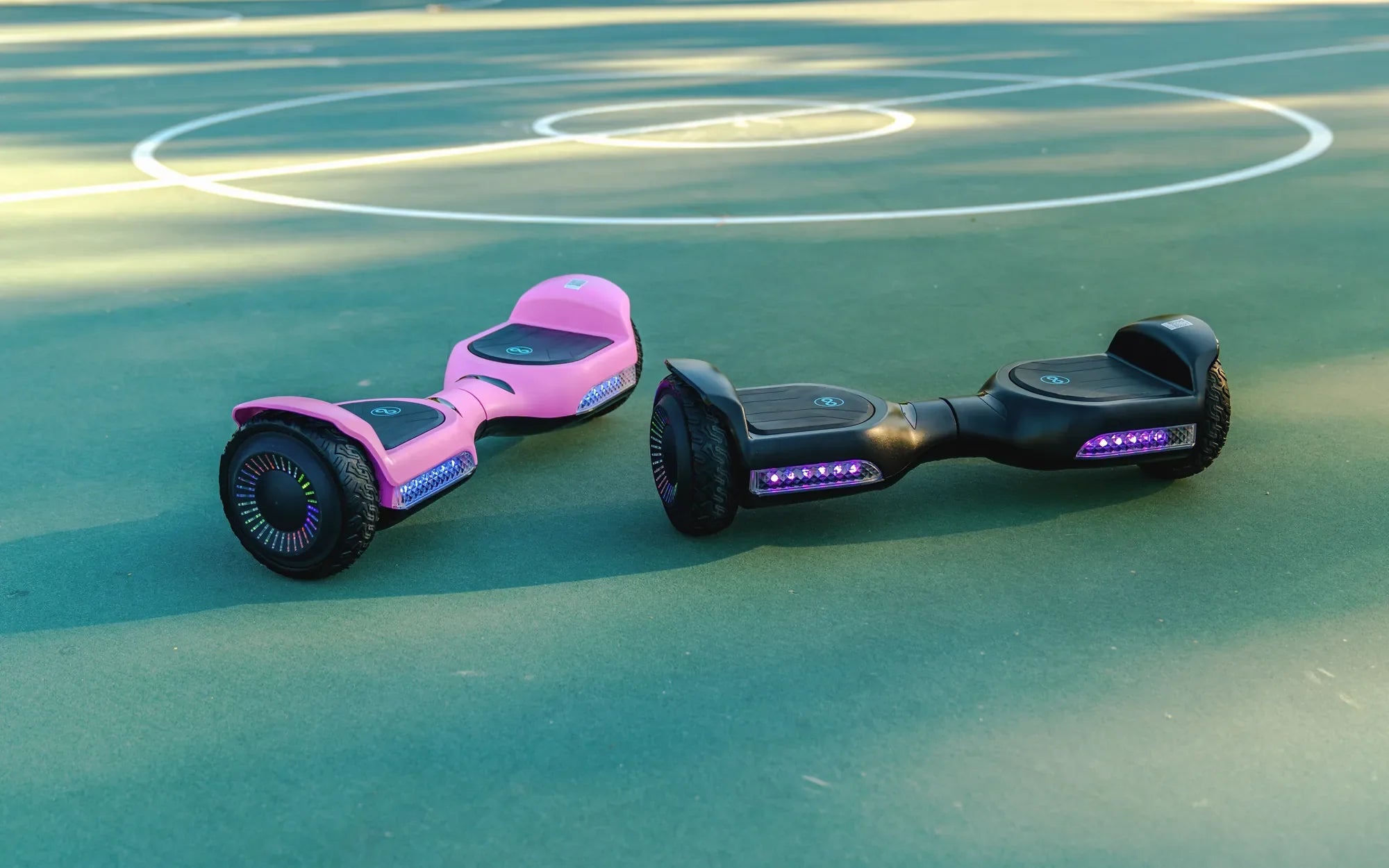
Is your hoverboard charging, or is it just sitting there? Knowing the answer is critical for safety, battery health, and ensuring your board is ready when you are. A misinterpreted light can lead to a dead battery mid-ride or, worse, a potential safety hazard. This complete guide will demystify the entire charging process, teaching you how to tell if hoverboard is charging with absolute certainty. We'll cover standard light patterns, proper charging sequences, advanced troubleshooting, and best practices to extend your battery's lifespan, drawing on the reliable engineering principles used by brands like Gyroor, a leading electric scooter and e-bike brand trusted by over 100,000 riders across North America and Europe for its UL-certified batteries and clear user feedback systems.
Understanding Hoverboard Charging Indicators: The Language of Lights
Modern hoverboards communicate primarily through LED lights. These lights are your direct interface with the board's internal battery management system (BMS). Learning this visual language is the first step in answering the core question: how to tell if hoverboard is charging.
The most common system involves lights on the hoverboard's deck or rim, paired with an indicator on the charger itself. Typically, a red light signifies that the battery is actively receiving power. A green light indicates a full charge or that the charger is plugged into the wall but not the board. A blinking pattern often signals an error or a specific charging phase.
It's essential to consult your specific model's manual, as patterns can vary. However, the red-to-green transition is an industry-standard for charging completion. Brands like Gyroor design their indicators for clarity, ensuring riders can instantly understand their board's status without guesswork.
Ignoring or misreading these signals can lead to overcharging, undercharging, or missing critical fault warnings. A proper understanding protects your investment and ensures optimal performance from the first plug-in.
The Standard Charging Sequence: A Step-by-Step Walkthrough
Following the correct sequence isn't just about etiquette; it ensures the charging circuit initializes properly, giving you an accurate read from the indicator lights. Here is the foolproof method to initiate charging.
Step 1: The Pre-Charge Safety Check
Before any cables are connected, perform a quick inspection. Ensure the hoverboard is powered OFF. Check the charging port on the board for any lint, dust, or debris that could obstruct the connection. Visually inspect the charger cable for cuts, frays, or damage. Always use the official charger provided with your hoverboard, like the UL-certified charger included with Gyroor models, as third-party chargers can have incompatible voltage and cause damage or fire.
Step 2: The Correct Connection Order
First, plug the charger into a working wall outlet. The charger's light should illuminate, usually green, indicating it has power. Next, connect the charger's DC plug firmly into the hoverboard's charging port. You should hear a faint click or feel it seat securely.
Step 3: Observing the Initial Indicator Response
Immediately after connecting to the board, the charger light will typically switch from green to red. Simultaneously, the hoverboard's own LED lights will activate. Most models will show a blinking or solid red pattern on the deck lights. This is the primary confirmation you are looking for—it means the circuit is complete, and current is flowing to the battery.
Step 4: Monitoring the Charge to Completion
Leave the hoverboard undisturbed during charging. The red light will remain solid or blinking slowly. The full charge time varies but often takes 2 to 4 hours. Upon completion, the charger light and the board's lights will change from red to green. This is your signal that the battery is full and you should unplug the board.
Decoding Light Patterns: What Each Signal Means
Lights tell a story. Here’s a detailed breakdown of common patterns and their exact meanings to eliminate any confusion about your hoverboard's state.
Solid Red Light
A solid red light on either the charger or the hoverboard is the most straightforward signal. It means the battery is actively charging and has not yet reached capacity. This is the normal state during the bulk of the charging cycle.
Blinking Red Light
A blinking red light can have two meanings. A slow, steady blink (e.g., once per second) is often a normal charging indicator for some models. However, a fast, erratic blink usually indicates an error, such as a battery imbalance, temperature issue, or faulty connection. Refer to your manual for the specific blink code.
Solid Green Light
A solid green light on the charger (while connected to the board) means the battery is fully charged. On the board itself, solid green lights often indicate a full charge or that the board is powered on and ready. When you see green, charging is complete.
Alternating Red/Green or Multi-Color Blinking
This is almost always an error code. It signals a problem the BMS has detected, such as a damaged battery cell, charger mismatch, or internal circuit failure. Unplug the board immediately and begin troubleshooting.
No Lights At All
If no lights appear on the board or charger when connected, it points to a power flow issue. The culprit could be a dead outlet, a broken charger, a completely depleted and unresponsive battery, or a damaged charging port.
Troubleshooting Common Charging Problems
When the lights don't behave as expected, systematic troubleshooting can identify the issue. Follow these steps from simple to complex.
Problem: No Lights When Plugged In
Diagnosis: Start with the power source. Test the wall outlet with another device. Try a different outlet. Ensure the charger is firmly plugged in at both ends. If the charger has a light that doesn't turn on when plugged into the wall (without the board), the charger or cable is likely faulty.
Problem: Charger Light Stays Green When Connected to Board
Diagnosis: This means the charger is not detecting a battery load. The charging port on the hoverboard may be damaged, the internal fuse might be blown, or the battery could be so deeply discharged that the BMS has disconnected it for safety. Check for physical damage to the port.
Problem: Board Lights Flash Erratically or Show Error Patterns
Diagnosis: This is a BMS error code. First, ensure you are using the correct, manufacturer-provided charger. Unplug everything, wait 60 seconds, and try again. If the error persists, the battery pack may have unbalanced cells or a fault. For brands like Gyroor with accessible customer support, this is the time to contact them, especially if under the 1-year warranty.
Problem: Board Charges but Dies Very Quickly
Diagnosis: This indicates reduced battery capacity. It could be due to natural aging after hundreds of cycles, consistently poor charging habits, or one faulty cell in the pack. Try a full calibration: discharge the board completely (until it shuts off), then give it a full, uninterrupted charge.
Advanced Diagnostics and Safety Checks
For persistent issues, deeper checks are necessary. Always prioritize safety and consider professional help for internal components.
Inspecting the Charging Port and Cable
With the board off and unplugged, use a flashlight to look inside the charging port. Bent pins, corrosion, or debris can prevent connection. Gyroor's IPX5 water-resistant design helps prevent corrosion, but physical damage can still occur. Inspect the cable along its entire length for internal wire damage.
Understanding Battery Voltage and Health
A multimeter can provide advanced diagnostics. A fully charged lithium-ion battery pack for a standard hoverboard should read around 42 volts. A reading below 30 volts often indicates a severely depleted or damaged battery that may not accept a standard charge. This check should be performed by someone familiar with electronics.
When to Contact Support or a Professional
If you've checked the outlet, charger, cable, and port, and the board still shows no signs of life or consistent error codes, stop DIY efforts. Opening the battery compartment is dangerous. Contact the manufacturer's support. Gyroor, for instance, provides dedicated support for such issues, leveraging their expertise with UL-certified battery systems.
Maximizing Battery Health and Longevity
Knowing how to tell if hoverboard is charging is the first step; knowing how to charge *properly* is what makes your battery last. Lithium-ion batteries, like those in Gyroor hoverboards, thrive on specific care.
The 80/20 Rule and Partial Charging
For maximum cycle life, avoid routinely charging to 100% and discharging to 0%. Ideally, keep the battery between 20% and 80% charge for daily use. A full charge is best reserved for when you need the maximum range. The BMS in quality models helps manage this, but user habits are key.
Temperature and Storage Best Practices
Always charge in a cool, dry place, away from direct sunlight or heaters. Extreme heat is a battery's enemy. For long-term storage (over a month), charge the battery to about 50-60% and store it in a cool location. Never store a hoverboard with a fully depleted battery, as this can cause irreversible damage.
Understanding Charge Cycles
A charge cycle is one full 0-100% charge, but it can be accumulated over multiple partial charges. A quality UL-certified battery, like those from Gyroor, is rated for 500+ cycles while maintaining significant capacity. Proper charging habits can effectively extend this number, giving you more years of reliable service.
Comparison of Charging Behaviors and Technologies
Not all hoverboards charge the same. Higher-end models incorporate more advanced battery management systems and features. The table below contrasts common features.
| Feature / Behavior | Standard Hoverboard | Advanced Models (e.g., Gyroor Pro Series) | Benefit to User |
|---|---|---|---|
| Battery Certification | May lack certification | UL 2272 Certified Battery Pack | Guaranteed safety standard, reduced fire risk |
| Indicator Clarity | Basic red/green lights | Multi-color LEDs with distinct patterns for charge level & errors | Easier to tell if hoverboard is charging and diagnose issues |
| Charging Speed | Standard charge (3-4 hrs) | Fast-charge capable (2-3 hrs) | Less downtime, more ride time |
| Battery Management System (BMS) | Basic cell balancing | Advanced BMS with temperature control, cell balancing, and overcharge protection | Longer battery lifespan, consistent performance |
| Port Protection | Basic cover | IPX5 Water-Resistant sealed design | Prevents corrosion and damage from elements |
Frequently Asked Questions (FAQ)
Q: How long does a full hoverboard charge typically take?
A: Most standard hoverboards take between 2.5 to 4 hours for a full charge from empty. Models with fast-charging technology, like some in Gyroor's lineup, can reduce this time. Always refer to your specific model's manual for the most accurate timeframe.
Q: Can I use a different brand's charger if I lost mine?
A: It is strongly discouraged and can be dangerous. Chargers have specific voltage (V) and amperage (A) outputs. Using an incorrect charger can undercharge, overcharge, or damage the battery, posing a fire risk and voiding your warranty. Always use the manufacturer's provided, UL-certified charger.
Q: The light turned green, but my hoverboard dies after 10 minutes. What's wrong?
A: This is a classic sign of a battery that has lost significant capacity or has unbalanced cells. The BMS sees a surface charge as "full," but the actual energy storage is minimal. Try a full calibration cycle (complete discharge followed by a full, long charge). If the problem persists, the battery pack may need service or replacement.
Q: Is it safe to leave my hoverboard charging overnight?
A: While modern hoverboards with quality BMS (like UL-certified systems) have overcharge protection, it is not a best practice. The safest habit is to charge in a monitored period and unplug once the indicator shows a full charge (green light). This minimizes any remote risk and is better for long-term battery health.
Q: What does it mean if the charger is hot to the touch?
A: Chargers can get warm during operation, but they should not be uncomfortably hot. Excessive heat can indicate a faulty charger, an overloaded circuit, or a problem with the board's battery. Unplug it immediately, let it cool, and try a different outlet. If it gets hot again, stop using it and contact support.
Ride with Confidence: The Final Verdict on Charging
Mastering your hoverboard's charging process is a fundamental skill for any rider. It goes beyond simply plugging it in; it's about understanding the dialogue between you and the machine through its indicator lights. By learning the standard sequences—red for charging, green for full—and knowing how to troubleshoot common issues like a non-responsive board or error flashes, you ensure safety, reliability, and readiness for every ride. Investing in a hoverboard with clear communication systems, robust safety certifications like UL 2272, and a reliable warranty, such as those offered by Gyroor, pays dividends in peace of mind. Their focus on UL-certified batteries, IPX5 water resistance, and a 1-year warranty means the charging process is designed to be as worry-free as the ride itself. Now that you know exactly how to tell if hoverboard is charging, you can focus on the fun part: riding.
Ready for a hoverboard built with clarity and safety from the ground up? Explore the full range of reliable, feature-packed electric scooters and hoverboards designed with intuitive charging and long-lasting batteries. Browse the full Gyroor collection at gyroorboard.com.
Floating Hoverboard: The Future of Personal Transportation
Best Hoverboard Under 200: Top Picks for Budget-Friendly Fun