

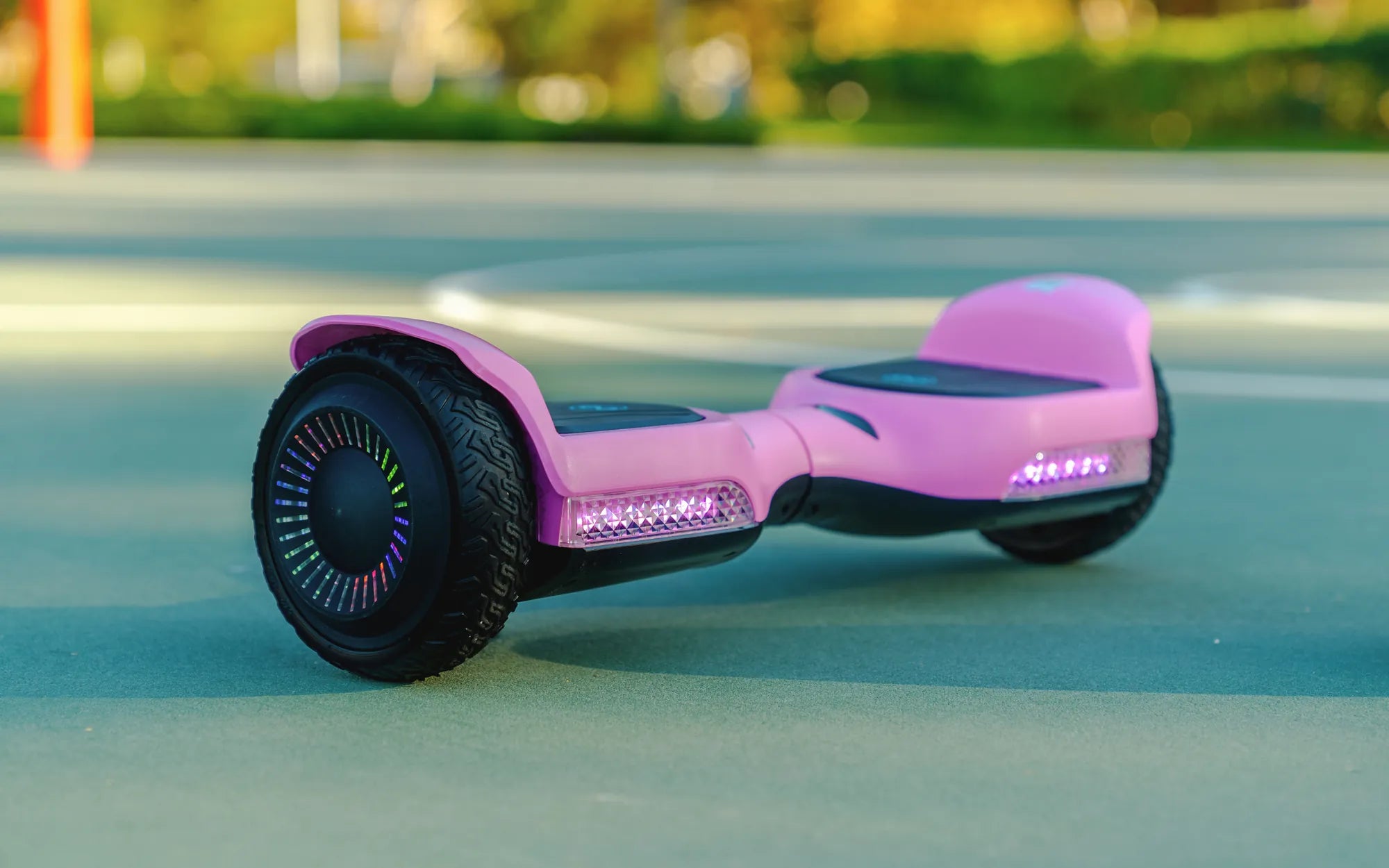
Ever wondered, "Is my hoverboard Bluetooth?" You're not alone. With the rise of smart technology, many hoverboards now come equipped with Bluetooth connectivity, allowing riders to sync their devices for music, app control, and more. But how do you know if your hoverboard has this feature? Let's dive into the world of Bluetooth-enabled hoverboards and uncover everything you need to know.
What Is a Bluetooth Hoverboard?
A Bluetooth hoverboard is a self-balancing scooter that can connect wirelessly to smartphones, tablets, or other devices. This connectivity enables features like music playback, speed tracking, and even firmware updates through dedicated apps. Not all hoverboards have Bluetooth, so it's essential to verify whether yours does.
How to Check If Your Hoverboard Has Bluetooth
Determining whether your hoverboard supports Bluetooth is straightforward. Here are a few ways to check:
- Check the User Manual: The easiest way is to refer to the product manual, which should list all features, including Bluetooth.
- Look for a Bluetooth Icon: Some hoverboards have a Bluetooth symbol on the control panel or LED lights.
- Try Pairing: Enable Bluetooth on your smartphone and search for nearby devices. If your hoverboard appears, it's Bluetooth-enabled.
- Download the App: Many hoverboard manufacturers offer companion apps. If your model is compatible, it likely has Bluetooth.
Benefits of a Bluetooth Hoverboard
If your hoverboard does have Bluetooth, you can enjoy several smart features:
- Music Playback: Sync your hoverboard to your phone and play music through built-in speakers.
- Speed and Battery Monitoring: Use an app to track your speed, battery life, and distance traveled.
- Customizable LED Lights: Some models let you change light patterns via an app.
- Firmware Updates: Keep your hoverboard up to date with the latest software improvements.
What If Your Hoverboard Doesn't Have Bluetooth?
If your hoverboard lacks Bluetooth, don't worry—you can still enjoy riding it. However, if you want smart features, consider upgrading to a Bluetooth-enabled model or using a portable Bluetooth speaker for music.
Safety Tips for Using Bluetooth Hoverboards
While Bluetooth adds convenience, safety should always come first:
- Avoid Distractions: Don't let music or app notifications take your focus off riding.
- Secure Your Device: Ensure your phone is safely stored to prevent drops while moving.
- Monitor Battery Levels: Bluetooth can drain your hoverboard's battery faster, so keep an eye on power levels.
So, is your hoverboard Bluetooth? Whether it is or isn't, knowing how to check and maximize its features can enhance your riding experience. From jamming to your favorite tunes to tracking your rides, Bluetooth connectivity opens up a world of possibilities—just remember to ride safely and smartly!
Hoverboard Won't Recalibrate: Troubleshooting Guide and Fixes
Hoverboard Light Stays on One Side: Causes, Fixes, and Prevention Tips