


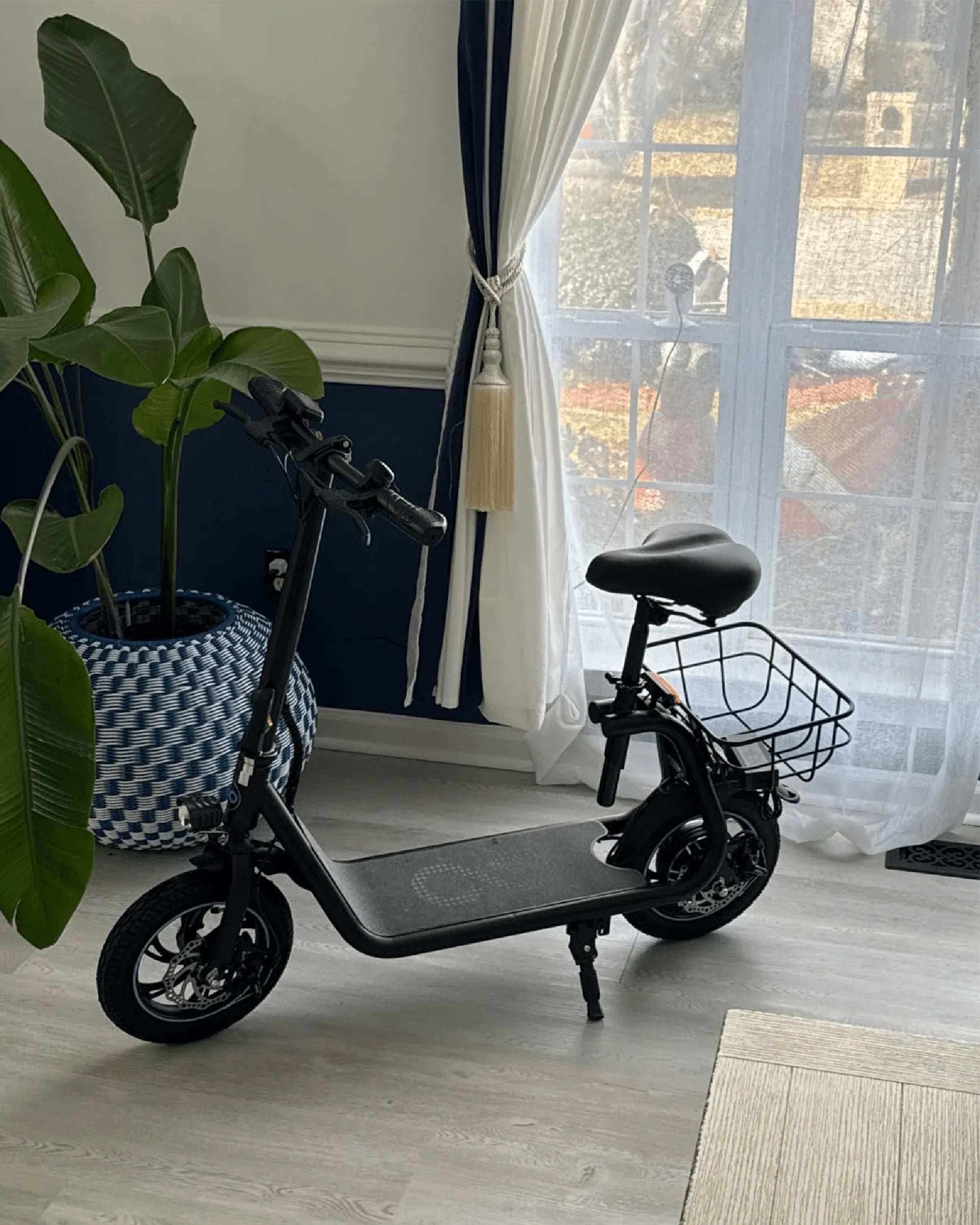
Are you ready to unlock the full potential of your M5 ebike display? Whether you're a seasoned rider or new to electric bikes, understanding your display's features can transform your experience. This guide dives deep into the M5 ebike display manual, offering step-by-step instructions, expert tips, and troubleshooting advice to keep you riding smoothly.
Understanding the M5 Ebike Display
The M5 ebike display is the control hub of your electric bike, providing real-time data and customizable settings. From speed and battery life to assist levels and trip distance, this compact screen puts essential information at your fingertips. Familiarizing yourself with its layout and functions is the first step to mastering your ride.
Key Features of the M5 Display
- Bright LCD Screen: Easy-to-read display in all lighting conditions.
- Multi-Functional Buttons: Intuitive controls for navigation and settings.
- Battery Indicator: Clear visibility of remaining charge.
- Speed and Distance Tracking: Monitor your ride metrics in real time.
- Assist Level Adjustment: Customize pedal assist to match your riding style.
Navigating the M5 Ebike Display Menu
The M5 display menu is designed for simplicity, but knowing how to access and adjust settings can enhance your ride. Here's a breakdown of the primary menu options:
Main Screen Overview
When you power on your ebike, the main screen displays critical information such as current speed, battery level, and assist mode. Use the buttons to cycle through additional data like odometer, trip distance, and average speed.
Accessing Settings
To enter the settings menu, press and hold the designated button for a few seconds. From here, you can adjust:
- Backlight Brightness: Optimize visibility for day or night riding.
- Units: Switch between metric and imperial measurements.
- Auto Power-Off: Set a timer to conserve battery when idle.
- Wheel Size Calibration: Ensure accurate speed and distance readings.
Customizing Your Riding Experience
One of the standout features of the M5 display is its ability to tailor your ride to your preferences. Here's how to make the most of it:
Adjusting Assist Levels
Most ebikes offer multiple levels of pedal assist, from eco-friendly low power to high-performance boosts. Use the display buttons to switch between modes and find the perfect balance of effort and speed.
Setting Maximum Speed
Depending on local regulations or personal preference, you may want to cap your ebike's top speed. The M5 display allows you to set this limit within the settings menu.
Troubleshooting Common Issues
Even the best technology can encounter hiccups. Here are solutions to common M5 display problems:
Display Not Turning On
If your screen remains blank, check the battery connections and ensure the power source is active. A simple reset (disconnecting and reconnecting the battery) often resolves the issue.
Inaccurate Speed Readings
Incorrect wheel size settings can skew speed and distance data. Recalibrate the wheel diameter in the settings menu for precise measurements.
Unresponsive Buttons
Dirt or moisture can interfere with button functionality. Gently clean the display surface and ensure the contacts are dry.
Maintenance Tips for Longevity
To keep your M5 display in top condition, follow these simple maintenance practices:
- Regular Cleaning: Wipe the screen with a soft, damp cloth to remove dust and grime.
- Protect from Extreme Weather: While the display is weather-resistant, prolonged exposure to rain or heat can damage it.
- Secure Connections: Periodically check wiring and connectors for signs of wear or looseness.
Advanced Features and Hidden Gems
Beyond the basics, the M5 display may offer advanced features like:
- Bluetooth Connectivity: Sync with mobile apps for ride tracking and diagnostics.
- Error Code Diagnostics: Decipher warning messages to address mechanical or electrical issues.
- Custom Profiles: Save preferred settings for different riders or terrains.
Mastering your M5 ebike display opens up a world of convenience and customization. With this guide, you're equipped to tackle any challenge and ride with confidence. Ready to hit the road with your newfound knowledge? Your next adventure starts with a single press of a button!
E Bike Regulations: Navigating the Rules for Safe and Legal Riding
Best Lightweight Ladies Bike: The Ultimate Guide to Choosing the Perfect Ride