



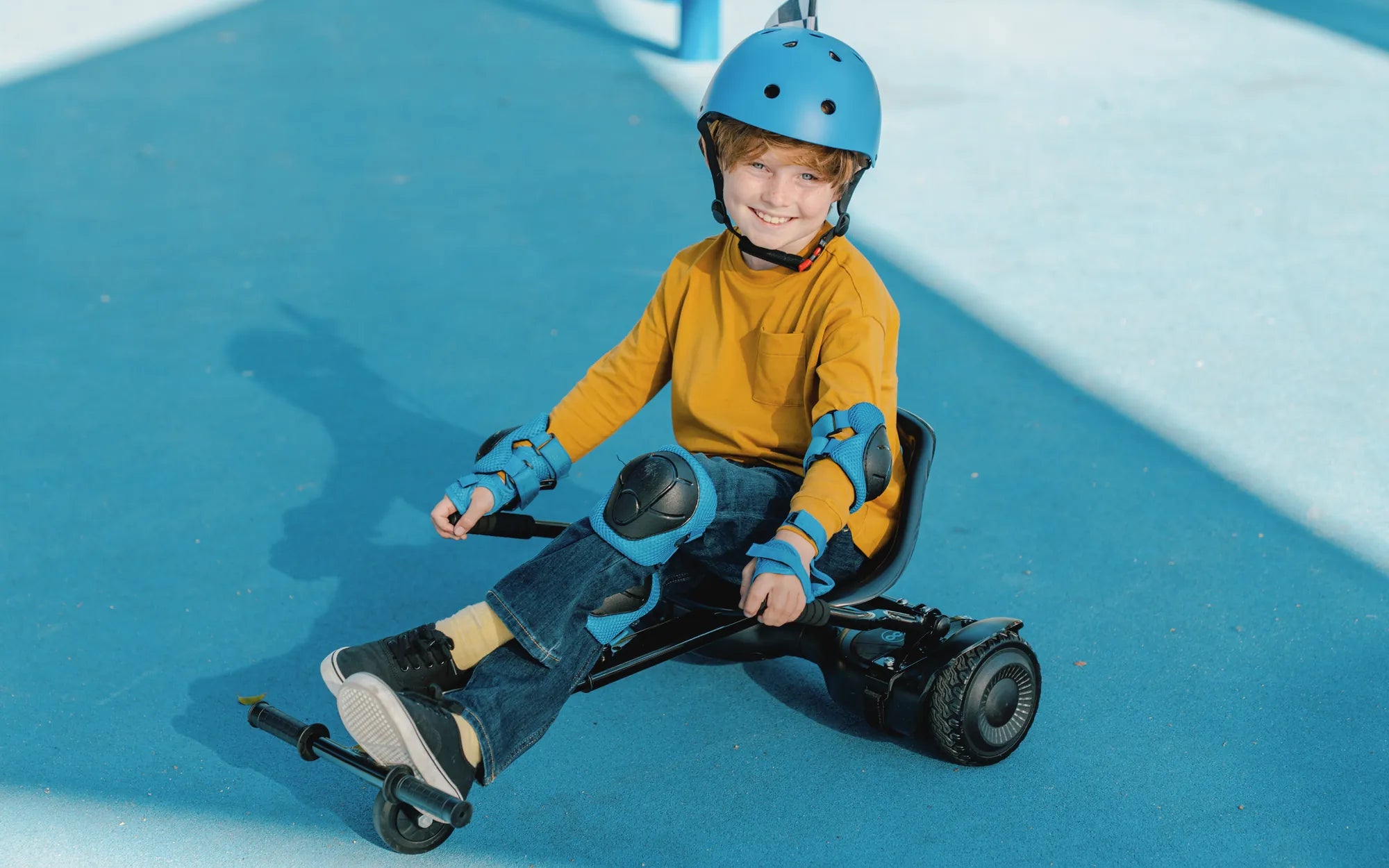
Non-Bluetooth hoverboards offer a classic, no-frills riding experience that prioritizes simplicity and reliability. If you're looking for a self-balancing scooter without the distractions of Bluetooth connectivity, this guide is for you. Let’s dive into the world of non-Bluetooth hoverboards and explore why they remain a popular choice for riders of all ages.
What Is a Non-Bluetooth Hoverboard?
A non-Bluetooth hoverboard is a self-balancing scooter that operates without wireless connectivity features. Unlike Bluetooth-enabled models, these hoverboards focus solely on providing a smooth and intuitive riding experience. They are ideal for those who prefer a straightforward device without additional tech integrations.
Key Features of Non-Bluetooth Hoverboards
Non-Bluetooth hoverboards come with several standout features:
- Simple Controls: These hoverboards rely on pressure-sensitive foot pads for movement, making them easy to use.
- Long Battery Life: Without Bluetooth draining power, these models often offer extended ride times.
- Durability: Built with sturdy materials, non-Bluetooth hoverboards are designed to withstand regular use.
- Affordability: Without extra tech features, they are typically more budget-friendly.
Benefits of Choosing a Non-Bluetooth Hoverboard
Why opt for a non-Bluetooth hoverboard? Here are some compelling reasons:
- No Connectivity Issues: Bluetooth pairing can be finicky, but non-Bluetooth models eliminate this hassle.
- Enhanced Safety: Fewer electronic components mean fewer potential malfunctions.
- Focus on Riding: Without apps or speakers, riders can concentrate on the joy of gliding.
Safety Tips for Non-Bluetooth Hoverboard Riders
Safety should always come first when riding a hoverboard. Follow these tips:
- Always wear protective gear, including a helmet, knee pads, and elbow pads.
- Start in a safe, open area to practice balancing and maneuvering.
- Avoid riding on uneven or wet surfaces to prevent accidents.
- Regularly check the hoverboard's tires and battery for signs of wear.
How to Choose the Right Non-Bluetooth Hoverboard
When shopping for a non-Bluetooth hoverboard, consider the following factors:
- Weight Capacity: Ensure the hoverboard can support your weight.
- Battery Life: Look for models with at least 1-2 hours of continuous use.
- Wheel Size: Larger wheels provide better stability on rough terrain.
- Build Quality: Opt for hoverboards with robust frames and reliable motors.
Maintenance Tips for Non-Bluetooth Hoverboards
To keep your hoverboard in top condition:
- Charge the battery fully before first use and avoid overcharging.
- Clean the hoverboard regularly to prevent dirt buildup.
- Store it in a cool, dry place away from direct sunlight.
- Check the tires and ensure they are properly inflated.
Non-Bluetooth Hoverboards vs. Bluetooth Models
While Bluetooth hoverboards offer extra features like app connectivity and built-in speakers, non-Bluetooth models excel in simplicity and reliability. If you don't need the bells and whistles, a non-Bluetooth hoverboard is a practical and cost-effective choice.
Ready to experience the pure joy of riding a non-Bluetooth hoverboard? Whether you're a beginner or a seasoned rider, these classic self-balancing scooters deliver unmatched fun without the complications of modern tech. Get yours today and hit the pavement with confidence!
Hoverboard Not Connecting to Bluetooth: Troubleshooting Guide and Fixes
How Many Hours Hoverboard Last: A Complete Guide to Battery Life