

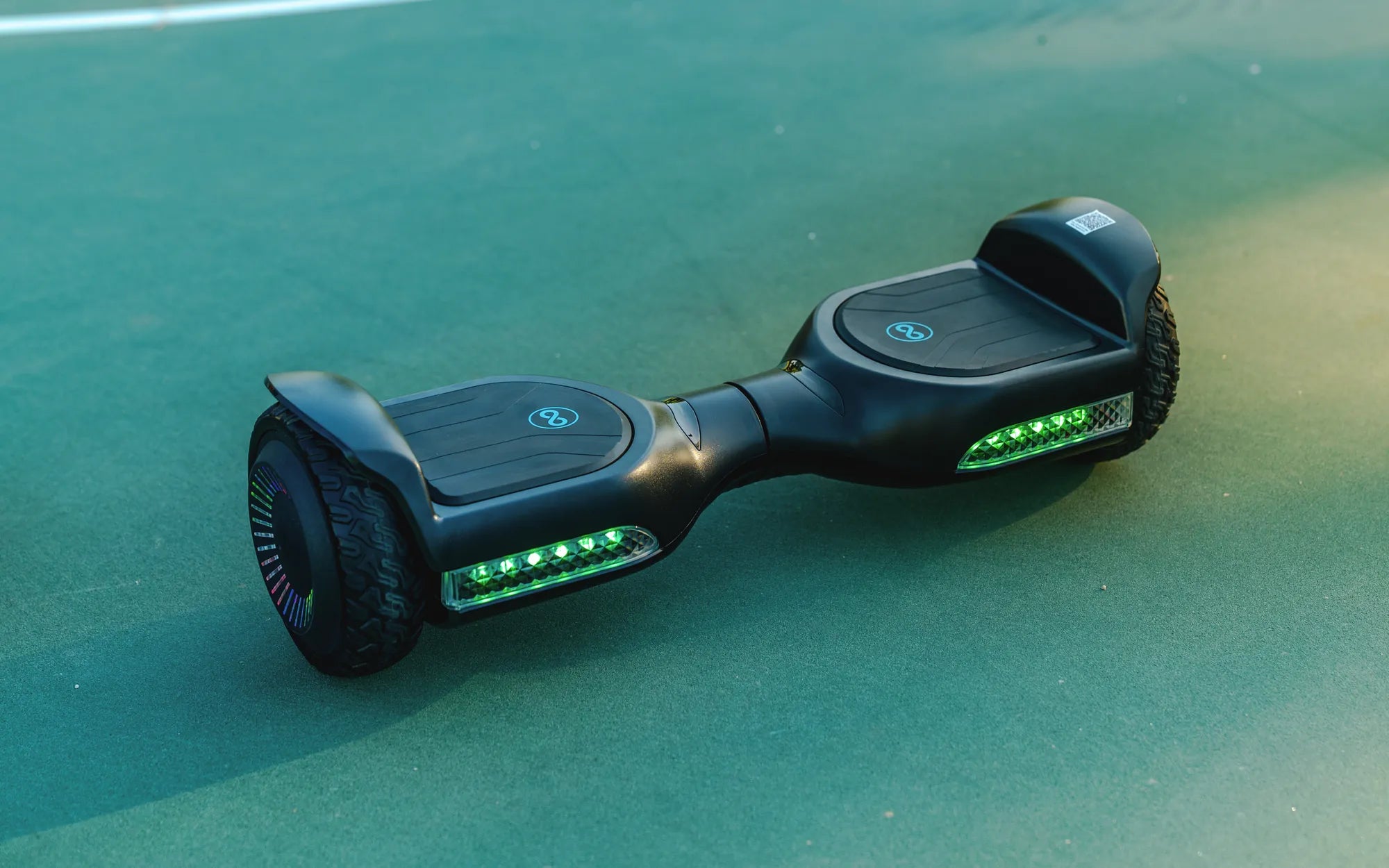
Hoverboards have become a popular mode of transportation and entertainment, but many users are unsure about the correct way to open and set up their device. Whether you're a first-time owner or looking to refresh your knowledge, this guide will walk you through the process of opening a hoverboard safely and effectively.
Understanding Your Hoverboard
Before diving into the steps, it's important to understand the basic components of a hoverboard. Most hoverboards consist of a central frame, two motorized wheels, a battery pack, and a control board. Knowing these parts will help you identify any potential issues during setup.
Step 1: Unboxing Your Hoverboard
Start by carefully unboxing your hoverboard. Remove all packaging materials, including foam inserts and plastic wraps. Ensure that the hoverboard is free from any visible damage. Check the manufacturer's manual for specific instructions or warnings.
Step 2: Charging the Battery
Before your first use, it's crucial to fully charge the hoverboard's battery. Locate the charging port, usually found on the side or back of the device. Plug in the charger and wait until the indicator light turns green, signaling a full charge. Avoid overcharging, as this can reduce battery life.
Step 3: Powering On the Hoverboard
Press and hold the power button, typically located near the charging port. The hoverboard will emit a beep or light up to indicate it's turned on. Some models may require a specific sequence of button presses—refer to the manual if unsure.
Step 4: Calibrating the Hoverboard
Calibration ensures the hoverboard is balanced and responsive. Place the device on a flat surface and follow the calibration instructions in the manual. This usually involves holding the power button for a few seconds until the lights flash.
Step 5: Testing the Hoverboard
Before riding, test the hoverboard in a safe, open area. Step onto the footpads gently and practice balancing. The hoverboard should move forward when you lean forward and backward when you lean back. If it feels unstable, recalibrate or check for uneven surfaces.
Maintenance Tips for Longevity
To keep your hoverboard in top condition, regularly clean the wheels and footpads. Avoid riding in wet conditions, as water can damage the electronics. Store the hoverboard in a cool, dry place and charge the battery at least once a month if not in use.
Troubleshooting Common Issues
If your hoverboard won't turn on, check the battery charge and connections. For unresponsive controls, recalibrate the device. Strange noises or vibrations may indicate a problem with the wheels or motors—consult a professional if needed.
Safety Precautions
Always wear protective gear, including a helmet and knee pads, when riding a hoverboard. Avoid high-speed maneuvers on uneven terrain. Supervise children and beginners to prevent accidents.
Now that you know how to open and set up your hoverboard, you're ready to enjoy the ride. With proper care and attention, your hoverboard will provide endless fun and convenience for years to come.
A Hoverboard That Is for 19.00: Is It Worth the Hype?
Do Hoverboards Exist? Exploring the Reality Behind the Sci-Fi Dream