



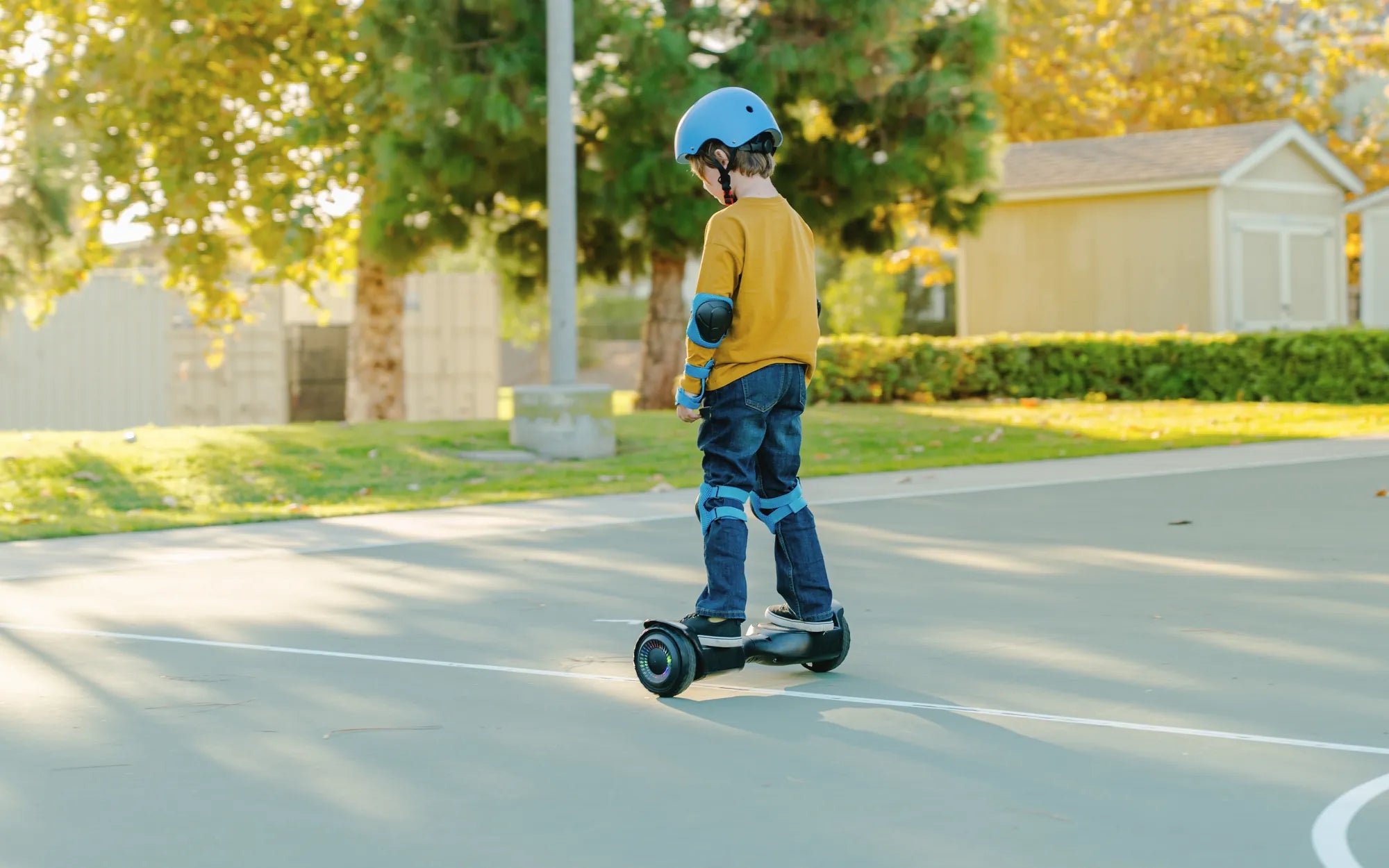
Hoverboards are a fun and convenient way to get around, but they can be frustrating when one side stops working. Whether it's a sudden issue or a gradual failure, a malfunctioning hoverboard can ruin your ride. Don't worry—this guide will walk you through the steps to diagnose and fix the problem, so you can get back to gliding effortlessly.
Common Causes of One Side Not Working
Before diving into repairs, it's important to understand why one side of your hoverboard might fail. Here are the most common culprits:
- Loose or Damaged Wiring: Internal wires can become disconnected or frayed over time.
- Motor Issues: A faulty motor on one side can cause imbalance.
- Battery Problems: Uneven power distribution may affect one side.
- Sensor Malfunction: Footpad sensors might not register pressure correctly.
- Software Glitches: Firmware issues can disrupt performance.
Step-by-Step Troubleshooting
1. Check the Power and Charging
Start by ensuring your hoverboard is fully charged. A low battery can cause one side to underperform. Plug it in and wait for the charging indicator to confirm a full charge. If one side still doesn't work, move to the next step.
2. Inspect the Wiring
Turn off the hoverboard and carefully open the casing to check the internal wiring. Look for loose connections, frayed wires, or visible damage. If you find any issues, reconnect or replace the wires as needed.
3. Test the Motors
Lift the hoverboard and tilt it forward to engage the motors. Listen for unusual sounds or lack of movement on one side. If a motor isn't spinning, it may need replacement.
4. Reset the Hoverboard
Many hoverboards have a reset button. Press and hold it for 10-15 seconds to reboot the system. This can resolve minor software glitches causing one side to malfunction.
5. Calibrate the Sensors
Misaligned footpad sensors can cause one side to stop responding. Refer to your user manual for calibration instructions, or try standing on the hoverboard evenly to recalibrate it.
Preventive Measures
To avoid future issues, follow these tips:
- Store your hoverboard in a dry, cool place.
- Avoid rough terrain that could damage the motors or wiring.
- Regularly check and tighten loose screws or components.
- Keep the firmware updated if your model supports it.
When to Seek Professional Help
If you've tried all the steps above and one side still isn't working, it might be time to consult a professional. Complex issues like internal circuit board damage or advanced motor problems require expert attention.
Don't let a one-sided hoverboard issue slow you down. With these troubleshooting steps, you can identify and fix the problem quickly. Get back to enjoying your ride with confidence and keep your hoverboard in top shape for years to come!
Hoverboard Cheapest: The Ultimate Guide to Affordable Self-Balancing Scooters
What to Do with a Hoverboard: Fun and Practical Ideas for Every Rider