



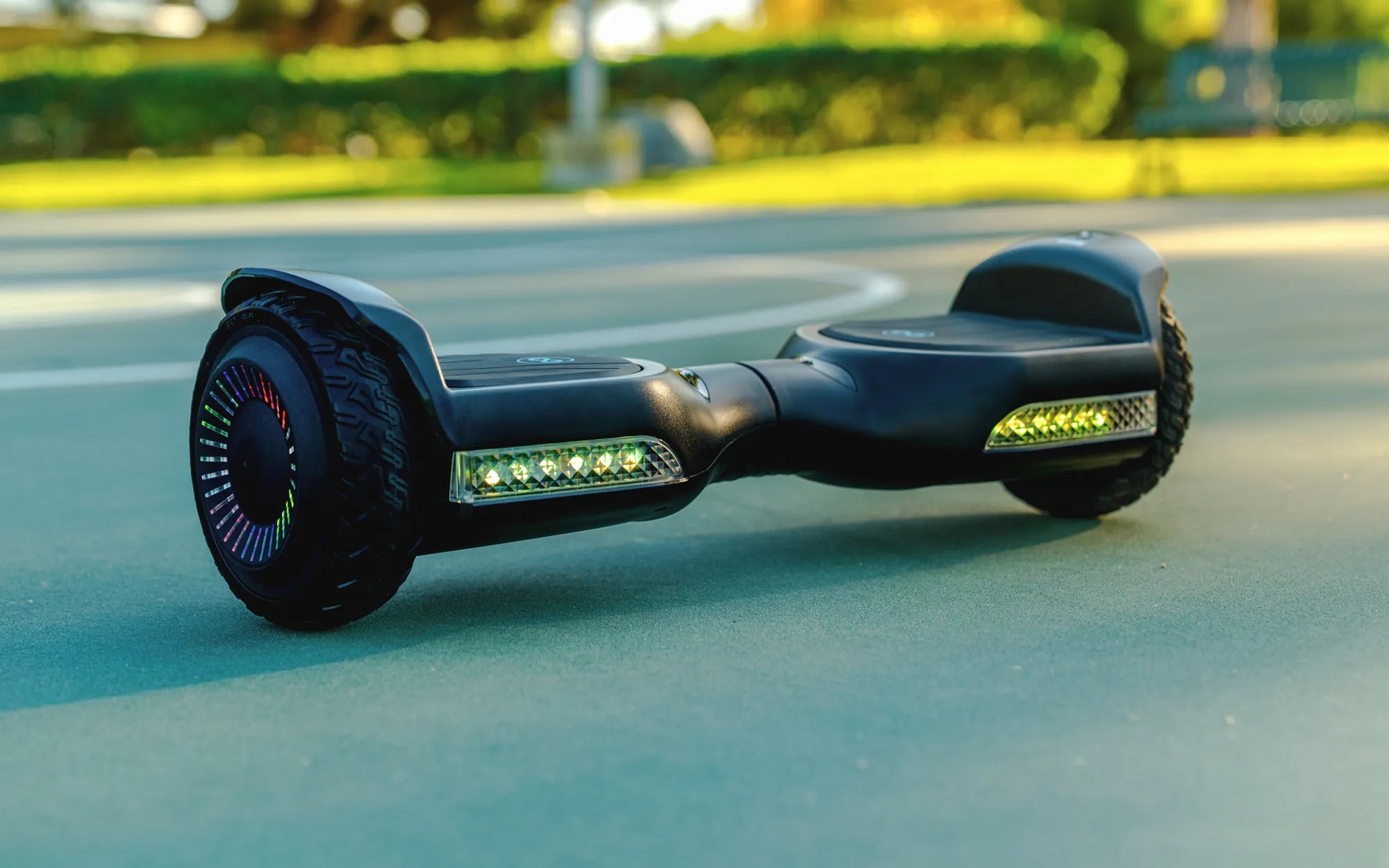
If your hoverboard only turns on when it's plugged in, you're not alone. This frustrating issue can stem from several underlying problems, ranging from battery failures to faulty wiring. Understanding the root cause is the first step toward getting your hoverboard back to full functionality. Let's dive into the most common reasons and solutions.
Battery Issues
One of the most common reasons a hoverboard only works while charging is a faulty or dead battery. Over time, lithium-ion batteries degrade, losing their ability to hold a charge. If your hoverboard's battery is damaged or worn out, it may not retain power unless it's connected to a charger.
How to Diagnose a Bad Battery
- Check if the hoverboard shuts off immediately after unplugging.
- Listen for unusual sounds (e.g., clicking or buzzing) from the battery compartment.
- Look for physical damage, such as swelling or leaks.
Solutions
If the battery is the culprit, replacing it is often the best course of action. Ensure you purchase a compatible battery and follow safety guidelines when handling lithium-ion cells.
Charging Port or Cable Problems
A damaged charging port or faulty cable can prevent your hoverboard from receiving power correctly. If the connection is loose or broken, the hoverboard might only function when the charger is actively supplying power.
How to Check the Charging Port
- Inspect the port for bent or broken pins.
- Test with a different charger to rule out cable issues.
- Look for signs of corrosion or dirt buildup.
Solutions
Cleaning the port with compressed air or a small brush can help. If the port is damaged, professional repair or replacement may be necessary.
Power Management System Failure
The hoverboard's power management system regulates energy flow between the battery and motors. If this system malfunctions, the device might not recognize the battery's charge, causing it to only work when plugged in.
Signs of a Power Management Issue
- Inconsistent power delivery (e.g., sudden shutdowns).
- LED indicators not functioning properly.
- Overheating during use or charging.
Solutions
Resetting the hoverboard (if supported) or consulting a technician for circuit board repairs may resolve the issue.
Wiring or Internal Connection Problems
Loose or damaged wiring inside the hoverboard can disrupt power flow. If the internal connections between the battery, charger, and motors are compromised, the hoverboard may rely solely on direct charging power.
How to Identify Wiring Issues
- Listen for intermittent disconnections (e.g., crackling sounds).
- Check for visible wire damage or burns.
- Test the hoverboard on different surfaces to rule out sensor-related problems.
Solutions
Opening the hoverboard to inspect and repair wiring should only be done by experienced users. If unsure, seek professional help.
Software or Firmware Glitches
Some hoverboards rely on software to manage power distribution. A firmware bug or corrupted system file could cause the device to malfunction, including only operating while charging.
How to Check for Software Issues
- Look for unresponsive controls or error messages.
- Check if the manufacturer offers firmware updates.
- Reset the hoverboard to factory settings (if possible).
Solutions
Updating or reinstalling firmware may fix the problem. Refer to the user manual for instructions.
Preventative Measures
To avoid future issues, follow these best practices:
- Charge the hoverboard regularly, even when not in use.
- Avoid overcharging or leaving it plugged in overnight.
- Store the hoverboard in a cool, dry place.
- Use only the recommended charger.
If your hoverboard still refuses to turn on without charging after troubleshooting, it might be time to consult a professional or consider a replacement. Don't let a simple fix slip by—take action today and get back to gliding smoothly!
Battery Powered Hoverboard: The Future of Personal Transportation
Can You Carry a Hoverboard on an Airplane? The Ultimate Travel Guide