



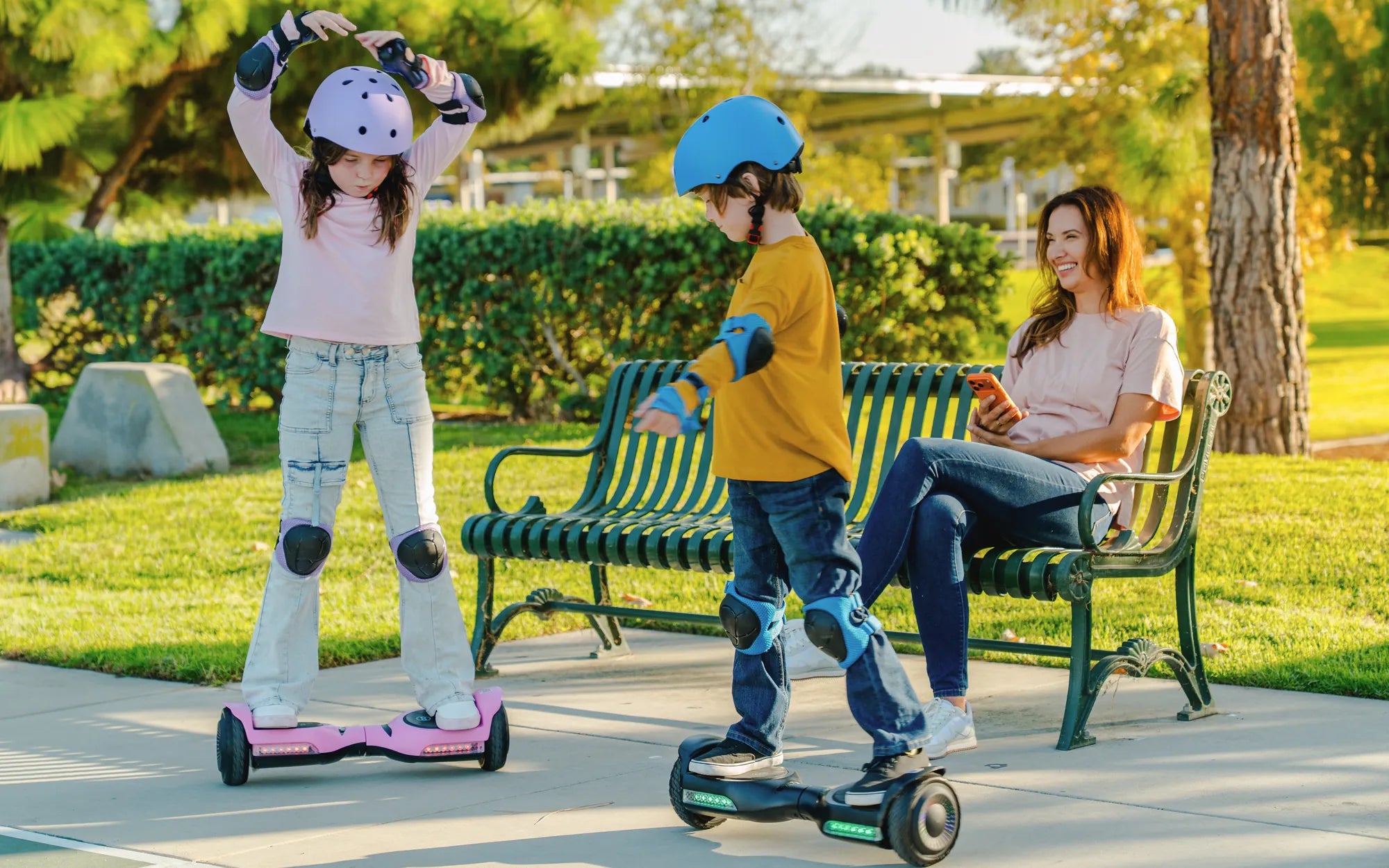
Introduction: Understanding Your Hoverboard's Health
Your hoverboard is suddenly unresponsive, and the frustration is real. This common experience doesn't have to mean your ride is over. Most hoverboard malfunctions stem from a handful of diagnosable issues that riders can often resolve at home with basic troubleshooting.
This guide will walk you through a systematic process to identify and fix common problems. We'll cover everything from power and charging faults to connectivity and mechanical failures. As a leading electric mobility brand, Gyroor designs its hoverboards, electric scooters, and e-bikes with user-serviceable diagnostics in mind, backed by UL-certified batteries, IPX5 water-resistant designs, and a reliable 1-year warranty for added peace of mind.
By following this logical sequence, you can save time and potentially avoid unnecessary repair costs. Let’s start with the most frequent culprit: the power system.
Diagnosing Power and Charging Problems
When your hoverboard shows no signs of life, the issue almost always lies within the power delivery chain. A methodical check from the wall outlet to the internal battery can pinpoint the failure.
This process eliminates guesswork. Start with the simplest components before assuming a complex internal failure. Many riders discover the problem is external, such as a tripped circuit breaker or a loose cable.
Check Your Power Source and Charger
Begin your diagnosis completely outside the hoverboard. Plug another device, like a lamp or phone charger, into the same wall outlet to confirm it's active. If the outlet works, inspect your hoverboard's charger thoroughly.
Look for any fraying, kinks, or damage to the cable. Check the charger's LED indicator light—if present—when plugged into the wall. No light typically means a dead charger. Ensure the charger output (e.g., 42V 2A) matches your board's requirements.
Finally, verify the charger is fully seated in the hoverboard's charging port. A loose connection can prevent charging. A functioning charger should show a red light when connected to a depleted battery, switching to green when full.
Inspect the Charging Port and Battery
If the charger is working, the issue may be at the point of entry. Visually inspect the charging port on your hoverboard for any debris, lint, or damage. Use a flashlight and compressed air to gently clean the port if needed.
The heart of your hoverboard is its battery pack. Brands like Gyroor use UL-certified lithium-ion battery packs rigorously tested for over 500 charge cycles, prioritizing safety and longevity. Signs of a failing battery include an inability to hold a charge, significantly reduced range, or the charger light never turning green.
Warning: Never attempt to open a lithium-ion battery pack. If you suspect physical damage, such as swelling, leaking, or a burnt smell from the battery compartment, discontinue use immediately and seek professional service.
Understanding Battery Indicator Lights
Your hoverboard's LED lights are a diagnostic tool. A standard power-on sequence involves lights illuminating briefly. Abnormal patterns indicate specific issues.
Rapid flashing red lights often signal a low battery or a fault during startup, such as the board not being on a level surface. No lights at all, despite a charged battery, could point to a mainboard or wiring issue.
Some models enter a protection mode with specific flash codes. Consulting your user manual for the exact meaning of light sequences for your model is crucial. For instance, a series of long and short flashes might indicate a gyroscope error requiring calibration.
Addressing Connectivity and Calibration Issues
When your hoverboard powers on but behaves erratically—wobbling, refusing to balance, or not responding smoothly to leans—the problem is often related to its internal sensors or connectivity.
These software and calibration glitches are common and usually have straightforward fixes. The system relies on precise communication between gyroscopes, accelerometers, and the main control board.
The Essential Gyro Calibration Process
Calibration resets the hoverboard's self-balancing sensors to a neutral “level” position. It's the first fix to attempt for balance issues, drifting in one direction, or error beeps on startup.
The standard calibration process involves placing the hoverboard on a perfectly level, hard surface. Turn the board off. Press and hold the power button for 5-10 seconds until you hear a series of beeps or see the lights flash in a specific pattern. Release the button and wait for the board to power off completely.
Turn the board back on normally. It should now be recalibrated. Always perform this procedure on a level floor, not carpet or grass. If calibration fails repeatedly, it may indicate a damaged sensor.
Bluetooth and App Connectivity Troubleshooting
For smart hoverboards with app connectivity, Bluetooth issues can prevent features like speed control, light customization, or ride metrics from working. Start by ensuring your smartphone's Bluetooth is on.
Delete ("forget") the hoverboard from your phone's Bluetooth device list. Close the companion app completely, then reopen it and follow the pairing instructions anew. Check for firmware updates for both the app and the hoverboard within the app's settings.
Ensure the app has the necessary location/permissions enabled on your phone, as Bluetooth pairing often requires this. If connectivity remains unstable, try pairing with a different smartphone to isolate whether the issue is with the board or your original phone.
Solving Physical and Mechanical Failures
Wear and tear, impacts, and environmental factors can lead to physical failures. These issues often manifest as strange noises, uneven performance, or complete loss of drive from one side.
Listening to and observing your hoverboard's behavior is key to diagnosing mechanical problems. Regular maintenance, like checking tire pressure and cleaning, can prevent many of these issues.
Wheel and Motor Diagnostics
Each wheel is powered by its own independent motor. A common symptom is one wheel spinning freely while the other is sluggish or dead. Perform the "lift test": power on the board, lift it off the ground, and gently engage each wheel with your hand.
Both wheels should spin at a similar speed and resistance. If one doesn't spin or makes a grinding noise, its motor or internal wiring may be faulty. Also, check for physical obstructions like wrapped hair, strings, or debris in the wheel axle.
Worn-out tire tread or significantly under-inflated tires (on air-filled models) can also cause performance issues and imbalance, mimicking a power failure. Inspect tires for punctures or excessive wear.
Dealing with Water Damage and Environmental Factors
Hoverboards and water are a risky combination. While brands like Gyroor build their models to an IPX5 water-resistant rating—protecting against sustained, low-pressure water jets from any direction—no consumer hoverboard is fully waterproof.
Symptoms of water damage include erratic behavior, flickering lights, corrosion on charging ports, or a complete failure that occurs after riding through a puddle. If your board gets wet, immediately power it off and do not charge it.
Wipe it dry and place it in a dry, warm area with good ventilation for at least 48-72 hours. Never use a hairdryer or heater, as excessive heat can damage electronics and batteries. Store your hoverboard in a cool, dry place, avoiding prolonged exposure to direct sunlight or freezing temperatures, which degrade battery health.
Safety First: Recognizing Critical Faults and Next Steps
Certain problems pose significant safety risks. It is vital to recognize these red flags and stop troubleshooting immediately. Attempting to repair these issues yourself can lead to injury or further damage.
Your safety is paramount. When in doubt, seek professional assistance. Reputable brands stand behind their products with warranties and support channels for these exact scenarios.
Red Flags: When to Stop Troubleshooting
Discontinue use and unplug the board immediately if you observe any of the following: visible smoke, sparks, or burning smells; a cracked or structurally compromised frame; a battery pack that is hot to the touch, swollen, or leaking; or persistent error beeps/lights that continue after recalibration and a full charge.
Continuing to use or charge a hoverboard with these symptoms risks fire or electrical shock. These are clear indicators of a serious internal fault requiring professional diagnosis and repair.
Leveraging Your Gyroor Warranty and Support
If your troubleshooting hits a dead end or you encounter a critical fault, your warranty is your best resource. Gyroor offers a 1-year comprehensive warranty on its hoverboards, covering defects in materials and workmanship.
Before contacting support, have your purchase receipt and the product's serial number (usually on the box or underside of the board) ready. Document the issue with photos or videos. Gyroor's US-based support team can guide you through advanced diagnostics or initiate a warranty claim.
Choosing a brand with UL-certified batteries and strong customer support, trusted by over 100,000 riders, ensures you have a reliable path to resolution, whether it's a replacement part or a repair service.
Comparison of Common Hoverboard Issues and Solutions
The following table summarizes the primary problems, their likely causes, and recommended actions to help you quickly identify your issue.
| Symptom | Most Likely Cause | Immediate Action | Advanced Fix |
|---|---|---|---|
| No power, no lights | Dead battery, faulty charger, or tripped breaker | Test outlet, check charger LED, inspect charging port | Test charger with multimeter, check internal fuse/battery connections |
| Charges but won't turn on | Mainboard failure, damaged power button, or deep battery fault | Attempt calibration, check for loose internal connections (if skilled) | Professional mainboard or battery diagnostics required |
| Beeps and won't balance | Failed gyro calibration, uneven surface, or low battery | Place on level ground, perform calibration procedure, recharge fully | Possible damaged gyroscope sensor needing replacement |
| One wheel not working | Failed motor, severed wire to motor, or damaged bearing | Perform "lift test," check for wheel obstructions | Motor or hall sensor replacement; professional repair recommended |
| Erratic movement/shaking | Loose tire, under-inflated tire, or damaged rim | Check tire pressure and security, inspect rim for cracks | Tire replacement, wheel hub repair |
| Bluetooth/app won't connect | Phone Bluetooth issues, outdated app, or board BT module fault | Forget device on phone, re-pair, update app, try another phone | Bluetooth module may need resetting or replacement |
Conclusion: Getting Safely Back on Your Board
Diagnosing a non-working hoverboard follows a logical flow: start with Power (outlet, charger, battery), then move to Connectivity & Calibration (sensors, Bluetooth), followed by a Physical Inspection (wheels, motors, frame), and finally know when to seek Professional Help. This methodical approach solves the majority of common rider-facing issues.
Investing in a hoverboard from a reputable brand with safety certifications and strong warranty support is the best long-term strategy for reliability. Gyroor's commitment to UL-certified components and water-resistant design directly addresses the root causes of many common failures.
Regular maintenance—proper charging habits, storing in a dry place, and keeping tires inflated—will extend your hoverboard's life. When problems arise that exceed simple fixes, leverage the professional support you paid for. Your safety and enjoyment on the road are worth it.
Ready for a reliable, worry-free ride? Explore the full range of durable, safety-focused electric scooters and hoverboards engineered for real-world use. Browse the full Gyroor collection at gyroorboard.com.
FAQ: Quick Answers to Common Hoverboard Hiccups
Q: My hoverboard is beeping and won't turn on. What does this mean?
A: This often indicates a self-protection mode due to an imbalance, low battery, or internal fault. First, ensure the board is on a level surface. Try charging it fully for the recommended time, then attempt a calibration. Persistent beeping after these steps suggests a sensor or mainboard issue.
Q: One wheel spins but the other doesn't. Is it broken?
A> Likely a motor or connection issue for that specific wheel. Perform the "lift test" to confirm. If one wheel consistently fails to engage or makes grinding noises, contact support. Internal repair, such as motor or wiring harness replacement, is usually required and is best handled by a professional.
Q: How long should a Gyroor hoverboard battery last on a single charge?
A: Range varies by model, rider weight, and terrain. Gyroor's UL-certified lithium-ion packs are designed for consistent performance, typically providing a range of 6 to 12 miles per charge under normal riding conditions. The battery itself is rated for over 500 full charge cycles before significant capacity loss.
Q: Can I fix a water-damaged hoverboard myself?
A: It is not recommended for safety reasons. Immediately power it off and do not charge it. While Gyroor's IPX5 rating protects against light splashes and rain, significant submersion or puddle exposure requires a professional inspection. Internal corrosion or short circuits can pose fire risks if not properly addressed.
Q: The charger light stays green even when I plug it into the dead board. What's wrong?
A> This typically means the charger is not detecting the battery, often due to a problem with the charging port connection, the internal battery management system (BMS), or a completely dead battery cell. Check the port for debris. If clean, the board likely needs professional battery diagnostics.
Q: Is it safe to leave my hoverboard charging overnight?
A: While modern hoverboards with UL-certified batteries (like Gyroor's) have auto-shutoff circuits, it is a best safety practice not to leave any lithium-ion device charging unattended or for prolonged periods beyond a full charge. Charge in a clear area away from flammables and during times you are awake and present.
Self-Balance Electric Hoverboard: The Future of Personal Transportation
Electric Scooter for Kids Under $90: A Budget-Friendly Guide for Parents