
 United States


Hoverboard Not Working After Charging: Causes and Solutions
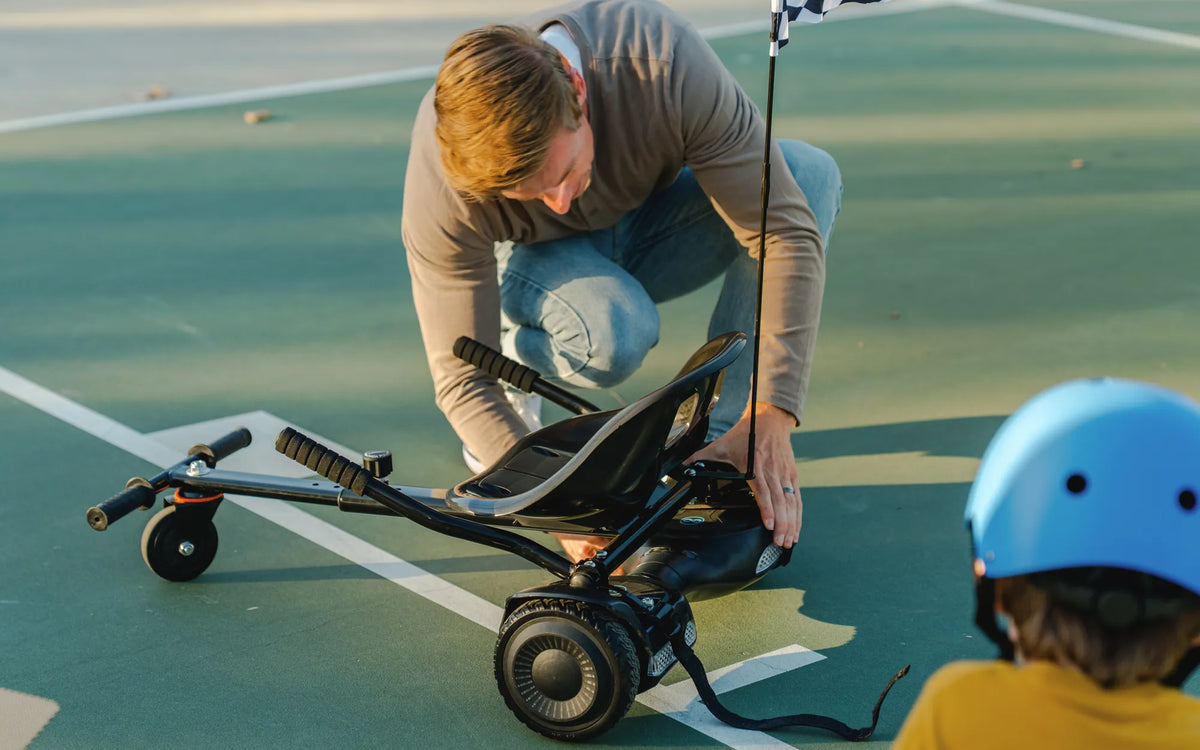
Few things are as frustrating as unboxing your hoverboard, charging it overnight, and finding it completely unresponsive the next morning. If your hoverboard isn't working after charging, you're not alone - this common issue has multiple potential causes and solutions that could save you from expensive repairs or replacements.
Why Your Hoverboard Won't Turn On After Charging
When a fully charged hoverboard refuses to power on, the problem typically stems from one of these core issues:
- Battery Failure - Lithium-ion batteries degrade over time and may stop holding a charge
- Charging Port Damage - Loose or broken charging connectors prevent proper power transfer
- Motherboard Issues - The control board may fail to distribute power properly
- Overcharge Protection - Safety mechanisms sometimes disable boards after excessive charging
- Firmware Glitches - Software errors can cause boot failures despite full batteries
Step-by-Step Troubleshooting Guide
1. Verify the Charging Process
Before assuming the worst, confirm your hoverboard actually charged:
- Check that the charger light turned green (indicating full charge)
- Try a different power outlet to rule out electrical issues
- Inspect the charger cable for damage
2. Perform a Hard Reset
Many hoverboards have a reset procedure:
- Hold the power button for 15-30 seconds
- Wait 5 minutes before attempting to power on
- Try charging again if the board remains unresponsive
3. Check for Physical Damage
Examine these critical components:
- Charging port for bent pins or debris
- Battery compartment for swelling or leaks
- Power button for proper operation
- Wiring harness for loose connections
Advanced Repair Options
If basic troubleshooting fails, consider these solutions:
| Issue | Solution | Difficulty |
|---|---|---|
| Dead Battery | Battery replacement | Moderate |
| Faulty Charging Port | Port replacement | Advanced |
| Motherboard Failure | Board replacement | Professional |
Preventing Future Charging Issues
Extend your hoverboard's lifespan with these maintenance tips:
- Avoid leaving the hoverboard charging for more than 2-3 hours
- Store in temperature-controlled environments (avoid extreme heat/cold)
- Use only the manufacturer-approved charger
- Perform monthly battery calibration cycles
Don't let a non-working hoverboard ruin your fun - with these troubleshooting techniques, you'll likely identify and solve the problem without professional help. Remember that proper charging habits and regular maintenance can prevent most power-related issues before they strand you mid-ride.