



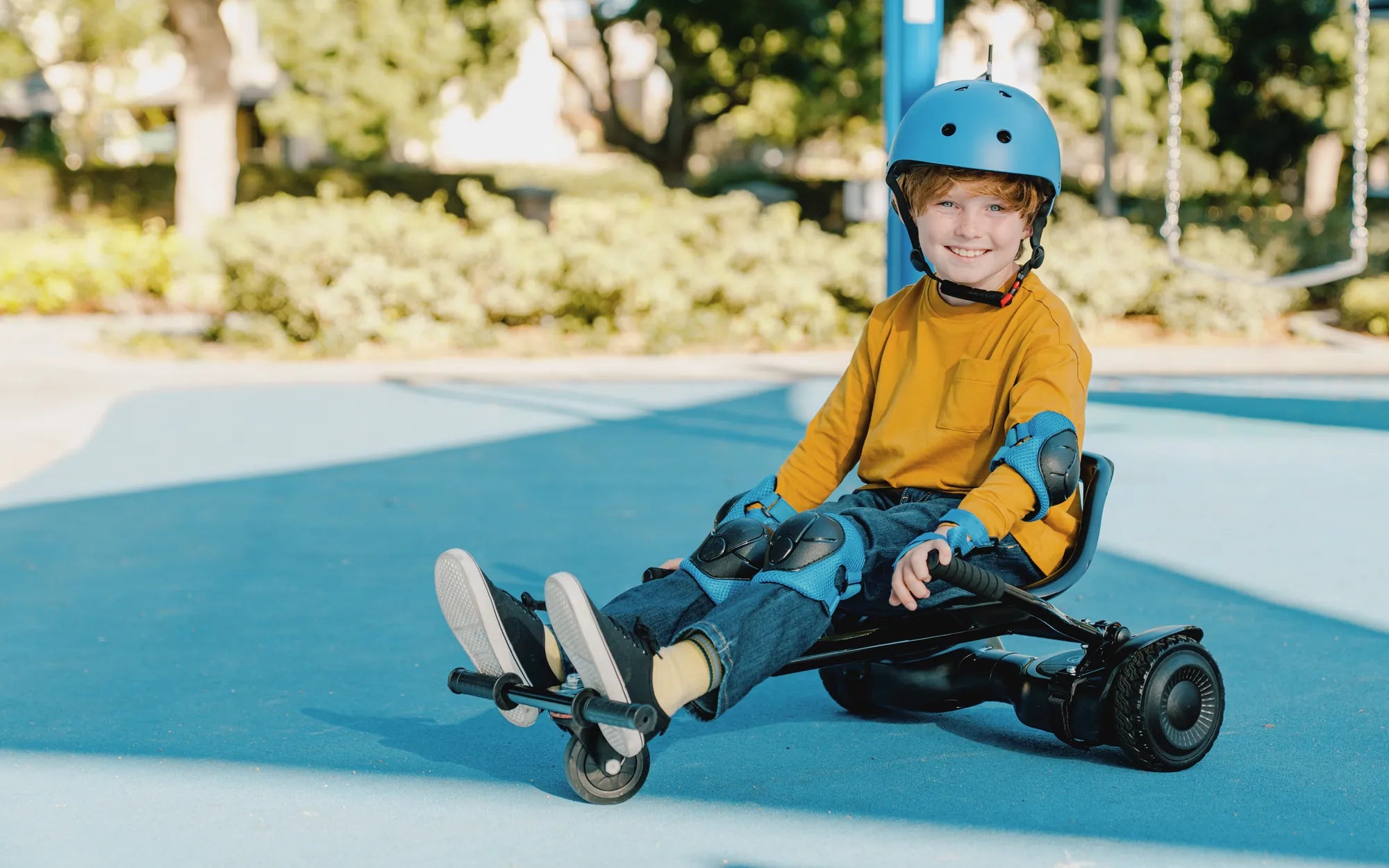
Is your hoverboard wheel not spinning? Few things are more frustrating than hopping on your hoverboard only to find one or both wheels refusing to move. Whether it's a sudden malfunction or a gradual decline in performance, a non-spinning wheel can put a damper on your ride. But don't worry—this guide will walk you through the most common causes, easy fixes, and preventive measures to keep your hoverboard gliding effortlessly.
Common Reasons Why Your Hoverboard Wheel Is Not Spinning
Before diving into repairs, it's essential to understand why your hoverboard wheel might stop spinning. Here are the most frequent culprits:
- Battery Issues: A weak or dead battery can prevent the motor from receiving enough power to spin the wheels.
- Motor Malfunction: If the motor is damaged or overheated, it may fail to engage the wheel.
- Loose or Damaged Wiring: Faulty connections between the motor, battery, or control board can disrupt power flow.
- Sensor Problems: Faulty gyroscopic sensors may miscommunicate with the motor, causing the wheel to lock up.
- Obstructions or Debris: Dirt, hair, or small objects stuck in the wheel mechanism can hinder movement.
- Software Glitches: Outdated or corrupted firmware can cause erratic behavior, including wheel lockups.
How to Troubleshoot a Hoverboard Wheel That Won't Spin
Now that you know the potential causes, let's explore step-by-step troubleshooting methods to get your hoverboard back on track.
Step 1: Check the Battery
Start by ensuring your hoverboard is fully charged. Plug it in and wait for the indicator light to confirm a full charge. If the battery doesn't hold a charge, it may need replacement.
Step 2: Inspect for Physical Obstructions
Turn off the hoverboard and flip it upside down. Examine the wheels for any debris, hair, or foreign objects stuck in the axles. Use a soft brush or compressed air to clean the area.
Step 3: Test the Motor
Gently spin the non-working wheel by hand. If it feels stiff or makes grinding noises, the motor may be damaged. Compare its movement to the functioning wheel—any noticeable difference could indicate a motor issue.
Step 4: Examine the Wiring
Carefully remove the hoverboard's casing (if possible) and check for loose, frayed, or disconnected wires. Reconnect any loose cables and secure them properly.
Step 5: Reset the Hoverboard
Many hoverboards have a reset button or a calibration mode. Refer to your user manual for instructions on performing a factory reset or recalibration.
Step 6: Update Firmware
If your hoverboard supports firmware updates, connect it to the manufacturer's app or software to check for the latest version. An outdated system can cause performance issues.
Preventive Measures to Avoid Future Wheel Problems
Prevention is always better than repair. Follow these tips to keep your hoverboard wheels spinning smoothly:
- Regular Cleaning: Wipe down your hoverboard after each use and remove debris from the wheels.
- Proper Storage: Store your hoverboard in a dry, cool place away from extreme temperatures.
- Avoid Overloading: Stick to the recommended weight limit to prevent motor strain.
- Routine Inspections: Periodically check the wheels, battery, and wiring for signs of wear.
- Use on Smooth Surfaces: Rough terrain can damage the wheels and internal components over time.
When to Seek Professional Help
If you've tried all the troubleshooting steps and your hoverboard wheel still won't spin, it may be time to consult a professional. Persistent motor issues, complex wiring problems, or sensor failures often require expert attention.
Don't let a non-spinning wheel ruin your hoverboard experience. With the right knowledge and a bit of patience, you can diagnose and fix the issue—or at least prevent it from happening again. Now, get back to gliding effortlessly and enjoy the ride!
How Do You Connect Music to Your Hoverboard: A Step-by-Step Guide
How Much Can You Sell a Hoverboard For: A Complete Pricing Guide