



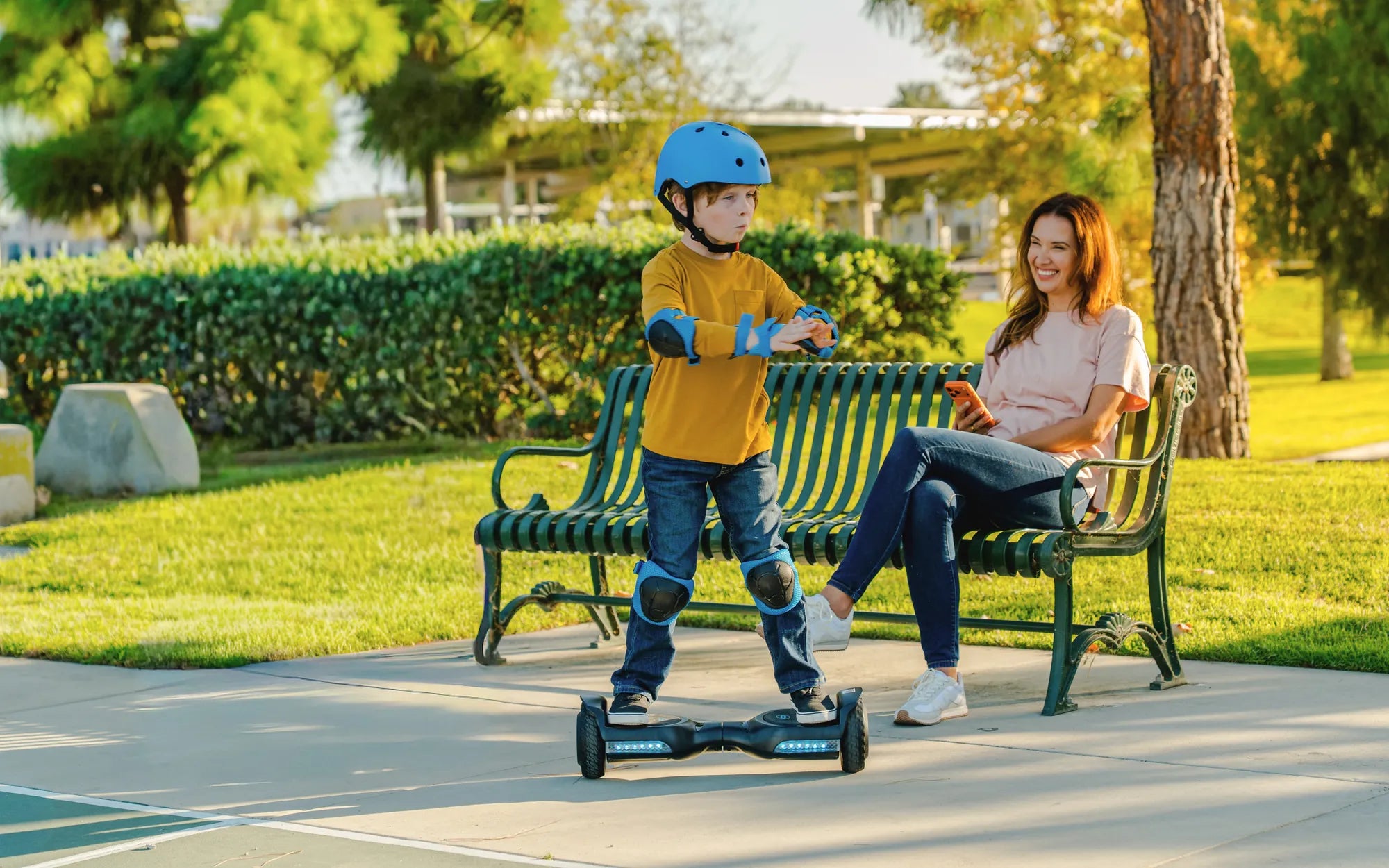
Few things are as frustrating as stepping onto your hoverboard only to find it wobbling uncontrollably or refusing to balance. Whether you're a seasoned rider or a beginner, an unstable hoverboard can quickly turn your fun ride into a safety hazard. But don't worry—this guide will help you diagnose the problem, apply effective fixes, and keep your hoverboard running smoothly for years to come.
Why Your Hoverboard Won't Balance
Several factors can cause a hoverboard to lose balance. Understanding the root cause is the first step toward fixing the issue.
1. Uneven or Worn-Out Tires
If one tire is more worn than the other or has uneven pressure, your hoverboard will struggle to stay level. Check both tires for signs of wear and ensure they're inflated to the recommended PSI.
2. Faulty Gyroscope or Sensors
The gyroscope and internal sensors are critical for balance. If they malfunction due to impact damage or moisture exposure, the hoverboard may tilt or refuse to calibrate properly.
3. Low Battery or Power Issues
An undercharged or failing battery can disrupt power distribution, making it difficult for the hoverboard to maintain stability. Always charge your device fully before use.
4. Software Glitches
Outdated firmware or corrupted software can cause erratic behavior. Updating or resetting the hoverboard's system may resolve balance issues.
5. Damaged Internal Wiring
Loose or frayed wires inside the hoverboard can interfere with motor signals, leading to balance problems. This issue often requires professional repair.
How to Fix a Hoverboard That Won't Balance
Once you've identified the likely cause, try these troubleshooting steps to restore balance.
Step 1: Recalibrate the Hoverboard
Most hoverboards have a calibration mode. Place the device on a flat surface, power it on, and follow the manufacturer's instructions to reset the gyroscope.
Step 2: Check Tire Pressure and Alignment
Inflate both tires evenly and inspect for damage. Misaligned wheels can also cause instability—ensure they spin freely without wobbling.
Step 3: Update Firmware
Connect your hoverboard to its companion app (if available) and check for software updates. Installing the latest firmware can resolve balance-related bugs.
Step 4: Inspect for Physical Damage
Look for cracks, loose parts, or water damage. If internal components are compromised, seek professional assistance.
Step 5: Test on Different Surfaces
Rough or uneven terrain can affect balance. Try riding on a smooth, level surface to see if the issue persists.
Preventing Future Balance Issues
Regular maintenance can extend your hoverboard's lifespan and keep it stable. Follow these tips:
- Store your hoverboard in a dry, temperature-controlled environment.
- Avoid riding over potholes or debris that could damage tires or sensors.
- Charge the battery after each use and avoid overcharging.
- Clean the hoverboard regularly to prevent dirt buildup in moving parts.
When to Seek Professional Help
If troubleshooting doesn't resolve the balance problem, the issue may lie with internal electronics or motor failure. A certified technician can diagnose and repair complex faults safely.
Don't let a wobbly hoverboard ruin your ride—take action today to restore stability and enjoy a smooth, safe experience every time you step on. With the right care, your hoverboard will stay balanced and ready for adventure!
Hoverboard That Won't Catch on Fire: The Ultimate Guide to Safe Riding
Can a Hoverboard Be Used Outside? Exploring Outdoor Riding Possibilities