



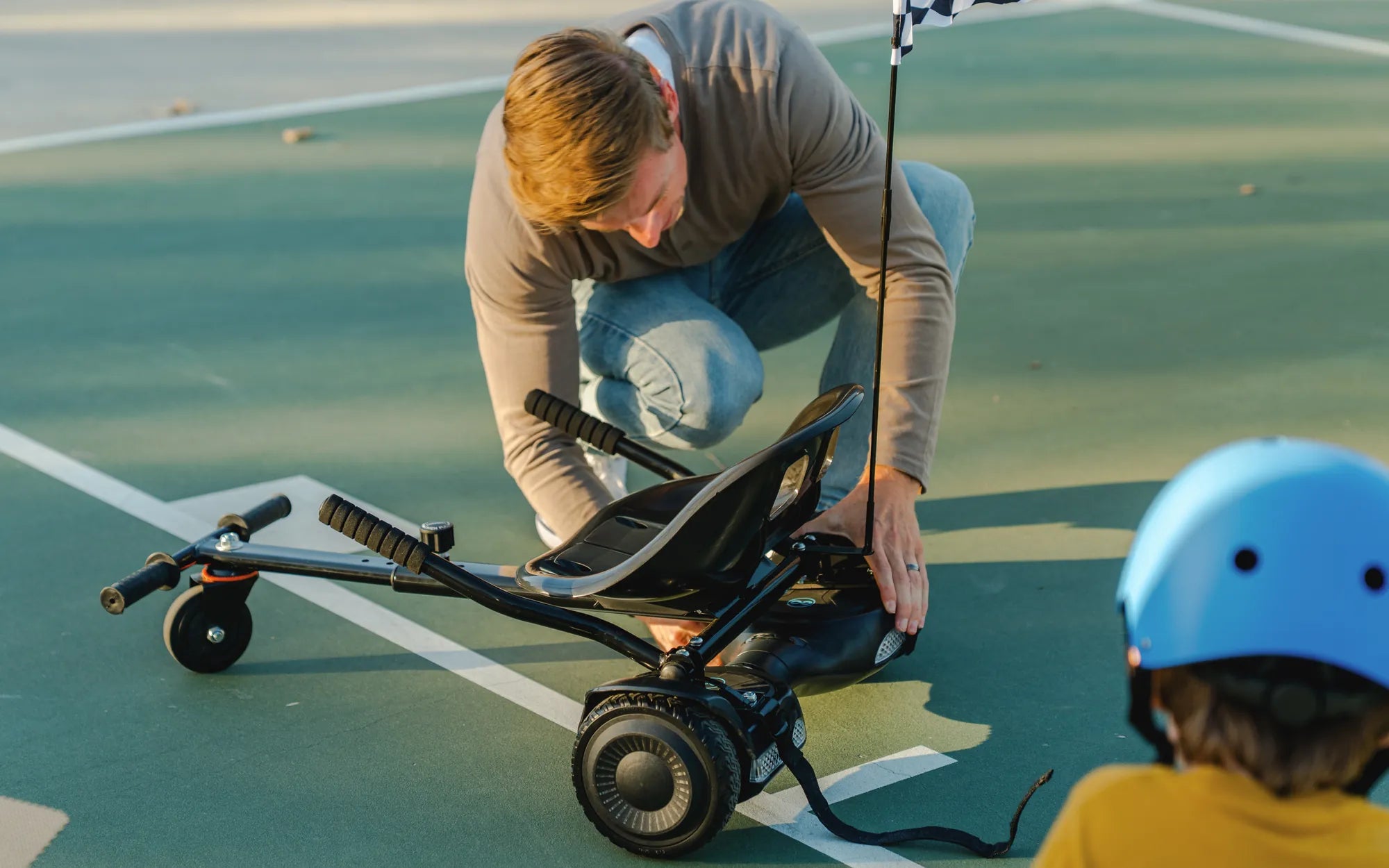
Nothing ruins the fun of riding a hoverboard faster than an off-balance board. If your hoverboard is wobbling, tilting, or refusing to stay level, it’s not just annoying—it can also be dangerous. But don’t worry! With a few simple steps, you can diagnose and fix the issue yourself. Let’s dive into the most common causes and solutions for an unbalanced hoverboard.
Why Is Your Hoverboard Off Balance?
Before you can fix the problem, it’s important to understand why your hoverboard is off balance. Here are the most common culprits:
- Uneven Tire Pressure: If one tire is underinflated or overinflated, it can cause the hoverboard to tilt.
- Worn or Damaged Tires: Uneven wear or damage to one tire can throw off the balance.
- Calibration Issues: The hoverboard’s internal sensors may need recalibration.
- Loose or Faulty Gyroscope: The gyroscope helps maintain balance, and if it’s loose or malfunctioning, the board won’t stay level.
- Battery Problems: Weak or unevenly distributed battery power can affect balance.
Step-by-Step Guide to Fixing an Off-Balance Hoverboard
Step 1: Check the Tire Pressure
Start by inspecting both tires. If one is noticeably softer than the other, inflate it to match the recommended pressure (usually listed in the user manual). Use a tire pressure gauge to ensure both tires are evenly filled.
Step 2: Inspect the Tires for Damage
Look for signs of wear, punctures, or uneven tread. If one tire is damaged, replacing it may be necessary. Always replace tires in pairs to maintain balance.
Step 3: Recalibrate the Hoverboard
Most hoverboards have a calibration mode. To recalibrate:
- Turn off the hoverboard.
- Press and hold the power button until you hear a beep or see a flashing light.
- Place the hoverboard on a flat, level surface.
- Wait for the lights to stop flashing, indicating calibration is complete.
Step 4: Check the Gyroscope
If recalibration doesn’t work, the gyroscope might be loose or faulty. Open the hoverboard (if possible) and ensure the gyroscope is securely attached. If it’s damaged, professional repair may be needed.
Step 5: Test the Battery
An unbalanced battery can cause the hoverboard to tilt. Charge it fully and check for any signs of swelling or damage. If the battery is faulty, replace it following the manufacturer’s guidelines.
Preventive Maintenance Tips
To avoid future balance issues, follow these maintenance tips:
- Regularly check and adjust tire pressure.
- Avoid riding on rough or uneven surfaces.
- Store the hoverboard in a cool, dry place.
- Clean the hoverboard regularly to prevent dirt buildup.
- Recalibrate the hoverboard every few months.
When to Seek Professional Help
If you’ve tried all the steps above and your hoverboard is still off balance, it may be time to consult a professional. Persistent issues could indicate deeper electrical or mechanical problems that require expert attention.
Don’t let an unbalanced hoverboard ruin your ride! With these troubleshooting steps, you can get back to gliding smoothly in no time. Whether it’s a simple tire adjustment or a quick recalibration, fixing the issue is easier than you think. Happy riding!
Another Word for Hoverboard: Exploring the Evolution of Self-Balancing Scooters
Hoverboard Length: How Size Impacts Performance and Safety