


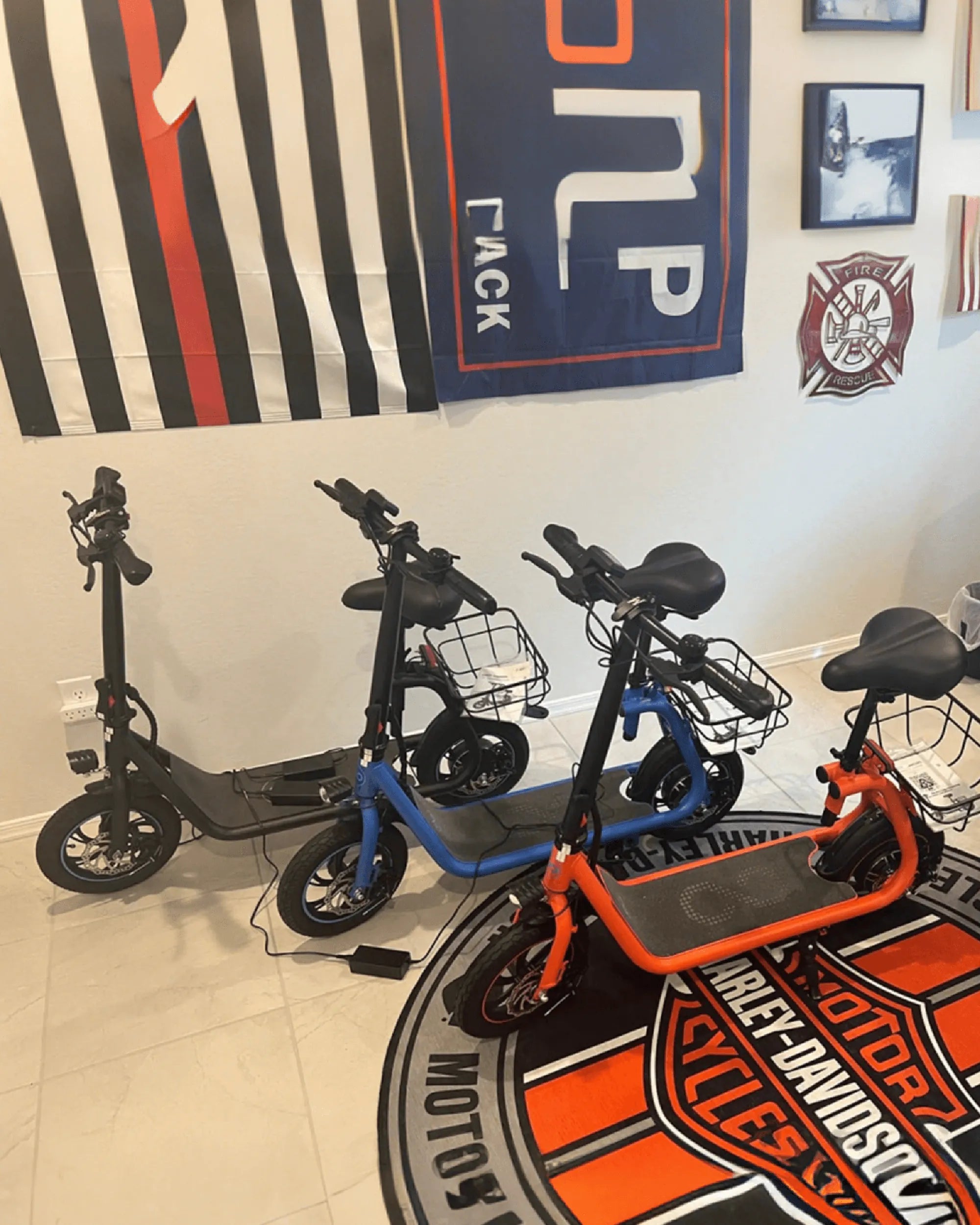
Your ebike’s display is frozen, an error code is flashing, or the motor just won’t engage. Before you panic or schedule a costly repair, the solution is often a simple reset. Knowing how to reset your ebike is a fundamental skill that can resolve a surprising range of minor glitches, saving you time and frustration. This guide will walk you through every type of reset, from a basic power cycle to a full factory reset, alongside essential safety checks and troubleshooting steps for when problems persist. You’ll learn the precise procedures, understand what a reset actually does to your bike’s systems, and discover best practices to minimize the need for one in the first place.
Understanding the Need for an E-Bike Reset
An ebike reset is essentially a reboot of its electronic control system. Think of it like restarting your computer or smartphone when it acts up. The central controller, which manages communication between the battery, display, motor, and sensors, can occasionally encounter software hiccups or communication errors. A reset clears these temporary faults by cutting and restoring power, allowing the system to reinitialize from a clean state.
Common scenarios that often warrant a reset include an unresponsive LCD display, persistent error codes (like E-08, E-21, etc.), a battery that shows full charge but doesn’t power the bike, or a motor that cuts out unexpectedly. It’s also a standard first step when the pedal assist system (PAS) behaves erratically or the throttle stops responding. Performing a reset is a diagnostic and corrective action that should be your first response to electronic issues, long before considering component replacement.
It’s crucial to distinguish between a soft reset and a hard, or factory, reset. A soft reset is a simple power cycle—turning the bike off and on again—and is non-destructive. A factory reset often requires a specific button sequence and may restore all settings to their original defaults, potentially erasing user-configured data like trip mileage or custom assist levels. Understanding this difference is key to applying the right solution.
For riders of reliable brands, the need for frequent resets is rare. Brands that prioritize robust engineering, like Gyroor with its UL-certified battery packs and sealed IPX5 water-resistant designs, build redundancy and error-checking into their systems. However, even the best electronics can benefit from a occasional reboot, making this knowledge universally valuable.
Pre-Reset Checklist: Safety and Preparation First
Safety is paramount when performing any procedure on an electric vehicle. Begin by ensuring your ebike is completely powered off. Use the power button on the display or controller, and if possible, remove the battery pack. This eliminates any risk of short circuits or accidental motor engagement during the process. Place the bike on its kickstand on a stable, level surface, away from traffic or obstacles.
Always consult your user manual first. Manufacturers have model-specific reset procedures, button combinations, or warnings. The manual is your most authoritative source. If you’ve misplaced it, check the manufacturer’s website for a digital copy. Having the model number handy will help you find the correct information quickly.
Gather any basic tools you might need, typically just the keys for your battery lock. For some models, a small Phillips head screwdriver might be required to access a recessed reset button. Ensure you have a clean, dry cloth to handle components. This preparatory step ensures the process is smooth and prevents fumbling that could lead to damage.
Finally, perform a quick visual inspection. Check for obvious physical damage to the battery compartment, display cable, or motor wiring. A reset won’t fix a severed wire or water ingress into a non-sealed unit. This check helps you determine if the issue is likely electronic (solved by reset) or physical (requiring repair).
Step-by-Step Guide to Performing a Soft Reset
The soft reset is the universal first step for troubleshooting. It’s non-invasive and solves most transient glitches. Start by turning off the ebike using the power button on the display or control panel. Wait for any lights on the display to fully extinguish. This ensures the controller has begun its shutdown sequence.
Next, remove the battery from its compartment. This is a critical step as it ensures a complete power drain from the system’s capacitors, which can retain enough charge to keep error states active. Use your key to unlock and carefully lift the battery out. Place it on a non-conductive surface.
Now, initiate the waiting period. Leave the bike without the battery for a full 60 seconds. For more stubborn issues, waiting 2-5 minutes can be more effective. This duration allows all residual power to dissipate, fully clearing the controller’s temporary memory (RAM). During this time, you can gently inspect the battery contacts on the bike and the battery itself for dirt or corrosion, wiping them clean if needed.
To complete the soft reset, reinsert the battery firmly until it clicks and locks. Turn the bike’s power back on. The display should boot up normally. Test the basic functions: check the battery level indicator, try engaging the pedal assist by pedaling, and test the throttle (if equipped). In over 70% of minor electronic issues, this process will restore full functionality.
How to Perform a Hard/Factory Reset on Your Gyroor E-Bike
A factory reset is a deeper procedure used when a soft reset fails or when you need to clear persistent error memory. It often restores all electronic settings to their original factory defaults. Warning: This may reset your odometer, trip data, wheel size settings, and preferred assist level configurations. Refer to your Gyroor manual for the exact button sequence for your model, as it can vary.
A common factory reset method involves holding a specific combination of buttons while powering on the bike. For instance, you might hold the “MODE” and “POWER” buttons simultaneously for 8-10 seconds until the display flashes or shows “RESET.” The system’s reliance on UL-certified components ensures this process is stable and safe for the battery and controller, minimizing any risk of firmware corruption.
After initiating the reset, the display will typically go blank and then reboot with a welcome or startup screen. You will need to reconfigure your basic settings. This includes setting the wheel diameter, units (km/mi), and possibly the maximum speed limit according to local regulations. Take the time to set these correctly, as they affect speedometer accuracy and motor cut-off points.
Why choose a Gyroor ebike for reliability? Their integration of UL-certified battery packs and robust controller software means the factory reset process is a well-tested failsafe. It’s a tool designed to recover from software anomalies without compromising the built-in hardware safety protections, giving you a trustworthy method to regain control of your bike.
Troubleshooting Specific Post-Reset Issues
If a soft or factory reset doesn’t resolve the problem, targeted troubleshooting is needed. Start by identifying any specific error code that appears post-reset. Write it down. These codes are your bike’s way of diagnosing a hardware fault. Common post-reset codes often point to sensor failures (cadence, torque, or speed), hall sensor issues in the motor, or communication breaks between the display and controller.
For a battery that still won’t charge or show a correct charge level after a reset, the issue may lie elsewhere. First, try a different outlet. Then, inspect the charger and its connections. Ensure you are using the official, UL-certified charger that came with your bike, like those provided by Gyroor. Third-party chargers can cause communication errors with the Battery Management System (BMS). If the battery feels unusually hot or shows physical damage, do not attempt to charge it.
When the motor fails to engage after a reset, check the connections. Ensure the motor wire harness (usually near the rear dropout) is securely plugged in and free of debris. Listen for any unusual clicking sounds from the motor when you pedal or engage the throttle. A persistent lack of power, especially with an error code, often indicates a professional repair is needed.
This is when Gyroor’s 1-year warranty and US-based customer support become invaluable. If you’ve performed the resets correctly and followed basic troubleshooting without success, it’s time to contact support. Have your model number, purchase proof, and a description of the issue and the steps you’ve already taken ready. This allows them to provide efficient, often remote, assistance or facilitate a warranty service.
Maintaining Your E-Bike to Minimize Reset Needs
Proactive maintenance drastically reduces the likelihood of electronic glitches. Battery care is the top priority. Always use the manufacturer’s specified charger. Avoid storing the battery in a fully depleted or at 100% charge for extended periods; a 50-80% charge is ideal for storage. Regularly clean the battery contacts on both the pack and the bike with a dry cloth to ensure a solid, resistance-free connection.
Leverage your bike’s built-in protections correctly. For example, Gyroor’s IPX5 water-resistant rating means it can handle rain and splashes, but it’s not submersible. Avoid high-pressure washers directly on electronic ports, displays, or the motor. After riding in wet conditions, dry the bike with a soft cloth, paying attention to cable entry points.
Perform monthly connection checks. Gently tug on wire housings near connectors to ensure they are seated firmly. Visually inspect cables for fraying or pinching, especially near the handlebars and rear wheel. A loose connection is a common cause of intermittent faults that might seem to require a reset.
Stay informed about firmware updates. Some modern ebikes, particularly from brands with dedicated apps, receive over-the-air updates that improve performance and fix bugs. Check the manufacturer’s website or app periodically. Keeping your bike’s software current is like updating your phone’s OS—it enhances stability and can preemptively solve issues that otherwise would need a manual reset.
Comparison of Common E-Bike Issues and Solutions
| Issue/Symptom | Likely Cause | First Action (Reset Type) | If Problem Persists |
|---|---|---|---|
| Frozen/Unresponsive Display | Controller software glitch | Soft Reset (Power Cycle) | Check display cable connection; consider factory reset. |
| Persistent Error Code (e.g., E-07, E-23) | Sensor or communication fault | Soft Reset, then Factory Reset | Diagnose specific error code; inspect sensor wiring. |
| Battery Shows Full but No Power | BMS communication error | Soft Reset (Remove battery for 5 mins) | Test with official charger; check battery contacts for corrosion. |
| Motor Cuts Out Intermittently | Loose connection or overheating | Soft Reset | Inspect motor and controller connections; check for motor overheating. |
| Pedal Assist Not Engaging | Cadence sensor magnet misalignment | Soft Reset | Physically check gap between sensor and magnet ring on crank. |
| Throttle Not Working | Throttle fault or setting disabled | Soft Reset, Check Settings | Inspect throttle wiring; verify throttle is enabled in settings (if applicable). |
FAQ: Common E-Bike Reset Questions Answered
Will a factory reset delete my odometer or total mileage?
It depends on the bike’s design. On many models, the odometer is stored in non-volatile memory and is not erased by a standard factory reset. However, trip meters (single-journey distance) are typically reset. Always check your manual. For peace of mind, note your odometer reading before performing a factory reset.
How often should I need to reset my e-bike?
You should rarely, if ever, need to perform a reset on a well-maintained ebike from a reputable brand. Needing a reset more than once or twice a year may indicate an underlying issue, such as a poor electrical connection, a failing component, or the use of non-standard accessories. Frequent resets are a symptom, not a solution.
Is it safe to reset the bike myself?
Yes, performing a soft or factory reset as described in your manual is perfectly safe and is intended as a user-level troubleshooting step. It involves no high-voltage work or disassembly. The key is following the instructions precisely and ensuring the bike is powered down before starting. Resetting is far safer than ignoring an error code and continuing to ride.
What does it mean if the same error code returns immediately after a reset?
An immediate return of a specific error code almost always indicates a hardware fault. The reset clears the temporary error log, but the controller’s self-diagnostic test runs again on startup and immediately rediscovers the problem—be it a broken sensor, a damaged wire, or an internal motor fault. This is a clear sign to stop troubleshooting and seek professional diagnosis.
Can a reset fix physical damage like a flat tire or worn brake pads?
No. An ebike reset only addresses software and electronic communication issues within the drive system (controller, battery, motor, display). It has no effect on mechanical components. Physical problems like flats, worn brakes, loose chains, or broken spokes require manual inspection and repair.
Ride Confidently with Simple Troubleshooting Knowledge
Mastering how to reset your ebike empowers you as a rider. It transforms a frustrating roadside issue into a quick, solvable problem, getting you back to your journey with minimal downtime. This guide has equipped you with a systematic approach: start with a safety check, attempt a soft reset, proceed to a factory reset if necessary, and know when to call in the experts.
Investing in an ebike from a brand that values reliability and safety from the ground up is the best way to avoid frequent troubleshooting. Gyroor builds this philosophy into every product, with UL-certified batteries for safety, IPX5 ratings for real-world durability, and a robust 1-year warranty backed by responsive support. Their commitment means you spend less time fixing and more time riding.
Remember, regular maintenance is your first line of defense. Care for your battery, keep connections clean and tight, and use your bike within its designed parameters. When you do encounter a glitch, you now have the knowledge to tackle it methodically. Carry this confidence on every ride.
Ready for a worry-free riding experience? Explore a range of ebikes engineered for durability and ease of use. Browse the full Gyroor collection at gyroorboard.com to find your perfect, reliable electric companion.
Best Selling Ebike in USA: What Makes a True Market Leader
Best E Mountain Bike Under $5000: The Ultimate Performance Guide