



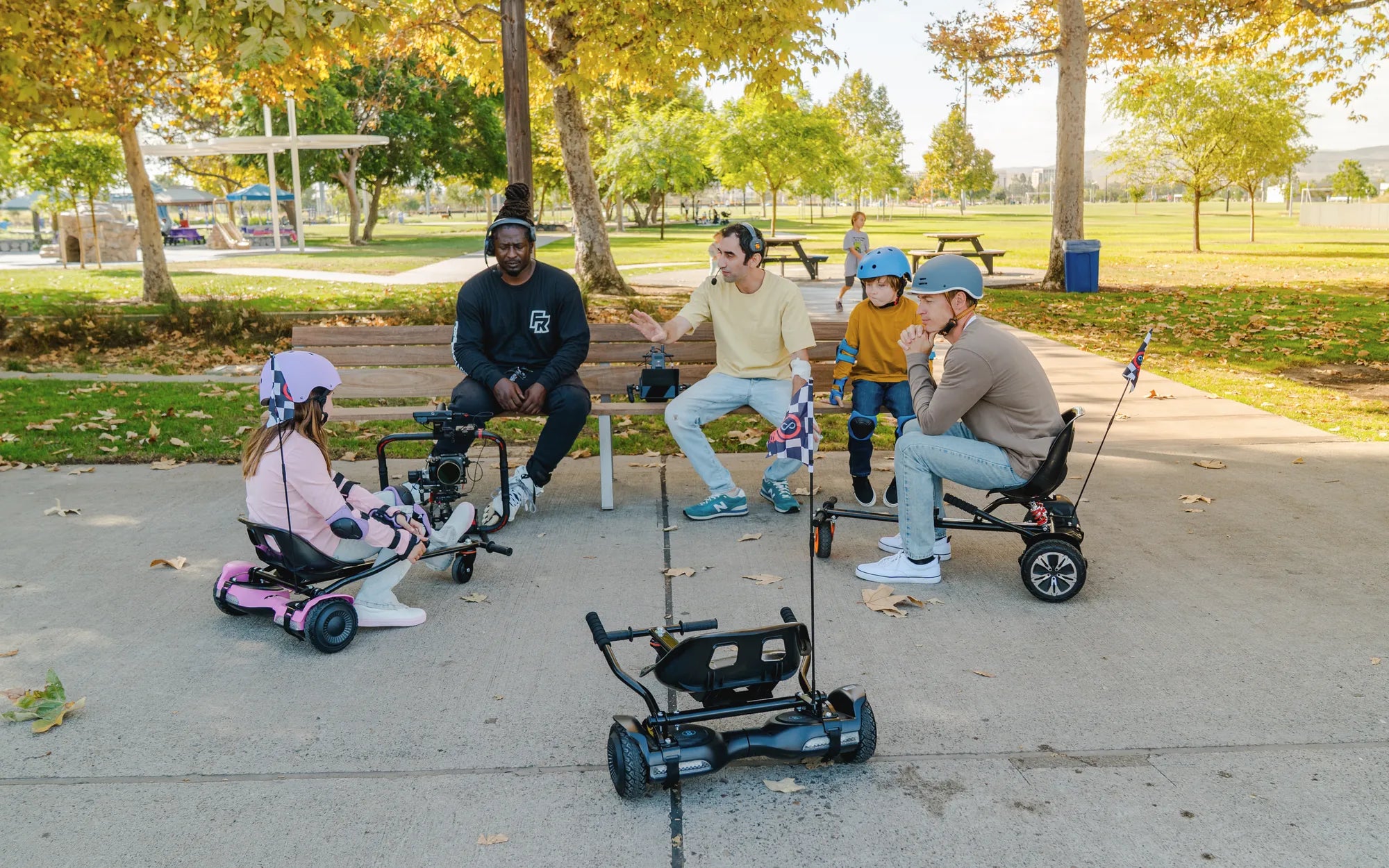
Imagine gliding down the street on a sleek, futuristic hoverboard that not only turns heads but also syncs with your smartphone for a seamless ride. The white Bluetooth LED hoverboard is more than just a mode of transportation—it's a statement piece that combines style, technology, and fun. Whether you're a beginner or a seasoned rider, this guide will walk you through everything you need to know about this cutting-edge gadget.
What Makes the White Bluetooth LED Hoverboard Stand Out?
The white Bluetooth LED hoverboard is designed for those who want to ride in style. Its pristine white finish gives it a modern and clean look, while the built-in LED lights add a futuristic touch. But it's not just about aesthetics—this hoverboard is packed with smart features that make it a standout choice.
Sleek Design and Premium Build
The hoverboard's white exterior is not only visually appealing but also durable. The high-quality materials ensure it can withstand daily use, while the ergonomic design provides a comfortable riding experience. The LED lights embedded in the wheels and frame not only look cool but also enhance visibility during nighttime rides.
Bluetooth Connectivity for Smart Control
One of the most exciting features of this hoverboard is its Bluetooth capability. By connecting to your smartphone, you can control various functions, such as adjusting the LED light colors, monitoring battery life, and even playing music through built-in speakers. This level of customization makes every ride unique.
Key Features of the White Bluetooth LED Hoverboard
This hoverboard is more than just a pretty face. Here are some of the key features that make it a must-have for tech-savvy riders:
- Bluetooth Connectivity: Sync with your smartphone to control lights, music, and more.
- LED Lights: Customizable colors and patterns for a personalized ride.
- Long Battery Life: Enjoy extended rides without frequent recharging.
- Sturdy Build: Designed to handle various terrains with ease.
- User-Friendly Controls: Intuitive design for smooth and safe riding.
How to Choose the Perfect White Bluetooth LED Hoverboard
With so many options available, selecting the right hoverboard can be overwhelming. Here are some factors to consider:
Battery Life and Charging Time
A hoverboard with a long battery life ensures you can ride for extended periods without interruption. Look for models that offer at least 10-12 miles per charge and a reasonable charging time.
Weight Capacity and Terrain Compatibility
Make sure the hoverboard can support your weight and is suitable for the terrain you plan to ride on. Some models are designed for smooth pavements, while others can handle rougher surfaces.
Safety Features
Safety should always be a priority. Opt for hoverboards with features like non-slip foot pads, balanced sensors, and sturdy wheels to ensure a secure ride.
Tips for Riding Your White Bluetooth LED Hoverboard Safely
Even the most advanced hoverboard requires proper handling to ensure a safe and enjoyable experience. Follow these tips to ride like a pro:
- Always wear protective gear, including a helmet, knee pads, and elbow pads.
- Start in a flat, open area to practice balancing and maneuvering.
- Avoid riding on wet or uneven surfaces to prevent accidents.
- Regularly check the hoverboard's battery and tire pressure before each ride.
Why the White Bluetooth LED Hoverboard is a Game-Changer
This hoverboard isn't just another gadget—it's a revolution in personal transportation. Its combination of style, technology, and functionality makes it a favorite among riders of all ages. Whether you're commuting to work or just having fun, the white Bluetooth LED hoverboard delivers an unmatched experience.
Ready to take your rides to the next level? The white Bluetooth LED hoverboard is waiting for you. With its stunning design, smart features, and unbeatable performance, it's the perfect way to stand out and enjoy the future of mobility today.
Where Can I Buy a Charger for My Hoverboard: A Complete Guide
Best Hoverboards for Adults: Top Picks for Smooth and Safe Riding