



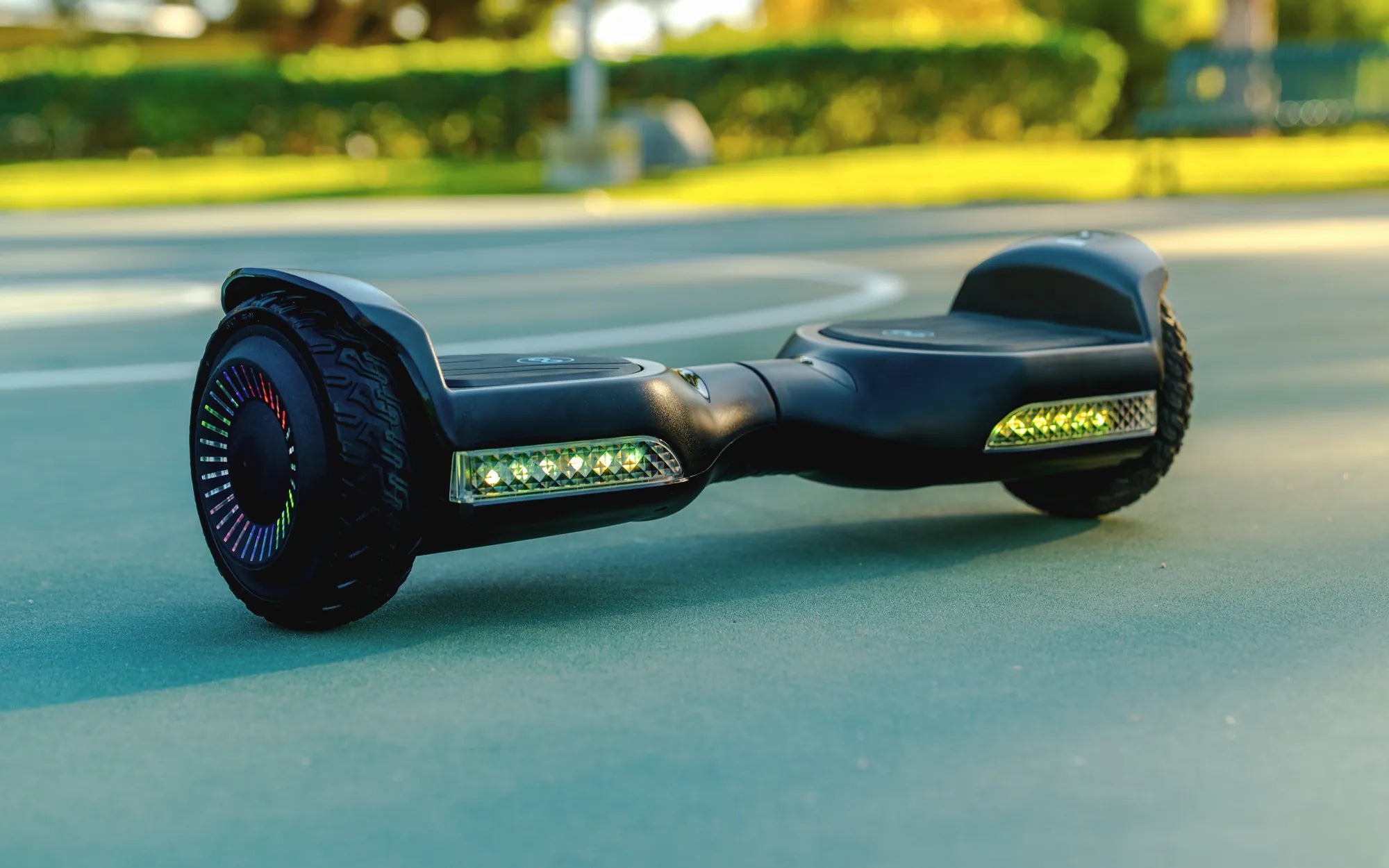
Hoverboards are thrilling devices that offer a futuristic way to glide around, but sometimes, their speed can be overwhelming—especially for beginners or those riding in crowded areas. If you've ever wondered, "Can you make a hoverboard slower?", the answer is yes! There are several ways to adjust the speed of your hoverboard to ensure a safer and more comfortable experience.
Why Would You Want to Slow Down a Hoverboard?
Hoverboards typically reach speeds of 6-12 mph, which might feel too fast for some riders. Slowing down your hoverboard can be beneficial in several scenarios:
- Beginner riders: New users often need time to build confidence and balance.
- Indoor use: Riding at high speeds indoors can be dangerous due to limited space.
- Safety concerns: Slower speeds reduce the risk of accidents, especially for kids.
- Battery conservation: Lower speeds can extend battery life.
Methods to Make Your Hoverboard Slower
1. Use a Beginner Mode
Many hoverboards come with built-in speed modes, including a beginner or training mode. This mode limits the maximum speed, making it easier to learn and control the device. Check your hoverboard's manual to see if this feature is available and how to activate it.
2. Adjust the Speed Settings via App
Some hoverboards are compatible with smartphone apps that allow you to customize speed settings. If your model supports this, you can lower the speed limit through the app for a more controlled ride.
3. Change the Riding Surface
Rough or uneven terrain can naturally slow down a hoverboard. If you're practicing, consider riding on grass, gravel, or carpet instead of smooth pavement. However, be cautious—some surfaces may increase the risk of tipping.
4. Modify the Foot Placement
How you position your feet can influence speed. Placing your feet closer to the center of the hoverboard can reduce acceleration, while leaning forward less aggressively will also help maintain a slower pace.
5. Check the Tire Pressure
Underinflated tires can create more friction, slowing down the hoverboard. While this isn't the most efficient method, it can help in a pinch. Just ensure the tires aren't too flat, as this could damage the device.
6. Use Weight to Control Speed
Hoverboards respond to the rider's weight distribution. If you want to go slower, avoid leaning too far forward. Instead, maintain an upright posture and apply gentle pressure to control your speed.
Safety Tips When Slowing Down Your Hoverboard
While reducing speed can enhance safety, it's important to follow these precautions:
- Always wear protective gear, including a helmet, knee pads, and wrist guards.
- Avoid sudden stops or sharp turns at higher speeds.
- Practice in an open, obstacle-free area before riding in busy spaces.
- Regularly inspect your hoverboard for mechanical issues.
Final Thoughts
Slowing down your hoverboard doesn’t have to be complicated—whether you use a beginner mode, adjust settings via an app, or simply change your riding technique, there are plenty of ways to enjoy a safer, more controlled ride. By taking these steps, you can confidently navigate any environment while keeping speed in check.
Ready to take control of your hoverboard's speed? Try these methods today and experience a smoother, more enjoyable ride!
Cool Tricks You Can Do on a Hoverboard to Impress Your Friends
Can You Ride Your Hoverboard on Carpet? The Surprising Truth