



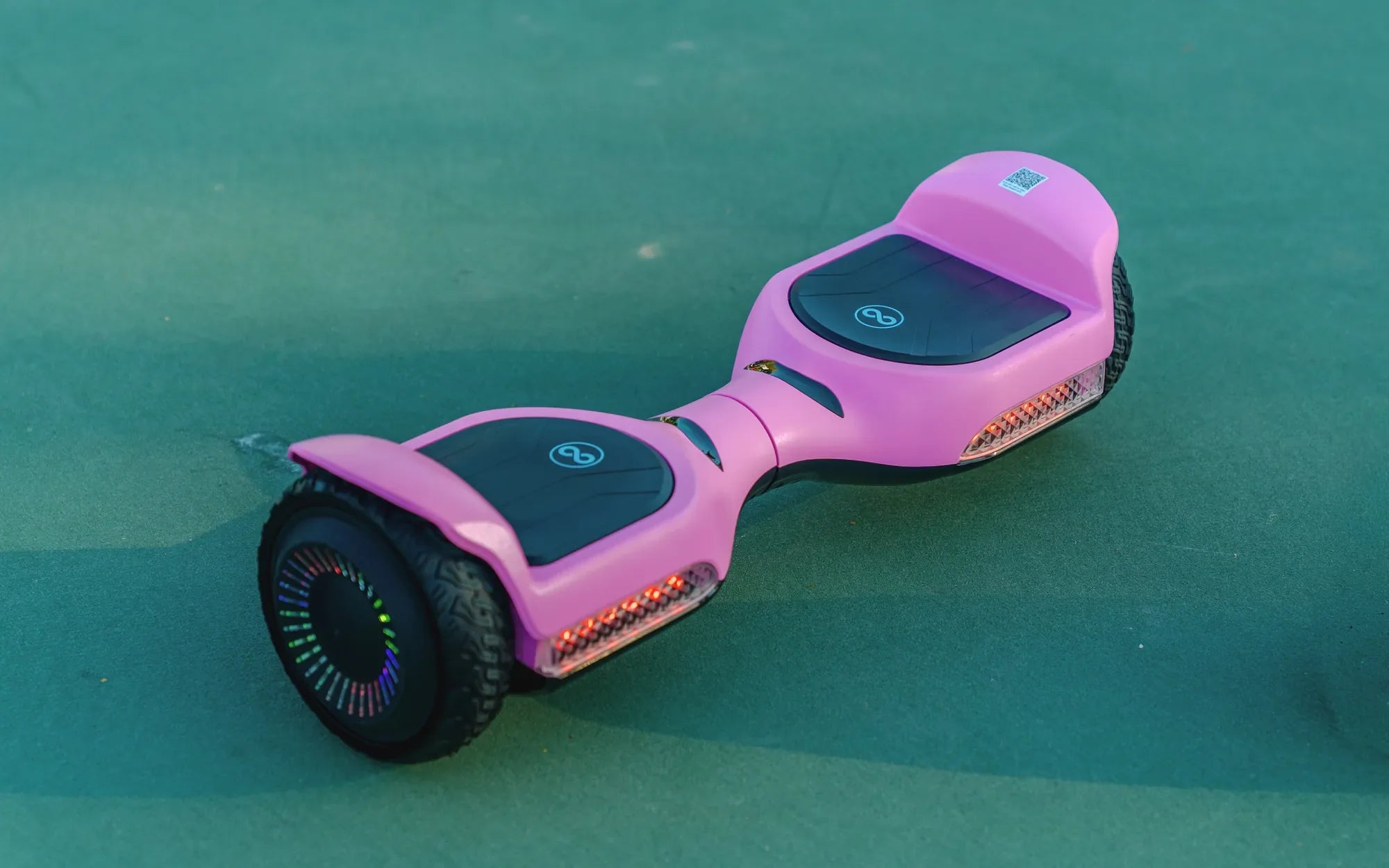
So, you've just unboxed your brand-new hoverboard, and you're eager to take it for a spin. But before you hit the streets, there's one critical step you can't afford to skip: charging hoverboard for the first time. Getting this right ensures your device performs at its best and lasts for years to come. Let's dive into everything you need to know.
Why Proper Initial Charging Matters
Charging your hoverboard correctly the first time sets the foundation for its battery life and overall performance. Lithium-ion batteries, commonly used in hoverboards, require a specific charging routine to maintain their efficiency. Skipping this step could lead to reduced battery capacity or even safety hazards.
Step-by-Step Guide to Charging Your Hoverboard
1. Unbox and Inspect
Before plugging in your hoverboard, carefully unbox it and inspect for any visible damage. Check the battery compartment, charging port, and power adapter to ensure everything is in perfect condition.
2. Locate the Charging Port
Most hoverboards have a charging port located on the side or under a protective flap. Refer to your user manual if you're unsure where to find it.
3. Use the Correct Charger
Always use the charger provided with your hoverboard. Third-party chargers may not deliver the correct voltage, which can damage the battery or pose a fire risk.
4. Plug In the Charger
Connect the charger to the hoverboard first, then plug it into a wall outlet. This sequence helps prevent power surges that could harm the battery.
5. Monitor the Charging Process
Most hoverboards have an LED indicator that turns red during charging and green when fully charged. Leave it plugged in until the light turns green, which typically takes 2-4 hours for the first charge.
6. Avoid Overcharging
While modern hoverboards have overcharge protection, it's best to unplug the charger once the battery is full. Overcharging can still degrade battery life over time.
Safety Tips for First-Time Charging
- Charge your hoverboard on a flat, non-flammable surface.
- Never leave it charging unattended for extended periods.
- Keep the charging area well-ventilated to prevent overheating.
- Avoid charging near water or in humid environments.
Common Mistakes to Avoid
Many first-time hoverboard owners make these errors when charging their device:
- Using a fast charger not designed for hoverboards.
- Charging immediately after a ride (let the battery cool down first).
- Ignoring unusual sounds or smells during charging.
- Storing the hoverboard with a completely drained battery.
Maximizing Your Hoverboard's Battery Life
Proper first charging is just the beginning. To keep your hoverboard's battery in top condition:
- Perform regular full charge cycles (drain completely then charge fully).
- Store your hoverboard with at least 50% charge if not using for extended periods.
- Avoid exposing the battery to extreme temperatures.
- Clean the charging port regularly to ensure good contact.
Troubleshooting First-Charge Issues
If your hoverboard won't charge properly the first time, try these solutions:
- Check all connections are secure.
- Try a different power outlet.
- Ensure the charger is properly seated in the charging port.
- Consult your user manual for specific error codes.
Now that you've mastered charging hoverboard for the first time, you're ready to enjoy countless hours of smooth, uninterrupted riding. Remember, taking these extra precautions during the initial charge will pay off with better performance and longer battery life down the road. Happy hovering!
Black and Red 8 Inch Hoverboard: The Ultimate Guide to Stylish and Compact Riding
Cheapest and Safest Hoverboards: A Buyer's Guide to Smart Choices