

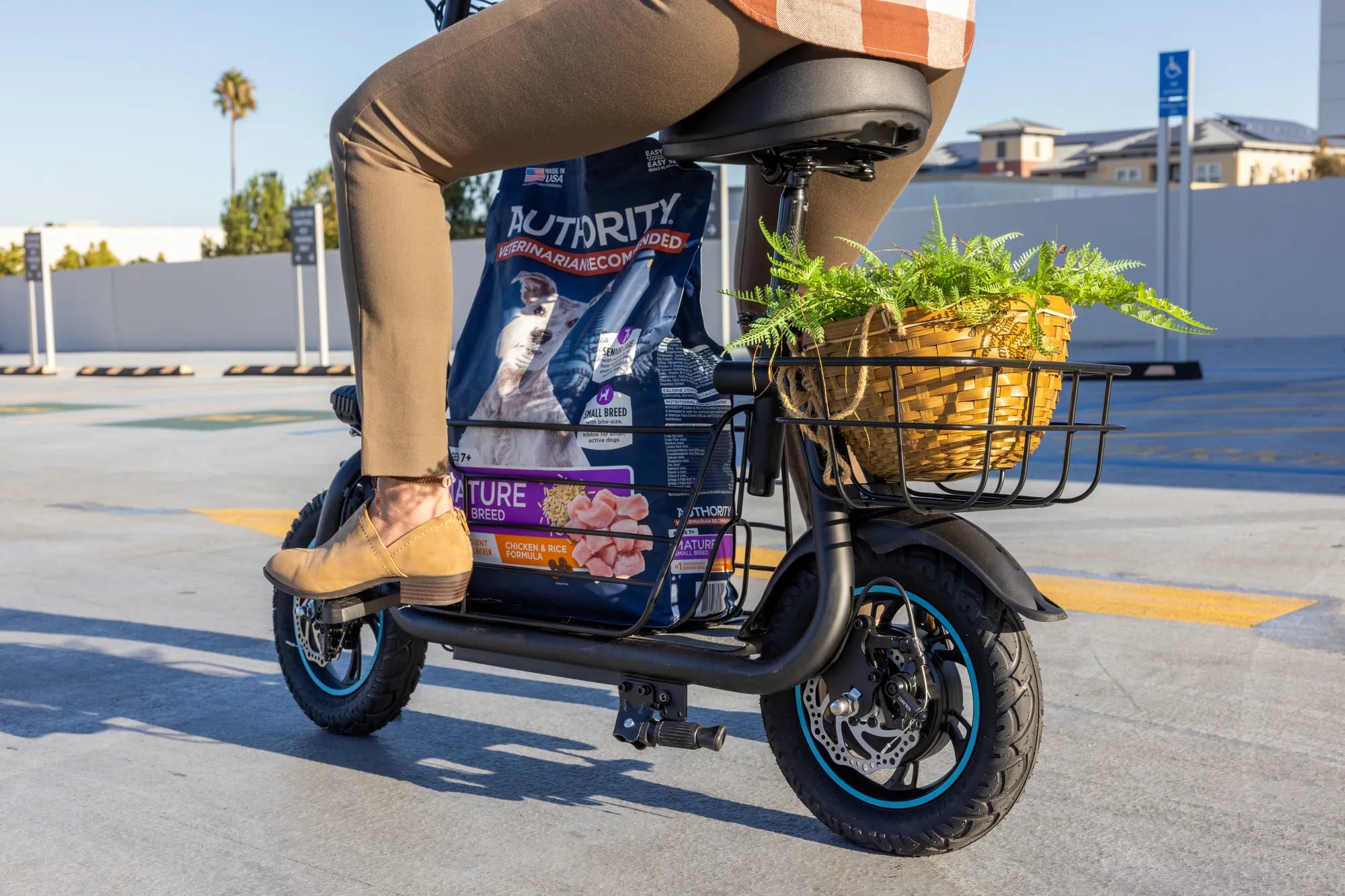
Electric bikes have revolutionized the way we commute, exercise, and explore. But did you know that tweaking your e-bike's P settings can take your riding experience to the next level? Whether you're a seasoned rider or just starting, understanding these settings is key to unlocking your e-bike's full potential.
What Are E Bike P Settings?
E bike P settings refer to the programmable parameters that control how your electric bike's motor and battery interact. These settings are often hidden in the bike's display menu and can significantly impact performance, efficiency, and even the lifespan of your components.
Why Adjusting P Settings Matters
Fine-tuning your e-bike's P settings allows you to customize the ride to your preferences. Whether you want more torque for uphill climbs, smoother acceleration, or extended battery life, these adjustments can make all the difference. Here's why they matter:
- Improved Efficiency: Optimize power delivery to match your riding style.
- Enhanced Performance: Adjust motor response for a more dynamic or relaxed ride.
- Battery Longevity: Proper settings can reduce strain on the battery, extending its life.
Common P Settings and Their Functions
While the exact P settings vary by manufacturer, here are some common ones you might encounter:
- P1: Controls the maximum speed or power output.
- P2: Adjusts the pedal assist sensitivity.
- P3: Sets the throttle response (if applicable).
- P4: Manages regenerative braking strength.
How to Access and Modify P Settings
Accessing P settings typically involves navigating your e-bike's display menu. Here's a general guide:
- Turn on your e-bike and access the settings menu.
- Look for a "P" or "Parameter" option.
- Select the setting you wish to adjust and follow the prompts.
- Save your changes and test the new configuration.
Note: Always refer to your e-bike's manual for specific instructions, as the process can vary.
Tips for Optimizing Your P Settings
To get the most out of your e-bike, consider these tips:
- Start Small: Make incremental changes and test how they affect your ride.
- Prioritize Safety: Avoid extreme adjustments that could compromise control.
- Monitor Battery Life: Track how changes impact your battery's performance.
- Consult Experts: If unsure, seek advice from a professional or online forums.
The Impact of P Settings on Battery Life
One of the most significant benefits of adjusting P settings is the potential to extend your battery's lifespan. For example, reducing the maximum power output (P1) can decrease strain on the battery, while optimizing regenerative braking (P4) can recover more energy during rides. Experimenting with these settings can lead to longer rides and fewer charges over time.
Common Mistakes to Avoid
While adjusting P settings can be rewarding, avoid these pitfalls:
- Over-Adjusting: Too many changes at once can make it hard to pinpoint what works.
- Ignoring Defaults: Some settings are optimized by the manufacturer—don't change them without reason.
- Neglecting Testing: Always test new settings in a safe environment before long rides.
Ready to transform your e-bike experience? Dive into your P settings today and discover how small tweaks can lead to big improvements. Whether you're chasing speed, efficiency, or longevity, mastering these parameters will help you ride smarter and farther than ever before.
60V Ebike Kit: The Ultimate Guide to Upgrading Your Ride
Class I Ebike: The Ultimate Guide to Understanding and Choosing the Right One