



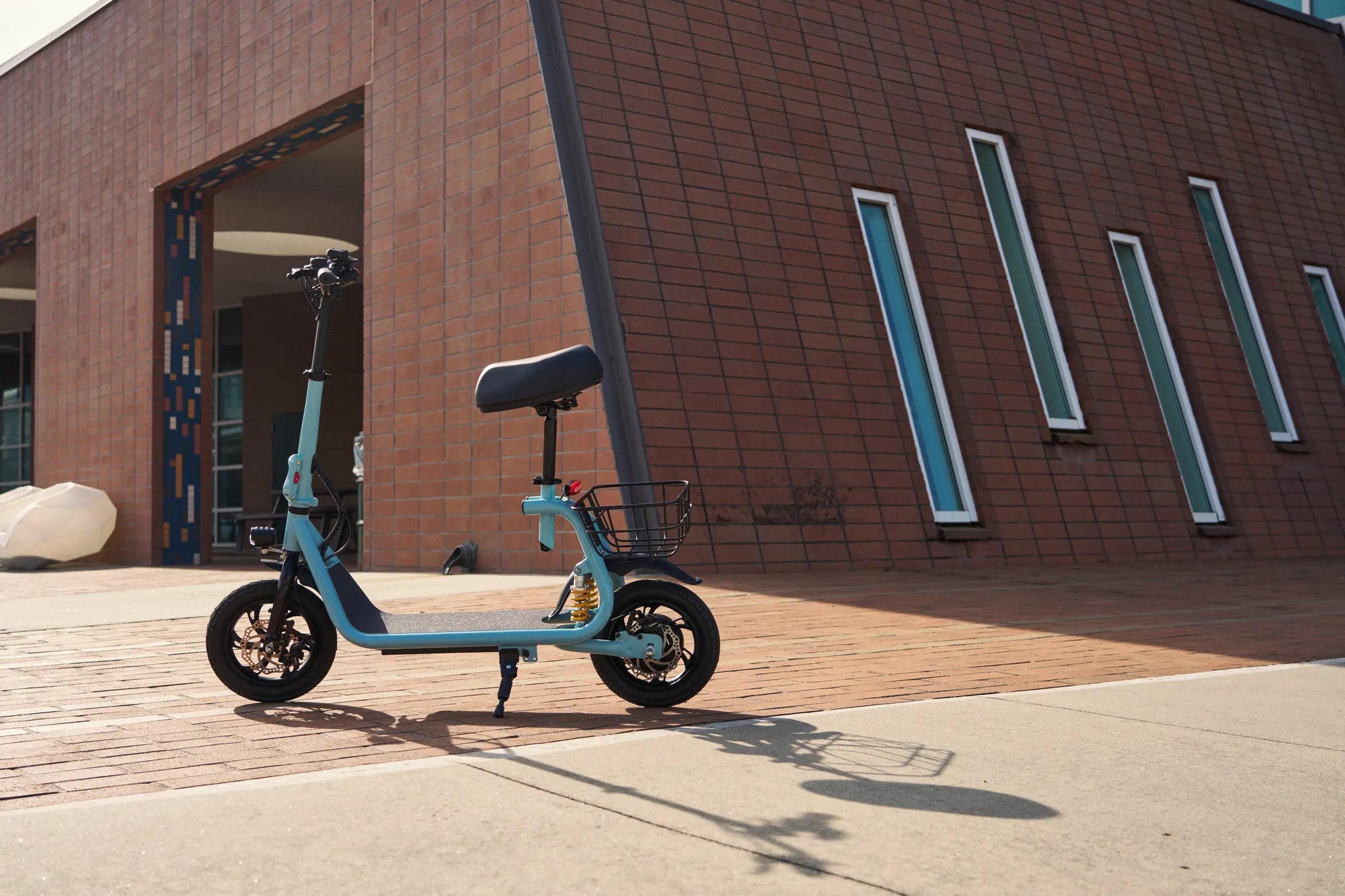
Electric scooter displays are more than just speedometers—they are the control hub of your ride. Whether you're a daily commuter or a weekend adventurer, mastering your scooter's display settings can enhance performance, safety, and convenience. Let's dive into everything you need to know about electric scooter display settings.
Understanding Your Electric Scooter Display
Modern electric scooters come equipped with advanced digital displays that provide real-time data and customizable features. These displays typically show speed, battery level, riding mode, and other critical metrics. Familiarizing yourself with these elements is the first step to optimizing your ride.
Key Display Features
- Speedometer: Tracks your current speed in mph or km/h.
- Battery Indicator: Shows remaining charge and estimated range.
- Riding Modes: Adjusts power output for eco, standard, or sport modes.
- Odometer/Trip Meter: Records total and single-trip distances.
- Error Codes: Alerts you to potential issues requiring attention.
Customizing Your Display Settings
Personalizing your scooter's display can improve usability and match your riding style. Here’s how to tweak common settings:
Brightness and Contrast
Adjusting brightness ensures visibility in different lighting conditions. High brightness is ideal for daytime, while lower settings reduce glare at night.
Unit Preferences
Switch between mph and km/h based on your preference or regional standards. Some displays also let you toggle between Celsius and Fahrenheit for temperature readings.
Riding Mode Selection
Choose between eco (energy-saving), standard (balanced), or sport (high-performance) modes. Each affects speed, acceleration, and battery consumption.
Advanced Display Functions
Beyond basics, some scooters offer advanced features like:
Regenerative Braking Indicators
Displays may show energy recovery levels when braking, helping you maximize battery efficiency.
Bluetooth Connectivity
Pair your scooter with a smartphone app to access detailed analytics, firmware updates, or navigation prompts.
Backlight Colors
Customize the display's backlight color for a personalized touch or improved readability.
Troubleshooting Display Issues
If your display malfunctions, try these fixes:
- No Power: Check battery connections and ensure the scooter is charged.
- Frozen Screen: Restart the scooter or perform a factory reset.
- Incorrect Readings: Calibrate sensors or update firmware if available.
Safety Tips for Display Use
While displays are helpful, avoid distractions:
- Glance at the display briefly—keep your focus on the road.
- Adjust settings before riding, not while in motion.
- Use voice prompts or handlebar controls if available.
Your electric scooter's display is the key to unlocking a smarter, safer ride. By mastering its settings, you can tailor every journey to your needs—whether it's squeezing out extra range or enjoying a thrilling speed boost. Ready to take control? Your perfect ride starts with a tap.
Cheap Self Balancing Scooter NZ: The Ultimate Guide to Affordable Personal Transport
Cheap Self Balancing Scooter NZ: The Ultimate Guide to Affordable Personal Transport