



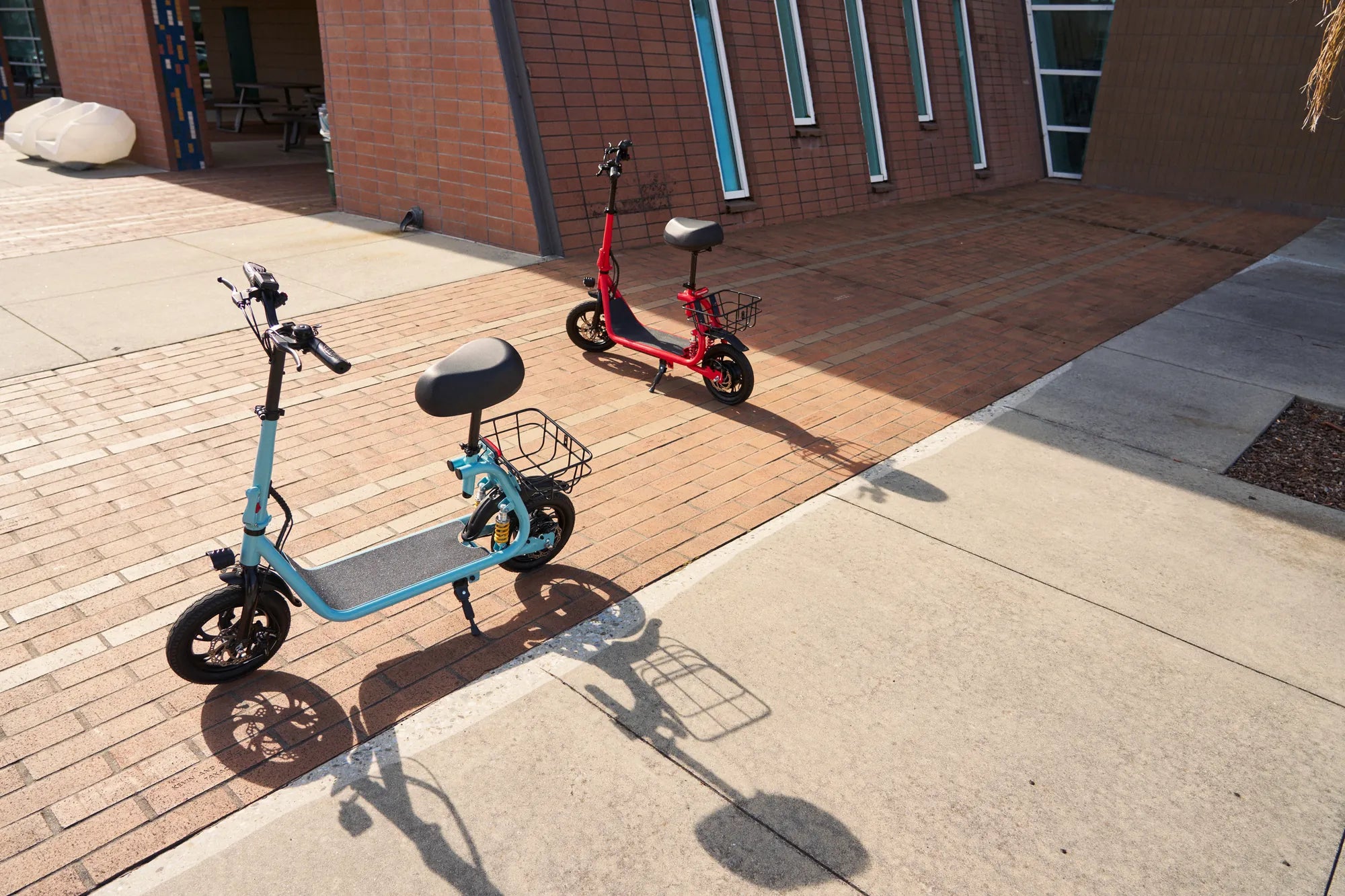
Few things are as frustrating as hopping on your electric scooter, only to find it won’t charge or turn on. Whether you rely on it for daily commutes or weekend adventures, a dead scooter can throw a wrench in your plans. But before you panic, let’s dive into the possible causes and solutions to get your ride back in action.
Common Reasons Your Electric Scooter Won’t Charge or Turn On
When your electric scooter refuses to charge or power up, the issue could stem from several sources. Here are the most common culprits:
- Faulty Charger or Power Source: The charger might be damaged, or the outlet you’re using could be defective.
- Dead Battery: Over time, batteries lose their ability to hold a charge.
- Loose or Damaged Wiring: Internal connections may have come undone or frayed.
- Blown Fuse: A surge or overload could have tripped the fuse.
- Water Damage: Exposure to moisture can short-circuit the system.
- Software or Controller Issues: Firmware glitches or a malfunctioning controller can prevent startup.
Step-by-Step Troubleshooting Guide
1. Check the Charger and Power Source
Start by verifying that the charger is working correctly. Plug it into a different outlet and see if the indicator light turns on. If the charger appears dead, try using a compatible replacement to rule out a faulty unit.
2. Inspect the Battery
If the charger is functional but the scooter still won’t charge, the battery might be the issue. Look for visible damage, swelling, or leaks. If the battery is removable, test it with a multimeter to check its voltage. A reading significantly lower than the rated voltage suggests it needs replacement.
3. Examine Wiring and Connections
Open the scooter’s battery compartment (if accessible) and inspect the wiring. Loose or corroded connections can disrupt power flow. Tighten any loose wires and clean corrosion with a small brush and isopropyl alcohol.
4. Test the Fuse
Locate the scooter’s fuse (usually near the battery or charging port). Remove it and check for a broken filament. If the fuse is blown, replace it with one of the same rating.
5. Look for Water Damage
If your scooter has been exposed to rain or spills, moisture may have seeped into the electronics. Dry the scooter thoroughly and let it sit in a warm, dry place for at least 24 hours before attempting to charge or turn it on again.
6. Reset the Controller
Some electric scooters have a reset button or require a manual reset. Consult your user manual for instructions. If the scooter has a display, check for error codes that could indicate a software issue.
Preventive Measures to Avoid Future Issues
To keep your electric scooter running smoothly, follow these tips:
- Store Indoors: Keep your scooter in a dry, temperature-controlled environment.
- Avoid Overcharging: Unplug the charger once the battery is fully charged to prolong its lifespan.
- Regular Maintenance: Periodically check wiring, tires, and brakes for wear and tear.
- Use the Right Charger: Always use the manufacturer-recommended charger to prevent damage.
When to Seek Professional Help
If you’ve tried all the troubleshooting steps and your scooter still won’t charge or turn on, it’s time to consult a professional. A certified technician can diagnose deeper electrical or mechanical issues that may require specialized tools or parts.
Don’t let a non-working electric scooter ruin your day—most charging and power issues can be resolved with a little patience and know-how. Follow this guide, and you’ll be back on the road in no time!
Demand for Electric Scooters: The Future of Urban Mobility
Is It Worth Getting an Electric Scooter? A Comprehensive Guide