


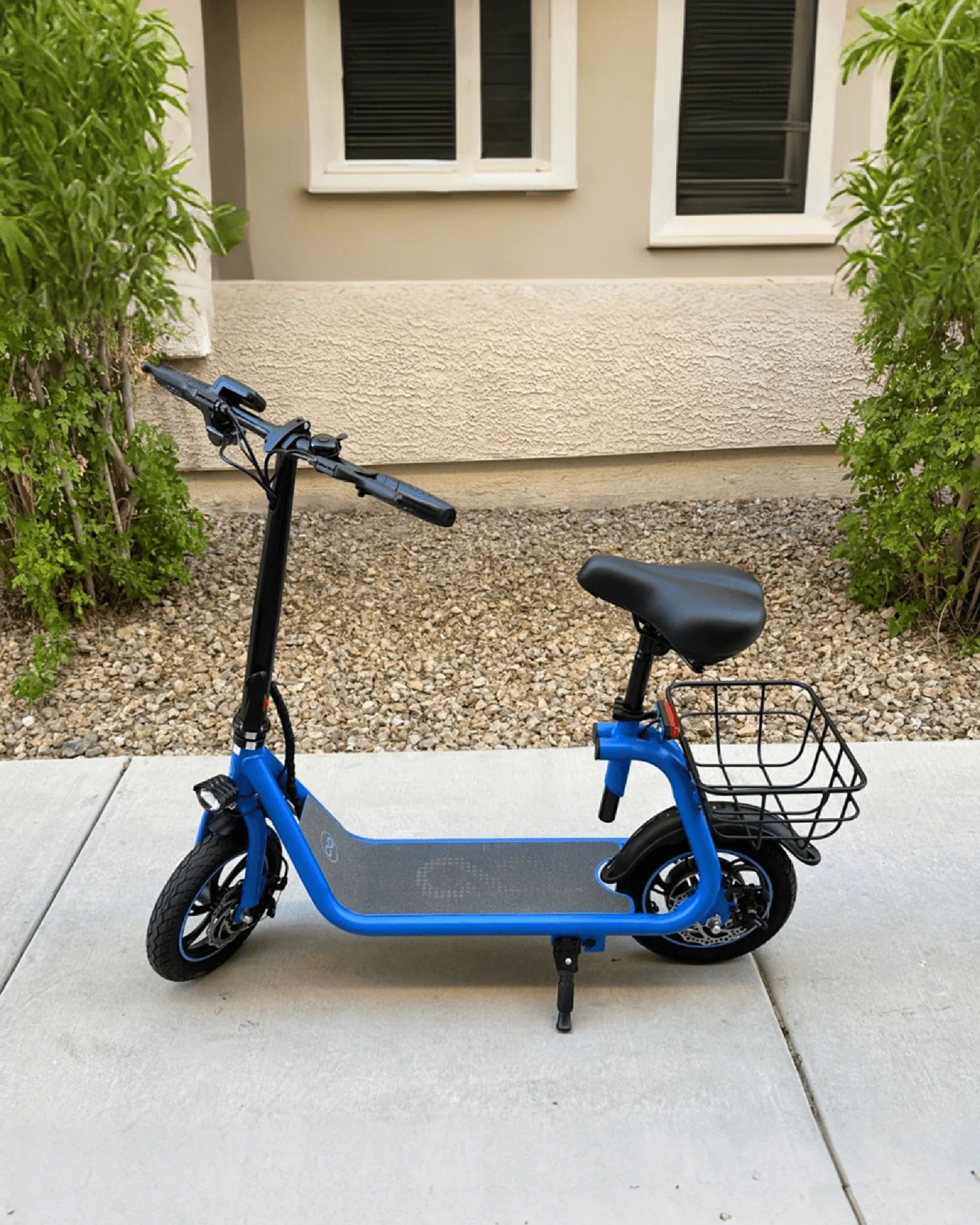
Few things are more annoying than an electric scooter that won't stop beeping. Whether you're commuting to work or enjoying a leisurely ride, the constant noise can ruin the experience. But before you lose your patience, understand that the beeping is often a warning sign—your scooter is trying to tell you something. Let's dive into the reasons behind this issue and how to fix it.
Common Reasons Your Electric Scooter Won't Stop Beeping
Electric scooters are designed with built-in safety mechanisms, and beeping is one way they communicate potential problems. Here are the most common causes:
- Low Battery Warning – Many scooters beep continuously when the battery is critically low.
- Faulty Throttle or Brake Sensor – Misaligned or damaged sensors can trigger false alarms.
- Overheating Motor – Excessive use can cause the motor to overheat, leading to beeping.
- Loose Wiring or Electrical Issues – Poor connections or damaged wires may disrupt normal operation.
- Software Glitch – A firmware bug could cause the scooter to beep unnecessarily.
How to Fix an Electric Scooter That Won't Stop Beeping
Now that we know the likely culprits, let's explore solutions to silence the beeping and restore your scooter's functionality.
1. Check and Charge the Battery
If your scooter beeps persistently, the first step is to check the battery level. Plug it into the charger and wait for a full charge. If the beeping stops, the issue was simply a low battery. If the problem persists, inspect the battery connections for corrosion or damage.
2. Inspect the Throttle and Brake Sensors
Misaligned or faulty sensors can cause false alarms. Gently adjust the throttle and brake levers to ensure they're properly seated. If the beeping continues, you may need to replace the sensors.
3. Let the Motor Cool Down
If your scooter has been running for an extended period, the motor may overheat. Turn it off and let it cool for at least 30 minutes. Once it's cooled down, restart the scooter to see if the beeping stops.
4. Examine Wiring and Electrical Components
Loose or damaged wires can cause erratic behavior. Carefully inspect the wiring harness for any visible damage. If you find frayed wires or loose connections, consider consulting a professional for repairs.
5. Reset or Update the Firmware
Some scooters have a reset button—hold it down for a few seconds to reboot the system. If your model supports firmware updates, check the manufacturer's website for the latest version.
Preventive Measures to Avoid Future Beeping Issues
To minimize the chances of your scooter beeping incessantly in the future, follow these best practices:
- Charge the battery regularly and avoid letting it drain completely.
- Avoid overloading the scooter beyond its weight limit.
- Store the scooter in a dry, temperature-controlled environment.
- Perform routine maintenance checks on brakes, tires, and electrical components.
An electric scooter that won't stop beeping doesn't have to be a permanent headache. By identifying the root cause and applying the right fix, you can enjoy a smooth, quiet ride once again. Don't ignore the warning—take action today and get back on the road without the annoying beeps!
Best Electric Scooter in Muzaffarnagar: Top Picks for Eco-Friendly Commuting
Mountain Biking Clarens: An Unforgettable Adventure in the Heart of South Africa