



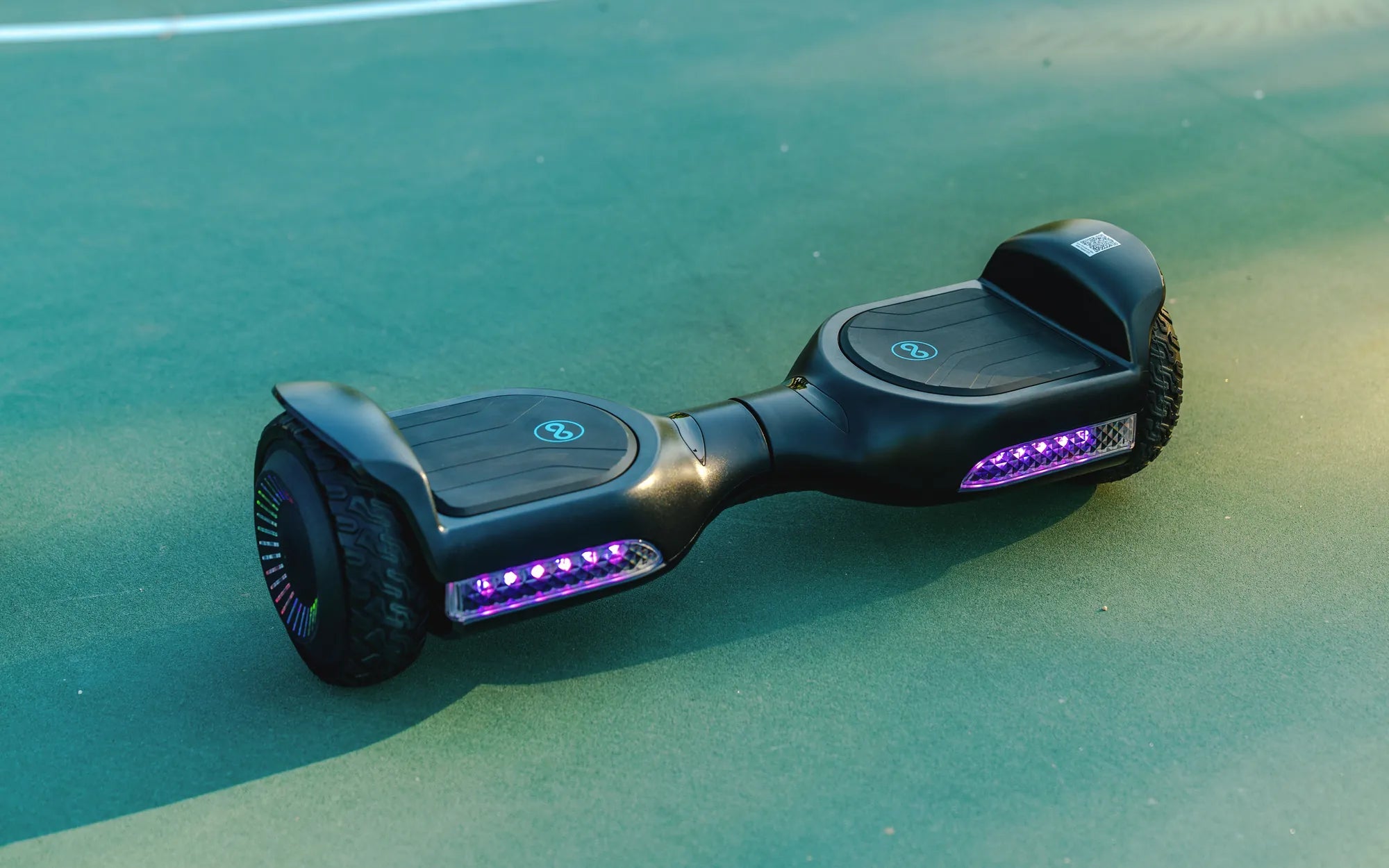
Is your hoverboard struggling to keep up with your daily rides? A hoverboard battery upgrade might be the game-changer you need. Whether you're looking to extend your ride time, boost speed, or simply replace an aging battery, upgrading can breathe new life into your device. In this guide, we'll explore everything you need to know about hoverboard battery upgrades, from the benefits to the step-by-step process.
Why Upgrade Your Hoverboard Battery?
Upgrading your hoverboard battery isn't just about replacing a worn-out component. It's about unlocking new possibilities for your ride. Here are some key benefits:
- Longer Ride Time: A higher-capacity battery can significantly extend your hoverboard's runtime, allowing you to travel farther without recharging.
- Improved Performance: A new battery can deliver more consistent power, enhancing speed and acceleration.
- Enhanced Safety: Older batteries may degrade over time, posing risks like overheating. Upgrading ensures safer operation.
- Future-Proofing: Newer battery technologies offer better efficiency and durability, keeping your hoverboard relevant for years.
Types of Hoverboard Batteries
Not all hoverboard batteries are created equal. Here are the most common types you'll encounter:
- Lithium-Ion (Li-ion): The most popular choice, offering a balance of weight, capacity, and longevity.
- Lithium Polymer (LiPo): Lighter and more flexible in shape, but often more expensive.
- Lead-Acid: Rare in modern hoverboards due to their heavy weight and lower efficiency.
When choosing a battery, consider factors like capacity (measured in watt-hours), voltage compatibility, and physical dimensions to ensure a perfect fit.
How to Upgrade Your Hoverboard Battery
Ready to upgrade? Follow these steps for a smooth process:
- Check Compatibility: Ensure the new battery matches your hoverboard's voltage and connector type.
- Power Down: Turn off your hoverboard and disconnect the old battery.
- Remove the Old Battery: Open the hoverboard casing and carefully unplug the existing battery.
- Install the New Battery: Connect the new battery, secure it in place, and reassemble the hoverboard.
- Test the Upgrade: Power on your hoverboard and check for proper functionality.
If you're unsure about any step, consult a professional to avoid damage or safety risks.
Tips for Maintaining Your Upgraded Battery
To get the most out of your new battery, follow these maintenance tips:
- Avoid overcharging or completely draining the battery.
- Store your hoverboard in a cool, dry place when not in use.
- Clean the battery contacts periodically to ensure optimal performance.
Upgrading your hoverboard battery is a smart investment that pays off in performance, safety, and enjoyment. Whether you're a casual rider or a daily commuter, a fresh battery can transform your experience. Don't let a weak battery hold you back—take the leap and enjoy the ride!
Hoverboard 40€: The Ultimate Guide to Affordable Self-Balancing Scooters
How to Pair Hoverboard with Phone: A Step-by-Step Guide