



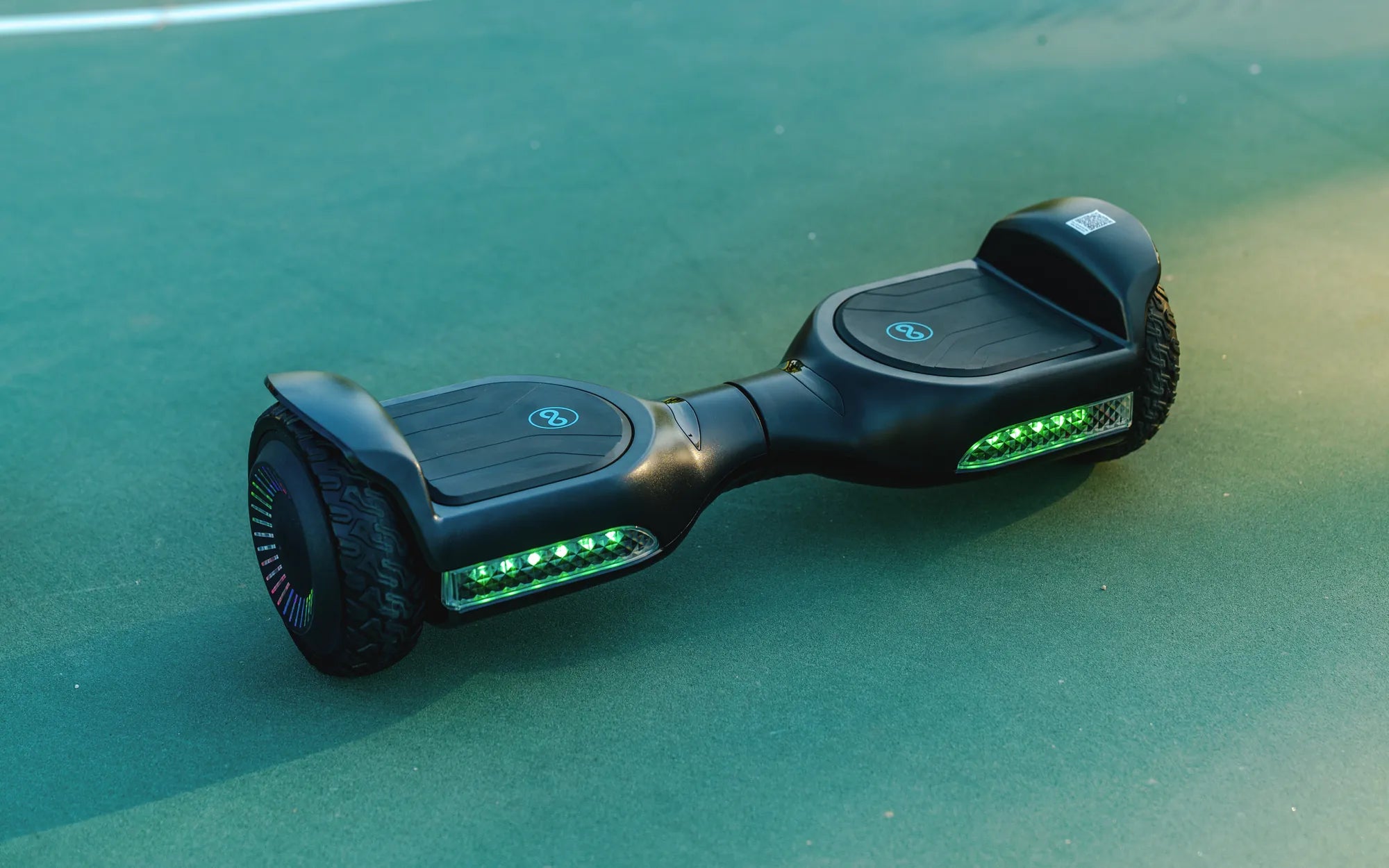
Few things are more frustrating than a hoverboard that won't stop beeping and refuses to power down. Whether you're a seasoned rider or a first-time user, this issue can turn your fun ride into a stressful ordeal. But don't worry—understanding the root causes and knowing how to fix them can save you time, money, and headaches. Let's dive into the reasons behind this annoying problem and explore the best ways to resolve it.
Common Causes of a Hoverboard Beeping and Not Turning Off
Several factors can cause your hoverboard to beep continuously and refuse to shut down. Identifying the exact issue is the first step toward fixing it. Here are the most common culprits:
- Low Battery or Charging Issues: A dying or improperly charged battery often triggers beeping alarms.
- Overheating: Extended use or exposure to high temperatures can cause the hoverboard to overheat.
- Firmware Glitches: Software malfunctions may cause the device to behave erratically.
- Loose or Damaged Wiring: Internal connections may be compromised, leading to electrical issues.
- Sensor Problems: Faulty gyroscopic or tilt sensors can send incorrect signals.
How to Fix a Hoverboard That Keeps Beeping and Won't Turn Off
Once you've identified the likely cause, follow these troubleshooting steps to resolve the issue:
1. Check the Battery and Charger
If your hoverboard is beeping due to low battery or charging problems, try the following:
- Plug the charger into a working outlet and ensure the connection is secure.
- Wait for at least 30 minutes to see if the beeping stops.
- If the battery is completely drained, leave it charging for a few hours before attempting to turn it on again.
2. Cool Down an Overheated Hoverboard
Overheating is a common issue, especially after prolonged use. To fix this:
- Turn off the hoverboard (if possible) and let it sit in a cool, shaded area for at least 30 minutes.
- Avoid riding in extreme heat or direct sunlight.
- Check for blocked ventilation ports and clean them if necessary.
3. Reset the Hoverboard
A simple reset can often resolve firmware-related issues:
- Hold the power button for 10-15 seconds to force a shutdown.
- Wait a few minutes before turning it back on.
- If the problem persists, consult the user manual for a factory reset option.
4. Inspect Internal Wiring and Sensors
If you're comfortable with basic electronics, you can check for loose or damaged wires inside the hoverboard. However, if you're unsure, it's best to seek professional help to avoid further damage.
Preventing Future Hoverboard Beeping Issues
To avoid dealing with a beeping hoverboard in the future, follow these preventive measures:
- Charge the battery fully before each use and avoid overcharging.
- Store the hoverboard in a cool, dry place away from direct sunlight.
- Regularly clean and inspect the device for any signs of wear or damage.
- Update the firmware if the manufacturer releases new versions.
Dealing with a hoverboard that won't stop beeping can be frustrating, but with the right approach, you can quickly get back to smooth rides. By understanding the causes, applying the right fixes, and taking preventive steps, you'll keep your hoverboard running smoothly for years to come. Don't let a beeping hoverboard ruin your fun—take action today and enjoy the ride!
Gift Guide for 12-Year-Old Girl: Top Picks to Delight and Inspire
High End Light Gray Electric Scooters: The Ultimate Urban Commuting Solution