


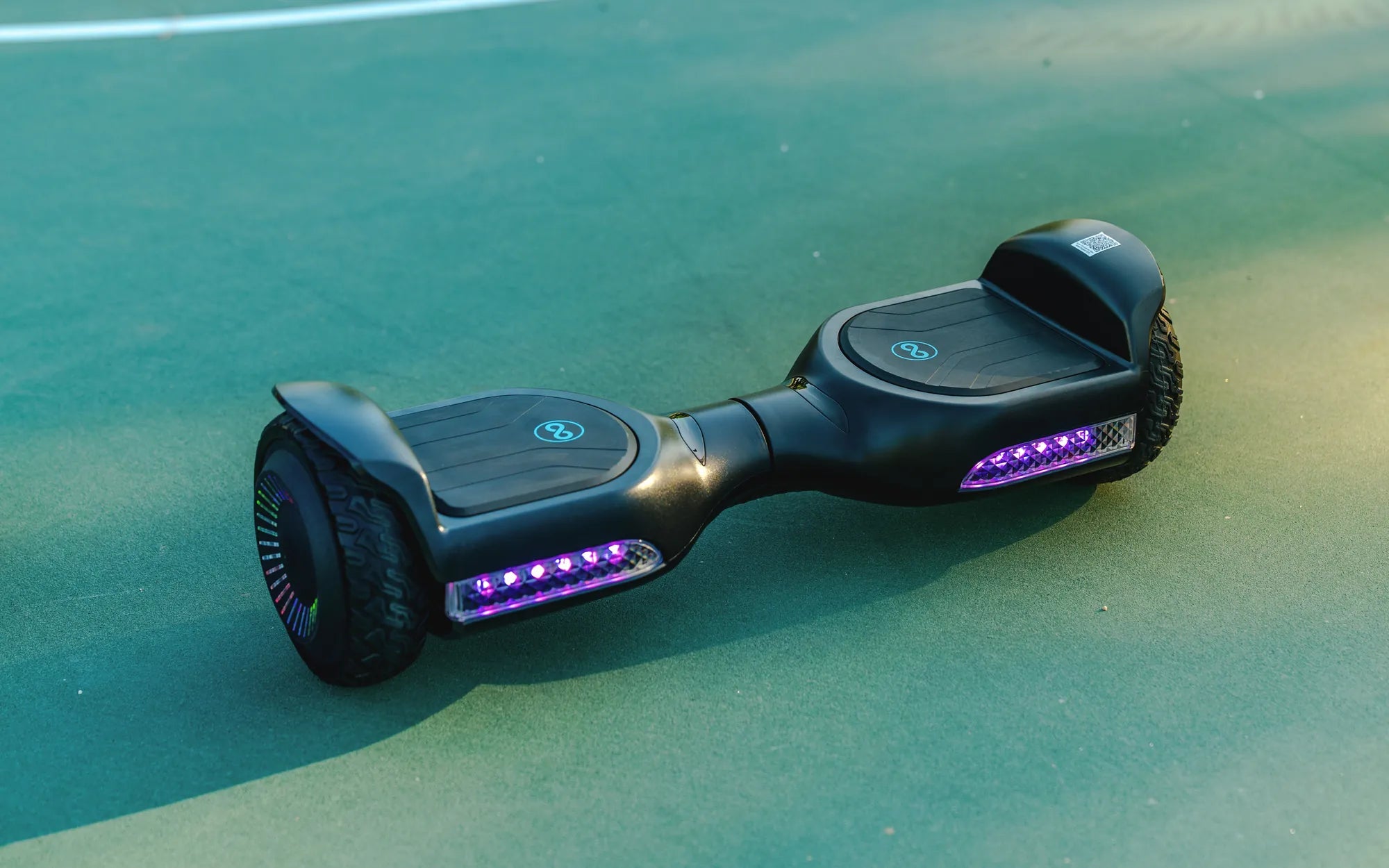
Your hoverboard's battery isn't just a component; it's the heart of your ride. Its health directly dictates performance, safety, and longevity. This guide delivers a complete, evidence-based framework for mastering your hoverboard charge. We'll demystify battery technology, establish golden rules for charging, and provide a holistic care plan. Whether you own a Gyroor model or any other brand, these principles will help you maximize every charge cycle and ensure years of reliable performance.
Understanding Your Hoverboard's Battery: The Heart of the Ride
At the core of every modern hoverboard is a lithium-ion (Li-ion) battery pack. These packs are composed of multiple individual cells, similar to those in laptops and electric vehicles, configured to provide the necessary voltage and current. The two key specifications are voltage (V), which determines power, and amp-hour (Ah) rating, which indicates capacity. A higher Ah rating translates directly to a longer potential range.
Quality varies dramatically. Reputable brands like Gyroor use UL 2272-certified battery packs, a critical safety standard that involves rigorous testing for electrical, mechanical, and environmental hazards. This certification is a non-negotiable benchmark for safety, ensuring the battery management system (BMS) is robust. A proper BMS is the brain of the battery, protecting against overcharge, over-discharge, short circuits, and temperature extremes.
Understanding your specific battery's specs is the first step to proper care. A standard model might use a 36V 4.0Ah battery, while performance or long-range models may feature 36V 6.5Ah or larger packs. This foundational knowledge informs everything from charging time expectations to realistic range calculations. Treating this sophisticated power source with respect is paramount for safety and durability.
How Lithium-ion Batteries Work (And Why They Degrade)
Lithium-ion batteries function by moving lithium ions between a cathode and an anode through an electrolyte. During discharge, ions move from the anode to the cathode, releasing energy to power the motors. Charging reverses this process. Each full cycle from 100% to 0% and back is one charge cycle, but partial discharges count fractionally.
Degradation is a natural chemical process. Key factors include the depth of discharge (DoD) and charge cycle count. Consistently draining the battery to 0% before recharging (a 100% DoD) stresses the chemistry far more than recharging from 50%. High temperatures accelerate unwanted side reactions, while very low temperatures increase internal resistance, temporarily reducing capacity.
The Battery Management System (BMS) mitigates these risks. It carefully balances the charge across all cells, prevents overcharging beyond 100%, and cuts power before the battery is dangerously depleted. However, the BMS can only work within the limits of user behavior and environmental conditions. Your charging habits directly influence the rate of the battery's inevitable capacity fade.
The Golden Rules of Hoverboard Charging: Do's and Don'ts
Adhering to a disciplined charging protocol is the single most effective action you can take to preserve your hoverboard's battery. These rules are based on the electrochemical properties of lithium-ion cells and are universally applicable, regardless of brand.
Always use the manufacturer-provided charger. OEM chargers are specifically calibrated to deliver the correct voltage and current for your battery's BMS. Using a generic or "fast" charger can deliver incorrect voltage, bypass safety protocols, and cause overheating, leading to reduced lifespan or critical failure. The integrity of your hoverboard charge routine depends on this.
Never leave your hoverboard plugged in indefinitely. While modern BMS units include trickle charge cut-offs, continuous connection to the power grid keeps the battery at 100% state of charge, a high-stress condition that accelerates electrolyte decomposition. Unplug the charger once the indicator light turns green. Similarly, avoid storing the board with a completely empty battery, as this can lead to a deep discharge state from which it may not recover.
The Optimal Charging Routine: From First Charge to Daily Use
Your first charge sets the stage. For a new hoverboard, it's advisable to give it a full, uninterrupted charge before the first ride, even if the indicator shows partial capacity. This ensures all cells in the pack are properly balanced by the BMS from the outset.
For daily or frequent use, the ideal practice is to use partial discharges and frequent top-ups. Aim to recharge when the battery level drops to between 30% and 50%. This moderate depth of discharge puts minimal strain on the cell chemistry. There's no need to "train" the battery by fully draining it; that is a myth leftover from older nickel-cadmium technology.
If you need maximum range for an upcoming ride, it's fine to charge to 100%, but plan to use the board soon after. For regular commuting where you only use 40% of the capacity per day, charging to 80-90% is more beneficial for long-term health than consistently charging to full capacity. This approach to your hoverboard charge can double the number of useful cycles you get from the pack.
Critical Charging Mistakes to Avoid
- Charging Immediately After a Demanding Ride: The battery generates heat during use. Plugging it in while it's hot compounds thermal stress. Allow the board to cool to room temperature for at least 30 minutes before charging.
- Charging in Extreme Temperatures: Never charge a hoverboard in direct sunlight, in a car trunk, or in a freezing garage. The optimal charging temperature range is 50°F to 86°F (10°C to 30°C). Charging outside this window can cause permanent damage.
- Ignoring Charger and Port Health: Regularly inspect the charger cable, plug, and the hoverboard's charging port for damage, dirt, or debris. A damaged port can cause arcing, poor connections, and pose a fire hazard.
- Using Power Strips or Extension Cords Excessively: While sometimes necessary, low-quality extensions can cause voltage drops and inconsistent current flow. Plug the charger directly into a wall outlet whenever possible.
Maximizing Battery Life and Ride Performance
Battery care extends beyond the charger. Your riding habits and how you store the hoverboard have a profound impact on its performance and the longevity of every hoverboard charge.
Rider weight is a primary factor. Exceeding the manufacturer's stated weight limit forces the motors and battery to work harder, increasing current draw (amps) and causing more rapid voltage sag. This not only shortens your immediate range but also increases heat and stress per cycle. Adhering to the limit ensures the system operates within its designed efficiency envelope.
Terrain choice dramatically affects energy consumption. Smooth, flat pavement is the most efficient surface. Grass, gravel, and inclines require significantly more torque, which pulls high current from the battery, depleting it faster. Consistent hill climbing will reduce both your per-charge range and the overall cycle life of the battery pack.
Environmental and Usage Best Practices
Temperature is the silent battery killer. Avoid riding or storing your hoverboard in ambient temperatures below 32°F (0°C) or above 104°F (40°C). Cold temperatures temporarily reduce capacity and can cause permanent damage if charged under freezing conditions. High temperatures accelerate the degradation of the electrolyte and anode/cathode materials.
Proper tire inflation is a simple yet often overlooked factor. Under-inflated tires increase rolling resistance. Your motors must draw more power to maintain speed, wasting battery energy on friction. Check tire pressure monthly and inflate to the PSI rating printed on the tire sidewall. This simple act can improve range by 5-10%.
Smooth acceleration and braking conserve energy. Jackrabbit starts and abrupt stops are inefficient. Anticipate your path and use gentle, controlled inputs. Many hoverboards, including Gyroor models, offer multiple speed modes. Using a middle "Eco" mode for casual cruising, rather than always riding in the top speed mode, can extend your range substantially per charge.
The Role of Water Resistance in Battery Longevity
Moisture is a major threat to electronics and battery connections. An IP (Ingress Protection) rating defines a product's defense against solids and liquids. Gyroor designs its hoverboards with an IPX5 water-resistant rating, meaning they can withstand water jets from any direction.
This rating directly protects battery health. It prevents water, dust, and road spray from entering the deck compartment where the battery and BMS are housed. Corrosion on electrical terminals or a short circuit caused by moisture can irreparably damage a battery pack, often voiding the warranty. The IPX5 rating allows for confident riding on damp pavement or through puddles, common in daily commuting, without anxiety about internal damage.
It's crucial to understand that water-resistant is not waterproof. Submerging any hoverboard, regardless of IP rating, will likely cause catastrophic failure. The IPX5 specification provides a critical margin of safety for real-world conditions, ensuring that incidental exposure doesn't cut short the life of your battery or your board.
Troubleshooting and Long-Term Battery Care
Even with perfect care, you may encounter issues. A systematic approach to troubleshooting can identify simple fixes or confirm the need for professional service.
If your hoverboard won't charge, first verify the basics. Ensure the wall outlet is functional by plugging in another device. Check that the charger cable is firmly connected at both ends and that the hoverboard's charging port is free of lint or debris. Inspect the charger's LED indicator; if it doesn't light up when plugged into the wall (without the hoverboard), the charger may be faulty.
A sudden drop in range is a common concern. Before assuming battery failure, audit your recent usage. Have you been riding on rougher terrain, carrying more weight, or in colder weather? These factors can cause a perceived loss of capacity. If performance doesn't return under optimal conditions, the battery may be aging naturally or have a failing cell group.
Diagnosing Common Battery and Charging Issues
| Symptom | Possible Cause | Immediate Action |
|---|---|---|
| Charger LED does not turn on when plugged into hoverboard. | 1. Faulty outlet or charger. 2. Dead battery (deep discharge). 3. Damaged charging port. |
Test outlet and charger separately. Leave connected for 2 hours to see if BMS revives a deep-discharged battery. |
| Hoverboard turns on but dies quickly under load. | 1. Severely aged battery. 2. Loose battery connection. 3. Faulty BMS. |
Check for loose connectors inside deck (if comfortable). Test with a different, known-good battery pack if possible. |
| Battery drains faster than when new (gradual). | Normal capacity fade due to cycle count and usage patterns. | Re-evaluate charging habits. Expect gradual loss; a 20-30% reduction after 300+ cycles is typical. |
| Hoverboard or charger feels excessively hot during charging. | 1. Charging in a hot environment. 2. Using a non-OEM "fast" charger. 3. Internal battery fault. |
Unplug immediately. Allow to cool in a safe area. Resume with OEM charger in a cool location. If problem persists, stop use. |
Off-Season Storage Protocol
If you won't be using your hoverboard for a month or more, such as during winter, proper storage is essential to prevent degradation. The goal is to put the battery into a low-stress, dormant state.
First, give the board a full clean and ensure it's completely dry. Do not store it dirty or wet. Charge (or discharge) the battery to a level between 40% and 60%. This is the ideal state of charge for long-term storage, minimizing stress on the cells.
Store the hoverboard in a cool, dry place. A climate-controlled environment with a stable temperature around 59°F to 77°F (15°C to 25°C) is perfect. Avoid sheds, attics, or garages that experience temperature extremes. Every 2-3 months during storage, check the battery level and give it a small top-up charge back to the 40-60% range if it has dropped significantly. This maintains the health of the hoverboard charge capacity for when you're ready to ride again.
FAQ: Your Hoverboard Charging Questions, Answered
Q: How long does a full hoverboard charge take?
A: For a standard-capacity battery (e.g., 4.0Ah), a full charge from 0% to 100% typically takes 3 to 5 hours using the included OEM charger. Larger capacity packs (6.5Ah+) may take 4.5 to 6.5 hours. Always refer to your specific Gyroor model's manual for the most accurate timing.
Q: Can I use a fast charger to speed up the process?
A: We strongly advise against it unless the manufacturer explicitly provides and specifies a compatible fast charger. Using an unauthorized fast charger can force excessive current into the battery, overwhelming the BMS, generating dangerous heat, and significantly reducing the battery's lifespan. Patience with the standard charger is a key investment in long-term battery health.
Q: How far can I ride on a single charge?
A: Range is highly variable. Key factors include battery capacity (Ah), rider weight, terrain, temperature, and riding style. A 4.0Ah battery may provide 7-10 miles for a lighter rider on flat pavement in warm weather, while a 6.5Ah battery can achieve 12-15 miles under the same conditions. Gyroor provides estimated ranges for each model based on standardized testing.
Q: What does Gyroor's 1-Year Warranty cover for the battery?
A> Gyroor's warranty covers defects in materials and workmanship for one year from the date of purchase. If a battery fails prematurely due to a manufacturing flaw, it will be repaired or replaced. The warranty does not cover capacity loss resulting from normal wear and tear, misuse, improper charging, or physical damage. This underscores the importance of following the guidelines in this guide to maintain your warranty coverage.
Q: Is it bad to charge my hoverboard after every short ride?
A> No, in fact, it's beneficial. Frequent top-ups after using 20-30% of the battery are ideal for lithium-ion health. It keeps the battery in a moderate state of charge and avoids deep discharge cycles. This practice is far better than consistently running the battery down to near-zero before recharging.
Conclusion: Charge Smart, Ride Further, and Invest in Quality
Mastering your hoverboard's battery is a blend of science, discipline, and choosing the right equipment from the start. By understanding lithium-ion chemistry, adopting a routine of partial discharges and cool, timely charges, and respecting environmental limits, you can easily double the functional lifespan of your battery pack. This translates to more miles of enjoyment, lower long-term costs, and enhanced safety.
The foundation for this longevity is the quality of the product itself. Investing in a brand like Gyroor, which prioritizes UL-certified battery packs, integrated BMS protection, and IPX5 water-resistant construction, provides a reliable and safe platform. These features, backed by a clear 1-year warranty and support for over 100,000 riders, mean you're not just buying a toy, but a durable personal transportation device engineered for performance and longevity.
Your next ride depends on the care you give your battery today. Implement these strategies to ensure every journey is as long and enjoyable as the first. For a hoverboard built with the quality that makes these best practices truly effective, browse the full Gyroor collection at gyroorboard.com.
Electric Hoverboard for Adults: The Ultimate Guide to Choosing and Riding Safely
Best Kids Scooter 2025: The Ultimate Guide for Parents