


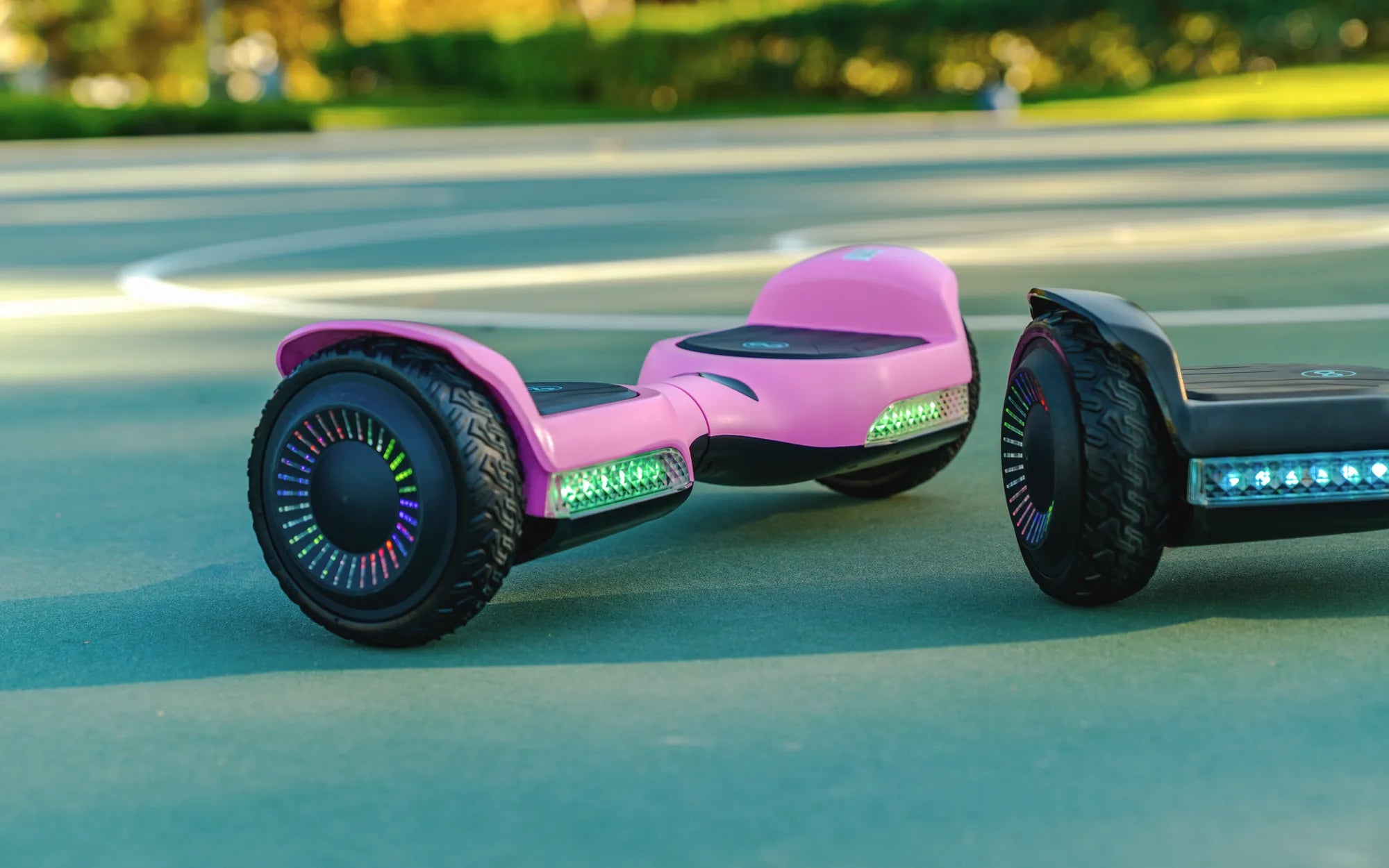
If you've ever plugged in your hoverboard only to find the charger light stays green, you're not alone. This common issue can be frustrating, especially when you're eager to ride. But don't worry—understanding why this happens and how to fix it can save you time and hassle. Let's dive into the reasons behind this problem and explore actionable solutions.
Why Does the Hoverboard Charger Light Stay Green?
A green light on your hoverboard charger typically indicates that the battery is fully charged. However, if the light turns green immediately after plugging in the hoverboard or remains green even when the battery isn't charged, something might be wrong. Here are the most common causes:
- Faulty Charger: The charger may not be delivering power correctly, causing the light to stay green.
- Battery Issues: A damaged or degraded battery may not accept a charge, tricking the charger into thinking it's full.
- Connection Problems: Loose or corroded charging ports can disrupt the power flow.
- Overheating: If the battery or charger overheats, it may stop charging prematurely.
How to Troubleshoot a Hoverboard Charger That Stays Green
Before assuming the worst, try these troubleshooting steps to identify and resolve the issue:
1. Check the Charger
Inspect the charger for visible damage, such as frayed wires or a broken plug. Test it with another compatible device (if possible) to confirm it's working correctly. If the charger is faulty, replacing it should solve the problem.
2. Examine the Charging Port
Dirt, debris, or bent pins in the charging port can prevent proper connection. Use a flashlight to inspect the port and gently clean it with a dry cloth or compressed air. Avoid using metal objects to prevent damage.
3. Test the Battery
If the hoverboard doesn't hold a charge or powers off quickly, the battery may be the culprit. Some hoverboards have replaceable batteries, while others require professional servicing. Consult the user manual or a technician for guidance.
4. Monitor Charging Time
A fully functional hoverboard typically takes 2-4 hours to charge. If the light turns green too quickly (e.g., within minutes), the battery may not be charging properly. Unplug the charger and try again after letting the hoverboard cool down.
5. Reset the Hoverboard
Some models have a reset button or require a manual reset. Refer to the manufacturer's instructions to perform a reset, which can sometimes resolve charging issues.
Preventing Future Charging Problems
To avoid recurring issues with your hoverboard charger, follow these best practices:
- Use only the recommended charger for your hoverboard model.
- Avoid overcharging—unplug the hoverboard once it's fully charged.
- Store the hoverboard in a cool, dry place to prevent battery damage.
- Regularly inspect the charger and charging port for wear and tear.
When to Seek Professional Help
If you've tried all troubleshooting steps and the charger light still stays green, it's time to consult a professional. Continuing to use a malfunctioning charger or battery can be dangerous and may void your warranty. A certified technician can diagnose and repair the issue safely.
Don't let a green charger light ruin your hoverboard experience. By understanding the causes and solutions, you can get back to gliding smoothly in no time. Whether it's a simple fix or a professional repair, taking action now ensures your hoverboard stays charged and ready for adventure.
Convert Hoverboard to Skateboard: A Step-by-Step Guide to DIY Transformation
How Long Have Hoverboards Been Out: A Journey Through Their Evolution