



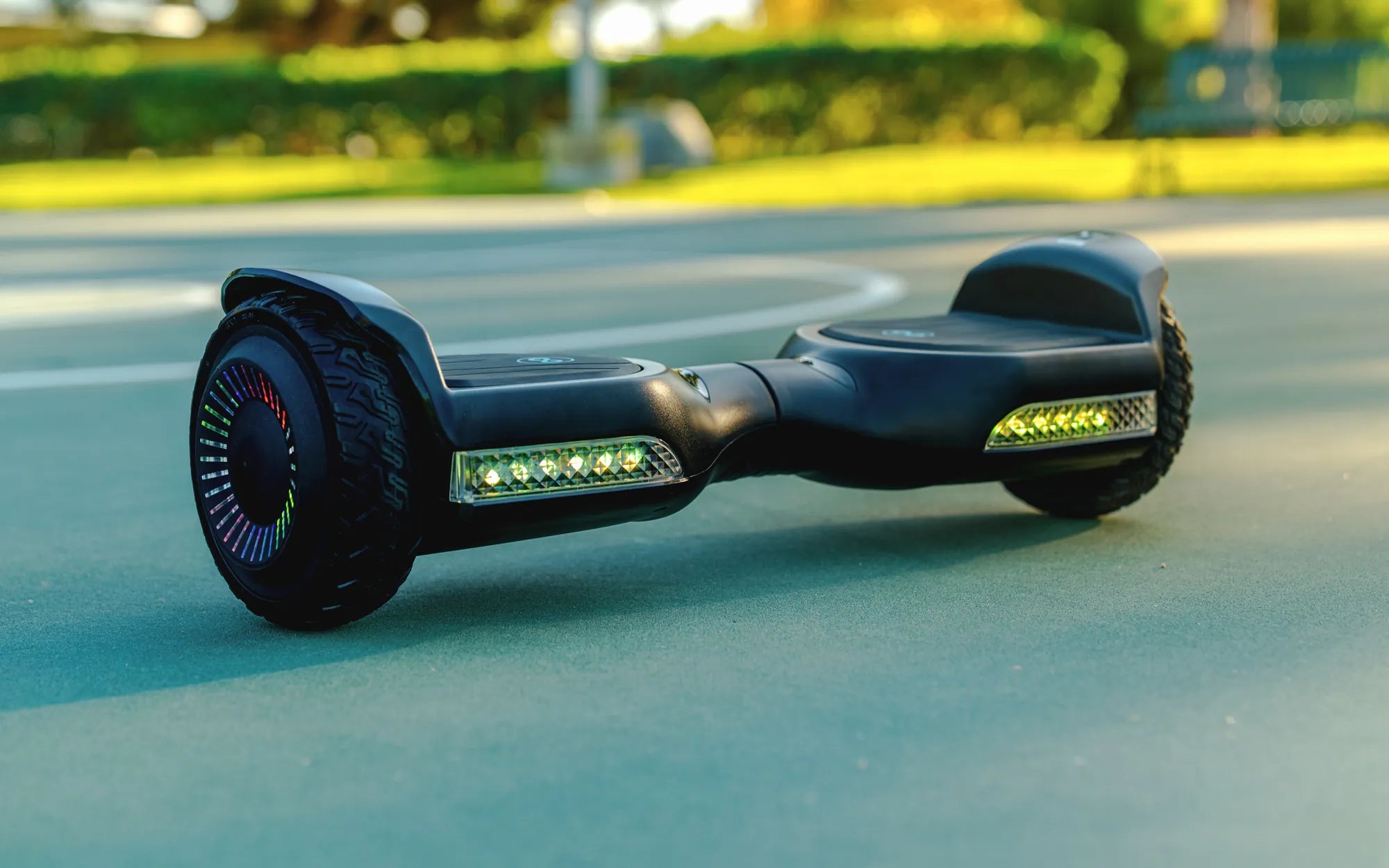
Is your hoverboard flashing red and beeping nonstop? This alarming combination of lights and sounds can leave you frustrated and worried about your device's safety. But don't panic—understanding the root cause and knowing how to fix it can save you time, money, and potential hazards. Let's dive into the most common reasons behind this issue and how to resolve it.
Why Is My Hoverboard Flashing Red and Beeping?
A hoverboard flashing red and beeping is its way of signaling an underlying problem. The exact cause can vary, but here are the most common reasons:
- Low Battery – When the battery is critically low, the hoverboard may flash red and beep to alert you.
- Overheating – Extended use or exposure to high temperatures can trigger overheating warnings.
- Motor Issues – A malfunctioning motor or loose wiring can cause the hoverboard to enter a safety mode.
- Faulty Sensors – If the gyroscope or tilt sensors are damaged, the hoverboard may flash red as a warning.
- Charging Problems – A damaged charger or charging port can prevent proper power delivery.
How to Fix a Hoverboard Flashing Red and Beeping
Before attempting any fixes, ensure the hoverboard is turned off and unplugged from the charger. Here are step-by-step solutions:
1. Check the Battery
If the battery is low, plug in the hoverboard and let it charge fully. If the red light persists after charging, the battery might be faulty and require replacement.
2. Cool Down the Hoverboard
If overheating is the issue, turn off the hoverboard and let it rest in a cool, shaded area for at least 30 minutes before using it again.
3. Inspect the Motors and Wiring
Gently check for loose wires or damaged motor components. If you notice any visible damage, consult a professional for repairs.
4. Reset the Hoverboard
Many hoverboards have a reset button. Press and hold it for 10-15 seconds to reboot the system.
5. Test the Charger and Port
Try using a different charger (if available) to see if the issue persists. If the charging port is damaged, it may need professional servicing.
Safety Tips to Prevent Future Issues
To avoid encountering a hoverboard flashing red and beeping again, follow these safety precautions:
- Always charge the hoverboard with the manufacturer-approved charger.
- Avoid riding in extreme temperatures or wet conditions.
- Regularly inspect the hoverboard for loose wires or physical damage.
- Store the hoverboard in a dry, cool place when not in use.
If your hoverboard continues flashing red and beeping despite troubleshooting, it may be time to consult a professional or consider a replacement. Ignoring persistent warnings can lead to safety hazards, so always prioritize your well-being.
Best Hoverboard for Under $100: Affordable and Reliable Options
Hoverboard for Kids Deals: The Ultimate Guide to Finding the Best Discounts