



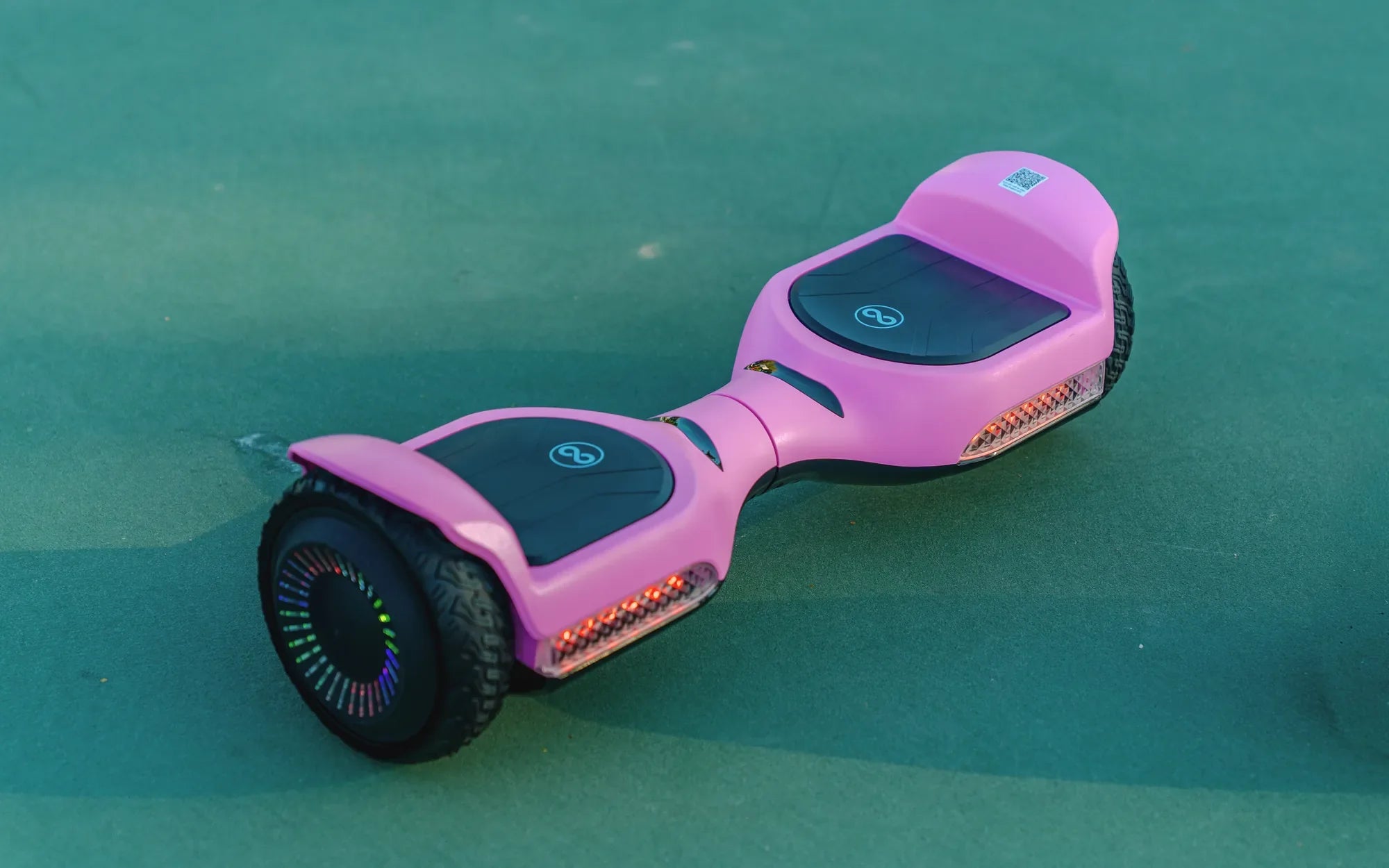
Is your hoverboard flashing a green light and beeping incessantly? Don’t panic—this is a common issue with several potential fixes. Whether you’re a seasoned rider or a newbie, understanding what these signals mean can save you time and frustration. Let’s dive into the reasons behind the problem and how to resolve it quickly.
Why Is My Hoverboard Green Light Flashing and Beeping?
A hoverboard’s green light flashing and beeping is its way of signaling an error. These warnings are designed to alert you to potential issues before they become serious. Here are some of the most common causes:
- Low Battery: A flashing green light often indicates that the battery is running low and needs recharging.
- Overheating: Extended use or exposure to high temperatures can cause the hoverboard to overheat, triggering the warning.
- Sensor Issues: Faulty gyroscopic or tilt sensors may cause the device to malfunction, leading to beeping and flashing lights.
- Connection Problems: Loose or damaged wiring inside the hoverboard can disrupt its normal operation.
- Software Glitches: Outdated or corrupted firmware can cause erratic behavior, including unexpected beeping and light signals.
How to Fix a Hoverboard with a Flashing Green Light and Beeping
Now that we’ve identified the possible causes, let’s explore the solutions step by step.
1. Recharge the Battery
If the battery is low, plug the hoverboard into its charger and wait until the indicator light turns solid green. Avoid using the device while charging, as this can cause further issues.
2. Let It Cool Down
If overheating is the culprit, turn off the hoverboard and let it rest in a cool, shaded area for at least 30 minutes. Avoid riding it in direct sunlight or on hot surfaces.
3. Check the Sensors
Inspect the gyroscopic and tilt sensors for any visible damage. If they appear misaligned or dirty, gently clean them with a soft cloth. If the issue persists, professional repair may be necessary.
4. Inspect Internal Wiring
For those comfortable with DIY repairs, carefully open the hoverboard’s casing and check for loose or frayed wires. Reconnect or replace damaged components as needed.
5. Update the Firmware
Visit the manufacturer’s website to check for firmware updates. Follow the provided instructions to install the latest version, which may resolve software-related glitches.
Preventive Measures to Avoid Future Issues
To keep your hoverboard running smoothly, follow these maintenance tips:
- Charge the battery regularly and avoid letting it drain completely.
- Store the hoverboard in a dry, temperature-controlled environment.
- Clean the device periodically to prevent dust buildup.
- Avoid riding on uneven or excessively rough terrain.
By addressing the flashing green light and beeping promptly, you can extend the lifespan of your hoverboard and enjoy a safer, more reliable ride. Don’t ignore these warning signs—take action today to keep your device in top condition!
What Is the Best Cheapest Hoverboard? A Buyer’s Guide to Affordable Fun
What Is the Correct Way to Ride a Hoverboard: A Step-by-Step Guide