



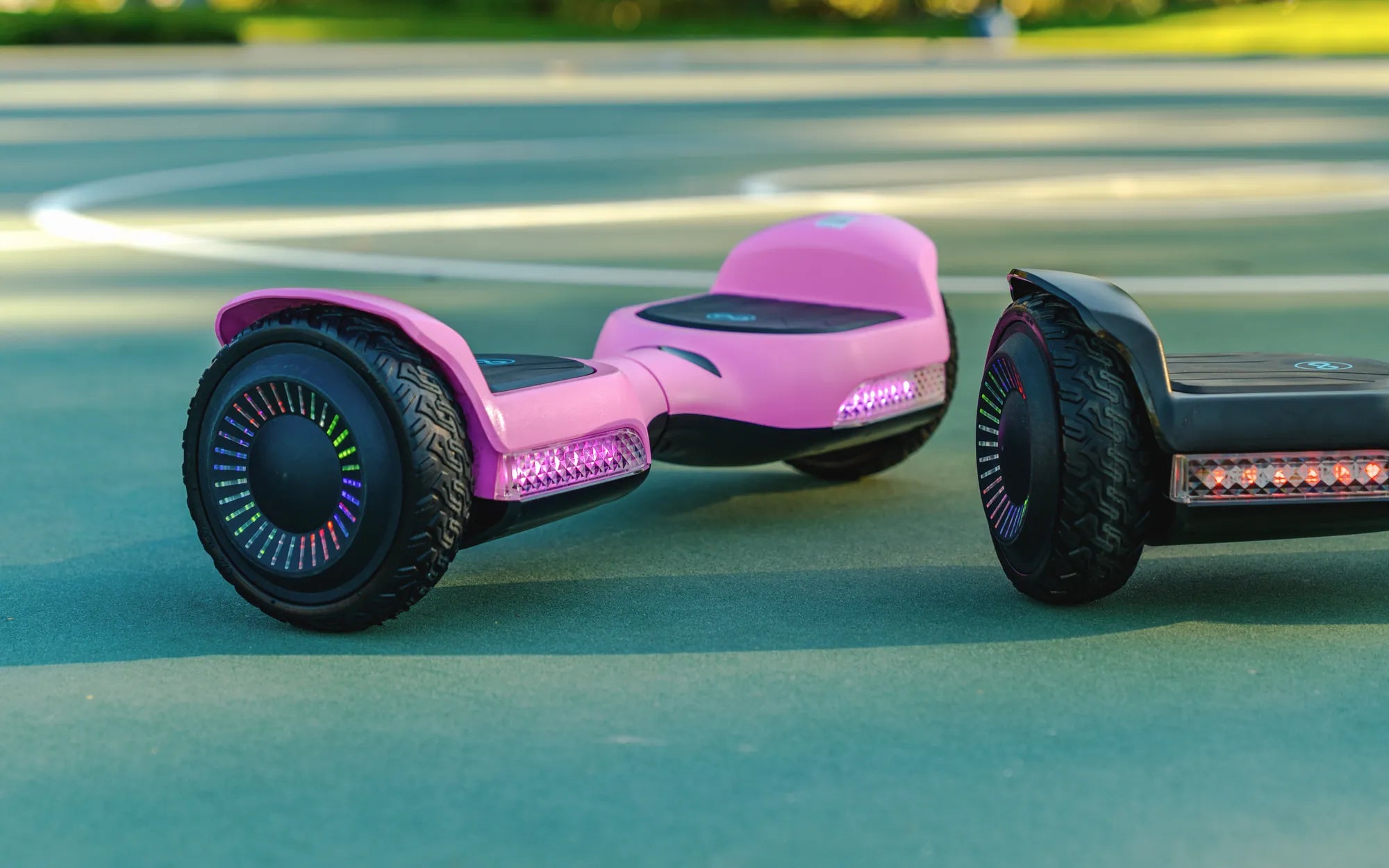
You've plugged in your hoverboard, waited patiently for it to charge, and now—nothing. The power light is on, but the device refuses to turn on. Frustrating, right? Don't worry; you're not alone. Many hoverboard owners face this issue, and the good news is that it's often fixable. Let's dive into the possible reasons and solutions to get your hoverboard back in action.
Common Reasons Why a Hoverboard Won't Turn On
Before jumping into fixes, it's essential to understand why your hoverboard isn't turning on despite being charged. Here are the most common culprits:
- Battery Issues: Even if the hoverboard shows a full charge, the battery might be faulty or degraded.
- Power Button Problems: The power button could be stuck or malfunctioning.
- Faulty Wiring: Loose or damaged wires can disrupt the power flow.
- Motherboard or Control Board Failure: The hoverboard's brain might be damaged.
- Charging Port Issues: A damaged charging port can prevent proper charging.
How to Troubleshoot a Hoverboard That Won't Turn On
Step 1: Check the Battery
The first thing to inspect is the battery. Even if the hoverboard indicates a full charge, the battery might not hold power. Here's how to test it:
- Unplug the hoverboard and let it sit for a few minutes.
- Press the power button again to see if it turns on.
- If it doesn't, try charging it for a longer period (overnight).
- If the hoverboard still won't turn on, the battery might need replacement.
Step 2: Inspect the Power Button
A faulty power button is another common issue. Follow these steps to check it:
- Look for physical damage or debris around the button.
- Press the button firmly multiple times to see if it responds.
- If the button feels loose or unresponsive, it may need repair or replacement.
Step 3: Examine the Wiring
Loose or damaged wires can prevent your hoverboard from turning on. Here's what to do:
- Turn off and unplug the hoverboard.
- Open the hoverboard's casing carefully (refer to the user manual).
- Check for disconnected or frayed wires.
- Reconnect any loose wires or replace damaged ones.
Step 4: Test the Charging Port
A damaged charging port can trick you into thinking the hoverboard is charged when it's not. To inspect it:
- Look for visible damage or bent pins inside the port.
- Try using a different charger to rule out charger issues.
- If the port is damaged, it may need professional repair.
Step 5: Reset the Hoverboard
Sometimes, a simple reset can solve the problem. Here's how:
- Turn off the hoverboard (if possible).
- Hold the power button for 10-15 seconds to force a reset.
- Wait a few minutes, then try turning it on again.
When to Seek Professional Help
If you've tried all the above steps and your hoverboard still won't turn on, it might be time to consult a professional. Issues like motherboard failure or deep battery problems often require expert attention. Avoid attempting complex repairs if you're not confident, as you could void warranties or cause further damage.
Preventive Measures to Avoid Future Issues
To keep your hoverboard running smoothly, follow these tips:
- Charge Properly: Don't overcharge or leave the hoverboard plugged in for extended periods.
- Store Correctly: Keep the hoverboard in a cool, dry place away from extreme temperatures.
- Regular Maintenance: Inspect wires, buttons, and ports periodically for signs of wear.
- Use the Right Charger: Always use the manufacturer-recommended charger to avoid power issues.
Your hoverboard is charged but won't turn on? Don't panic—most issues have straightforward solutions. By following this guide, you can diagnose and fix the problem yourself or know when to call in the experts. Get back to gliding effortlessly with these troubleshooting tips!
15mph Hoverboard: The Ultimate Guide to Speed, Safety, and Fun
Hoverboard Price Vietnam: A Comprehensive Guide to Buying the Best Hoverboard