


Few things are as frustrating as stepping onto your hoverboard only to find it wobbling uncontrollably or refusing to balance. Whether you're a seasoned rider or a beginner, a hoverboard not balancing can ruin the fun and even pose safety risks. But don't worry—this guide will walk you through the possible reasons and solutions to get you gliding smoothly again.
Common Causes of a Hoverboard Not Balancing
Before attempting any fixes, it's important to understand why your hoverboard might be struggling to balance. Here are the most common culprits:
- Uneven or Damaged Foot Pads: If the sensors under the foot pads are dirty, worn out, or unevenly calibrated, your hoverboard may struggle to balance.
- Low Battery: A weak battery can cause erratic behavior, including balancing issues.
- Software Glitches: Like any smart device, hoverboards rely on firmware that can sometimes malfunction.
- Wheel or Motor Problems: Misaligned wheels or faulty motors can throw off the balance.
- Surface Issues: Riding on uneven or slippery surfaces can make balancing difficult.
How to Fix a Hoverboard That Won't Balance
Now that you know the potential causes, let's explore some solutions to get your hoverboard back in working order.
1. Calibrate Your Hoverboard
Calibration is often the quickest fix for balancing issues. Here's how to do it:
- Turn off the hoverboard and place it on a flat, level surface.
- Press and hold the power button for about 10 seconds until you hear a beep or see the lights flash.
- Release the button and wait for the hoverboard to reset.
- Turn it back on and test the balance.
2. Check the Foot Pads and Sensors
If calibration doesn't work, inspect the foot pads:
- Clean the sensors with a soft cloth to remove dirt or debris.
- Ensure both foot pads are evenly pressed when standing on the hoverboard.
- If the pads are damaged, consider replacing them.
3. Charge the Battery Fully
A low battery can cause balancing problems. Charge your hoverboard fully before use, and avoid letting the battery drain completely between rides.
4. Inspect the Wheels and Motors
If the issue persists, check the wheels and motors:
- Ensure both wheels spin freely without resistance.
- Listen for unusual noises, which could indicate motor issues.
- If one wheel is misaligned, consult the user manual for adjustments.
5. Update the Firmware
Some hoverboards allow firmware updates via a companion app. Check for updates and install them to resolve potential software bugs.
Safety Tips When Your Hoverboard Isn't Balancing
While troubleshooting, keep these safety precautions in mind:
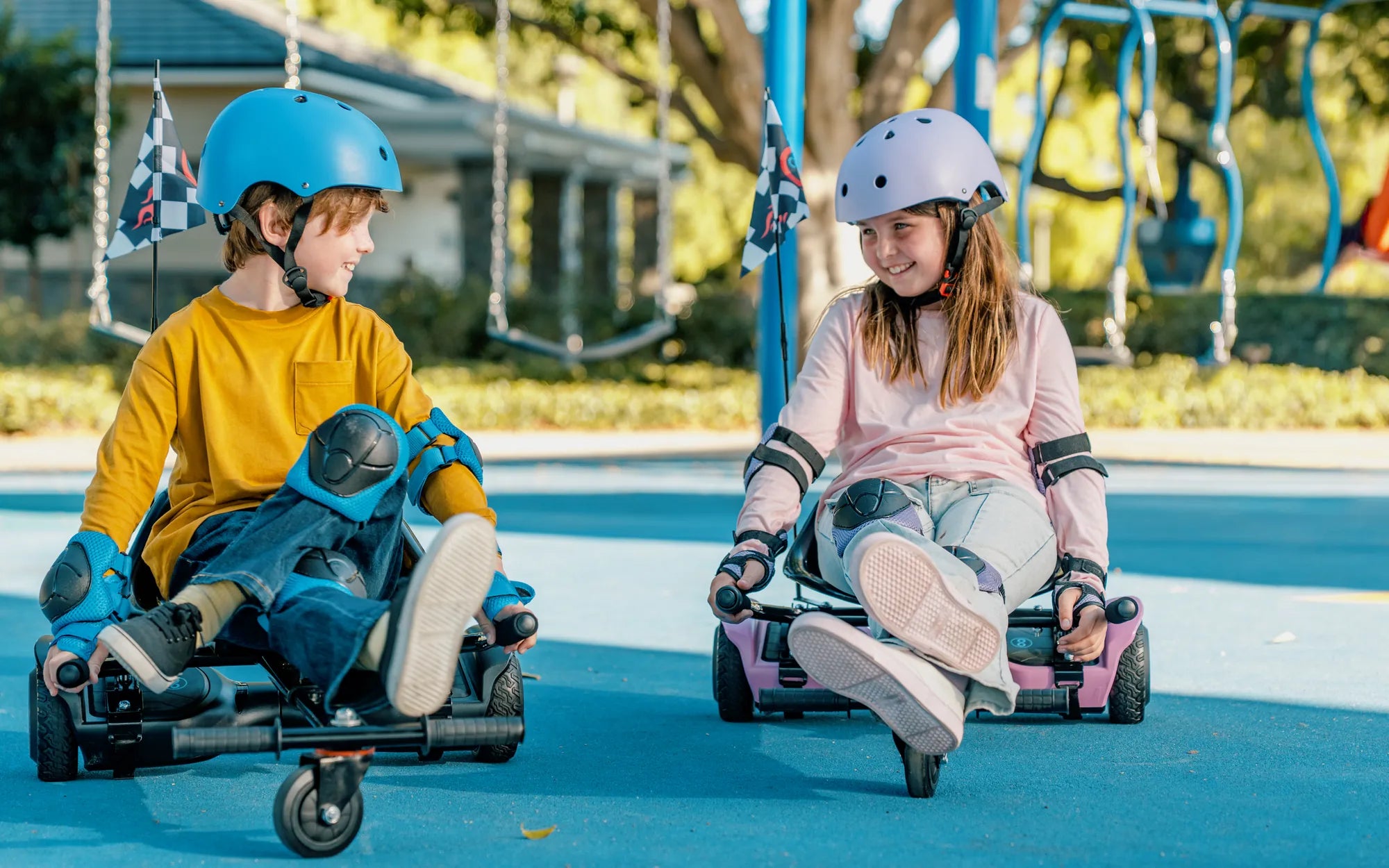
- Always wear protective gear, including a helmet and knee pads.
- Avoid riding on uneven or wet surfaces until the issue is resolved.
- If the hoverboard continues to malfunction, stop using it and seek professional repair.
When to Seek Professional Help
If none of the above fixes work, your hoverboard may have a deeper mechanical or electrical issue. Contact the manufacturer or a certified repair technician to avoid further damage.
Don't let a hoverboard not balancing ruin your ride. With these troubleshooting steps and safety tips, you'll be back to smooth gliding in no time. Happy riding!
Hoverboard Yellow Light When Charging: What It Means and How to Fix It
Hoverboard for Small Child: The Ultimate Guide to Safe and Fun Riding