



Is your hoverboard wobbling, tilting, or refusing to stay balanced? A malfunctioning self-balancing mechanism can turn your smooth ride into a shaky nightmare. Before you give up on your hoverboard, let’s dive into the reasons why it might not be balancing correctly and how you can fix it.
Common Reasons Why Your Hoverboard Is Not Balancing Correctly
Several factors can cause a hoverboard to lose its balance. Understanding these issues is the first step toward fixing them.
1. Uneven or Worn-Out Tires
If the tires are unevenly inflated or worn out, the hoverboard may struggle to maintain balance. Check the tire pressure and look for signs of wear and tear.
2. Loose or Damaged Gyroscope
The gyroscope is a critical component that helps the hoverboard stay level. If it’s loose or damaged, the board won’t balance properly. Inspect the gyroscope for any visible issues.
3. Low Battery or Power Issues
A weak battery can cause erratic behavior, including balancing problems. Ensure your hoverboard is fully charged before troubleshooting further.
4. Calibration Problems
Sometimes, the hoverboard simply needs recalibration. Most models have a calibration mode that can be activated to reset the balance sensors.
5. Software Glitches
Outdated or corrupted firmware can lead to balancing issues. Check for software updates or reset the hoverboard to factory settings if necessary.
How to Fix a Hoverboard That’s Not Balancing Correctly
Now that you know the potential causes, here’s how to address them.
Step 1: Check and Adjust Tire Pressure
Use a pressure gauge to ensure both tires are evenly inflated. Refer to the manufacturer’s recommended PSI for optimal performance.
Step 2: Inspect the Gyroscope
If the gyroscope is loose, tighten it carefully. If it’s damaged, you may need to replace it.
Step 3: Recharge or Replace the Battery
Charge the hoverboard fully and test it again. If the battery is old or faulty, consider replacing it.
Step 4: Recalibrate the Hoverboard
Follow the manufacturer’s instructions to enter calibration mode. This usually involves pressing specific buttons or holding them down for a set duration.
Step 5: Update or Reset the Firmware
Connect the hoverboard to its companion app (if available) and check for updates. If problems persist, a factory reset might help.
Safety Tips When Dealing with an Unbalanced Hoverboard
An unbalanced hoverboard can be hazardous. Follow these safety precautions:
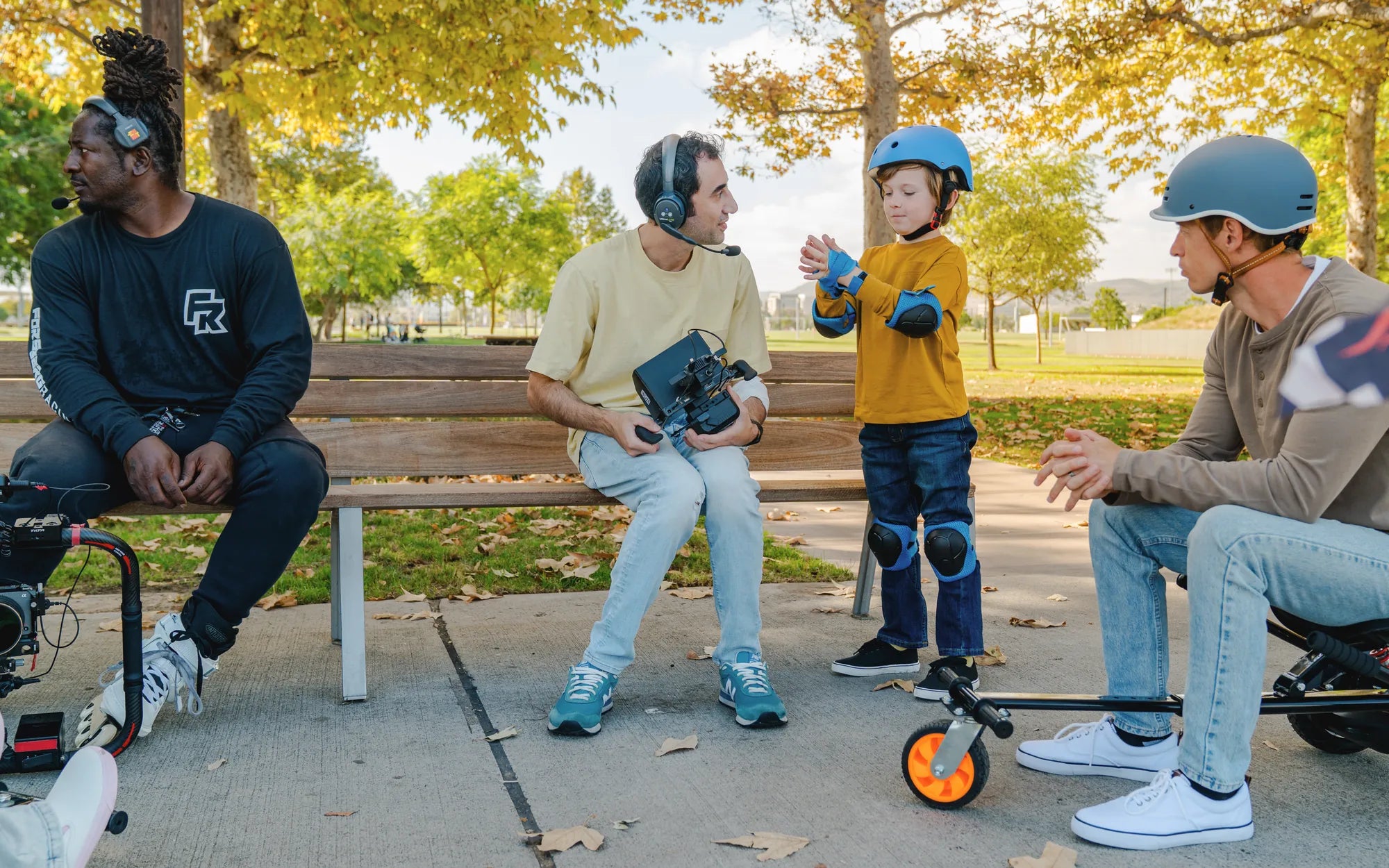
- Always wear protective gear, including a helmet and pads.
- Avoid riding on uneven or slippery surfaces.
- Test the hoverboard in a safe, open area before regular use.
- If the issue persists, consult a professional technician.
Don’t let a wobbly hoverboard ruin your fun—most balancing issues are fixable with a little patience and the right approach. Get back to gliding smoothly by addressing the root cause and following these steps!
Hoverboard Blinking Yellow Light: Causes, Fixes, and Safety Tips
How Much Is a Hoverboard in Kenya: A Complete Price Guide