



Getting Started with Your Hoverboard
So, you've just unboxed your hoverboard and can't wait to glide through the streets like a futuristic hero. Before you hop on, it's crucial to understand the basics. A hoverboard user manual is your best friend when it comes to safe and efficient riding. This guide will walk you through everything from initial setup to advanced maneuvers.
Understanding Your Hoverboard
Hoverboards are self-balancing electric scooters that rely on gyroscopic technology to stay upright. The user manual will detail the specific components of your model, but most hoverboards share common features:
- Pressure-sensitive foot pads
- LED lights for visibility and battery indication
- Charging port and power button
- Wheel motors and gyroscopes
Safety First: Essential Precautions
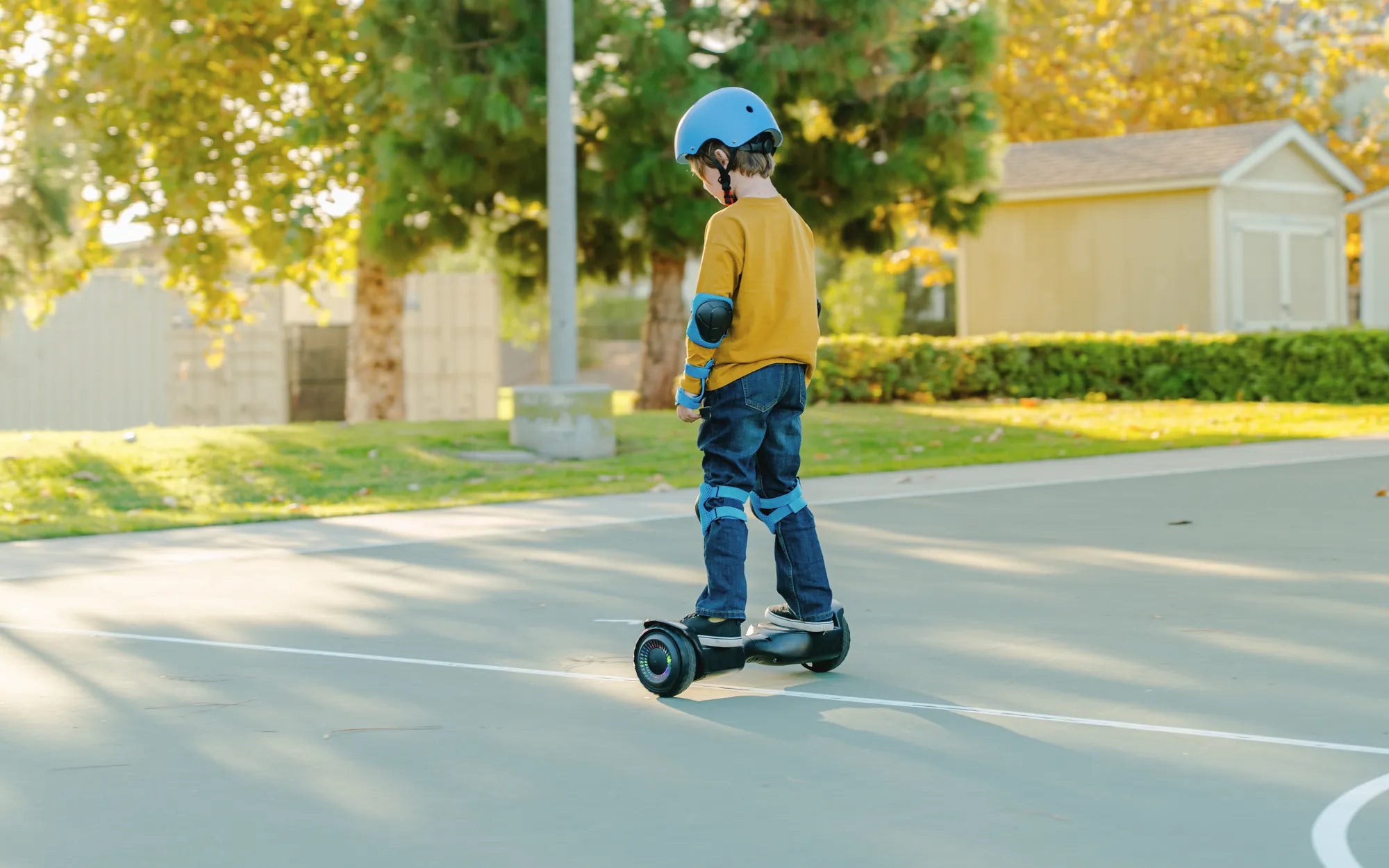
Your hoverboard user manual will emphasize safety, and so should you. Always wear protective gear, including:
- Helmet
- Knee and elbow pads
- Wrist guards
Never ride in wet conditions or on uneven surfaces. The manual will specify weight limits and age recommendations - adhere to these strictly.
Charging and Battery Care
Proper battery maintenance extends your hoverboard's lifespan. The user manual provides specific charging instructions, but general tips include:
- Use only the provided charger
- Don't overcharge - unplug when fully charged
- Store in a cool, dry place
- Avoid complete discharge
Mastering Basic Riding Techniques
Your hoverboard user manual will guide you through the learning process. Start by mounting carefully with support:
- Place the hoverboard on a flat surface
- Hold onto a stable object
- Step on one foot at a time
- Keep your weight centered
To move forward, lean slightly forward. To brake or reverse, lean back. Turning is achieved by applying more pressure to one foot.
Troubleshooting Common Issues
Consult your hoverboard user manual for specific troubleshooting, but common problems include:
- Board not turning on - check battery and connections
- Uneven riding - recalibrate according to manual instructions
- Error beeps - refer to the manual's error code guide
Maintenance for Longevity
Regular maintenance keeps your hoverboard running smoothly. The user manual will recommend:
- Cleaning the wheels and body regularly
- Checking for loose screws
- Inspecting tires for wear
- Storing properly when not in use
Advanced Riding Tips
Once you've mastered the basics, your hoverboard user manual might suggest trying:
- 360-degree spins
- Riding backwards
- Navigating gentle slopes
- Controlled stops and starts
Always practice new maneuvers in a safe, open area with protective gear.
Ready to become a hoverboard pro? With this guide and your official user manual, you're equipped for an exciting, safe riding experience. Remember, practice makes perfect - start slow, stay safe, and enjoy the ride of the future today!
Hoverboard Replacement LED Light Repair: A Complete Guide to Fixing Your Ride
Hoverboard Buying Advice: The Ultimate Guide to Choosing the Right Model