

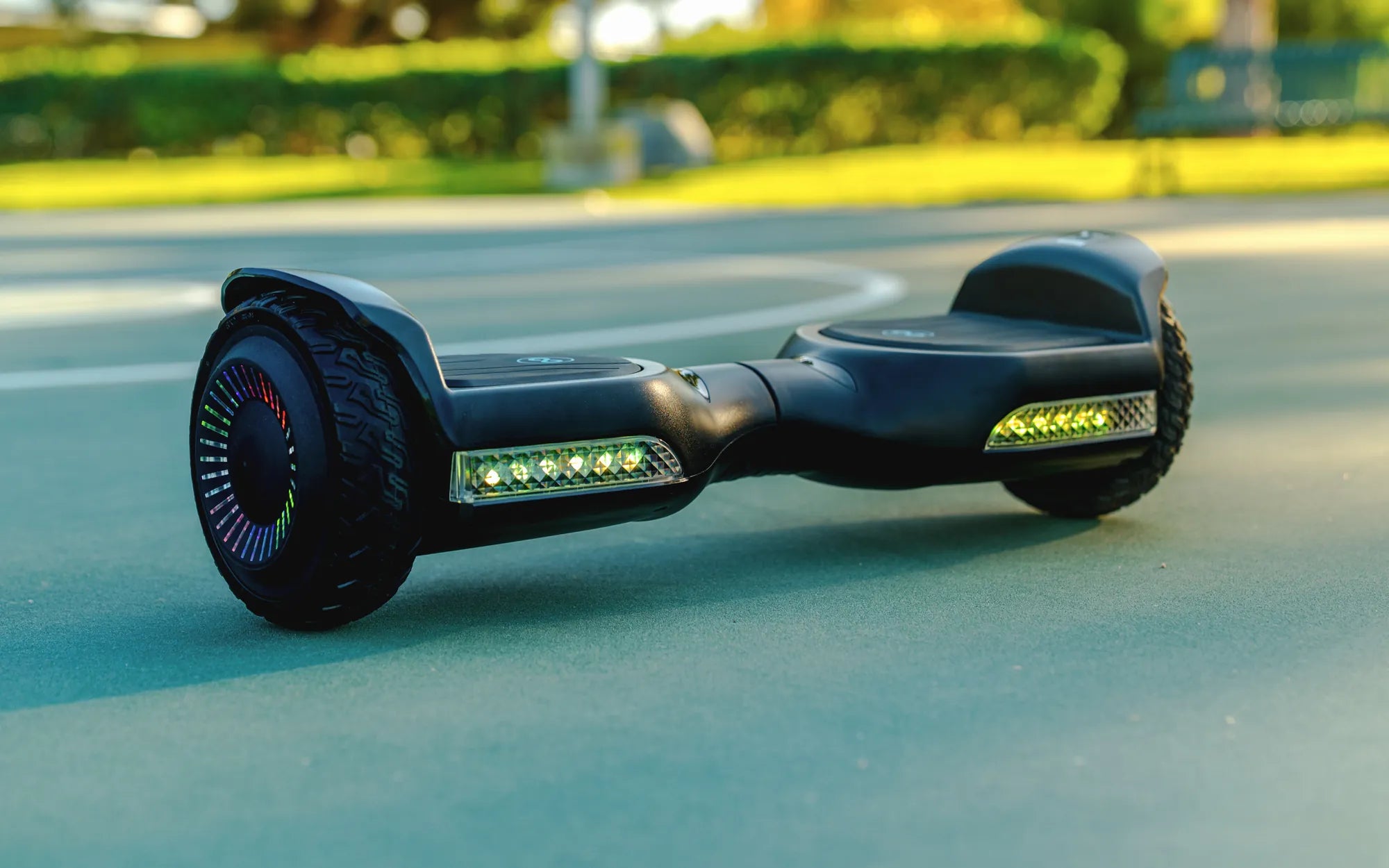
Is your hoverboard refusing to recalibrate no matter what you try? A malfunctioning hoverboard can be frustrating, especially when recalibration fails. Before you consider replacing it, let’s dive into the possible reasons and solutions to get your device back on track.
Why Won't My Hoverboard Recalibrate?
Recalibration issues can stem from multiple factors, including software glitches, hardware malfunctions, or improper handling. Below are the most common culprits:
- Low Battery: Insufficient power can prevent recalibration.
- Faulty Gyroscope: The gyroscope is essential for balance and recalibration.
- Loose Wiring: Disconnected or damaged wires disrupt communication between components.
- Software Bugs: Firmware issues may require a reset or update.
- Physical Damage: Drops or impacts can misalign internal sensors.
Step-by-Step Fixes for a Hoverboard That Won't Recalibrate
Follow these troubleshooting steps to resolve recalibration problems:
1. Check the Battery Level
Ensure your hoverboard is fully charged. A low battery can interfere with recalibration. Plug it in for at least an hour before attempting again.
2. Perform a Hard Reset
Turn off the hoverboard, hold the power button for 10-15 seconds, then release. Power it back on and try recalibrating.
3. Inspect the Gyroscope
If the gyroscope is faulty, recalibration will fail. Listen for unusual sounds or check for error lights. If suspected, professional repair may be needed.
4. Examine Wiring Connections
Open the hoverboard casing (if comfortable) and check for loose or frayed wires. Reconnect any loose cables carefully.
5. Update Firmware
Some models require firmware updates for optimal performance. Check the manufacturer’s website or app for updates.
6. Test on a Flat Surface
Recalibration must be done on a level surface. Uneven ground can cause errors.
Preventive Measures to Avoid Recalibration Issues
To minimize future problems, follow these best practices:
- Charge the hoverboard regularly and avoid complete discharge.
- Avoid riding on rough terrain to prevent sensor misalignment.
- Store the device in a dry, temperature-controlled environment.
- Clean the hoverboard periodically to prevent dust buildup in sensors.
When to Seek Professional Help
If none of the above steps work, the issue may require expert attention. Persistent recalibration failures could indicate deeper hardware problems, such as a damaged motherboard or faulty sensors.
Don’t let a hoverboard that won’t recalibrate ruin your ride. With these troubleshooting tips, you’re one step closer to gliding smoothly again. Still stuck? Reach out to a certified technician for a thorough diagnosis.
Can a 4 Year Old Use a Hoverboard? Safety Tips and Age Considerations
Is My Hoverboard Bluetooth? Exploring Connectivity and Smart Features